12 Best AI Tools for Game Development in 2026 (Ranked)
The 12 best AI tools for game development in 2026 — asset generation, coding copilots, animation, audio. Compliant, studio-ready picks with pricing & use cases.
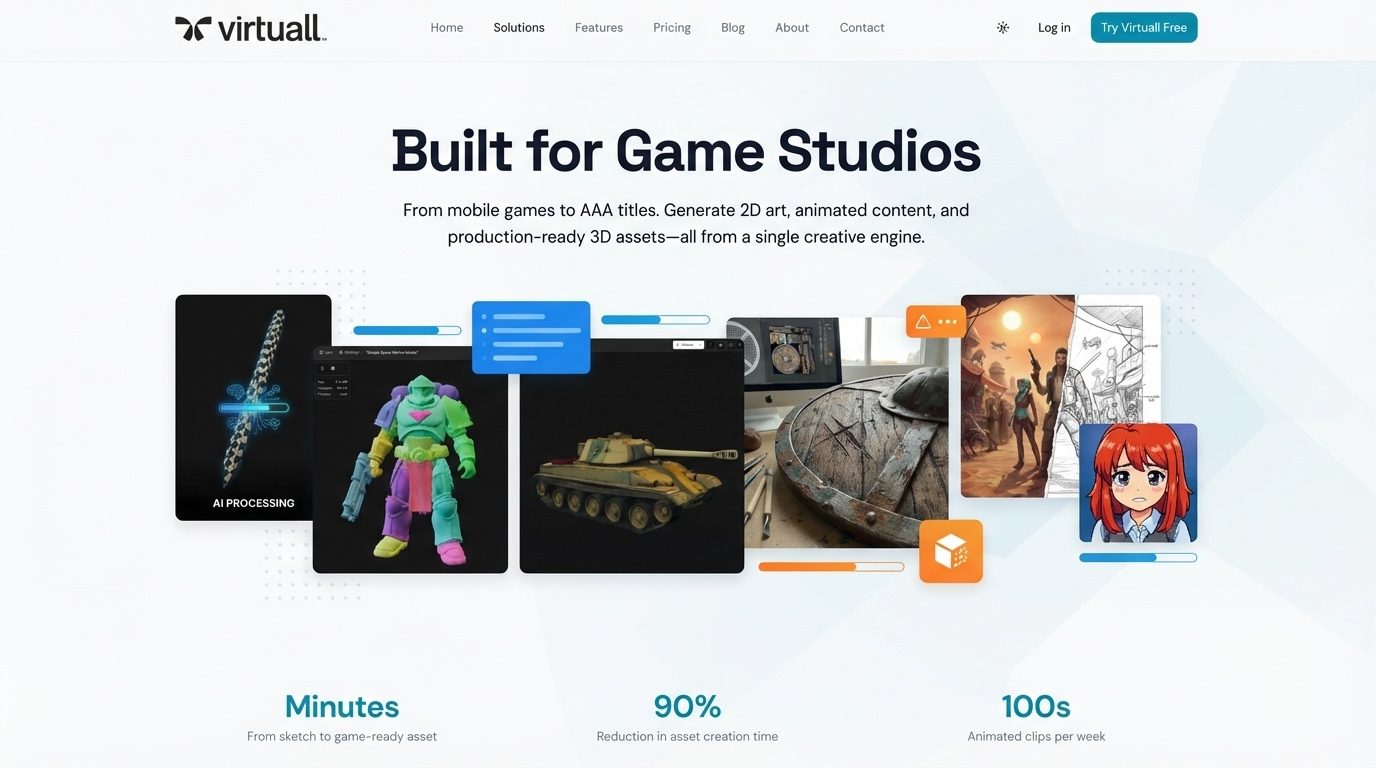
Game studios are no longer choosing one AI tool. They are deciding which parts of creation should stay specialist, which workflows should be reusable, and how more people can get finished creative work without becoming AI technicians.
This ranked guide covers 12 different layers of that stack: marketplaces, specialist tools for tasks such as NPCs, QA, voice and animation, visual-generation platforms, infrastructure, and a Creative AI operating system. They are not interchangeable. We rank them by the value they can create for a professional studio: the range and quality of possible output, how well creative context carries across work, how much process the user must assemble, and how effectively the system supports repeatable production.
The most important distinction is between tools that help an operator configure individual steps and agentic creation. In agentic creation, the user describes the result, provides the brief and references, and the system completes the required AI steps to deliver it. Governance still matters in production, but for artists, producers and studio leaders, the first question is simpler: what can our people make, and how much easier does the system make it?
See Virtuall in action — generate game-ready concepts, characters, and key art with full brand and IP governance.
1. Virtuall
Best for: Game studios that want more people to create consistent, multi-format work without asking each user to build the AI process themselves.
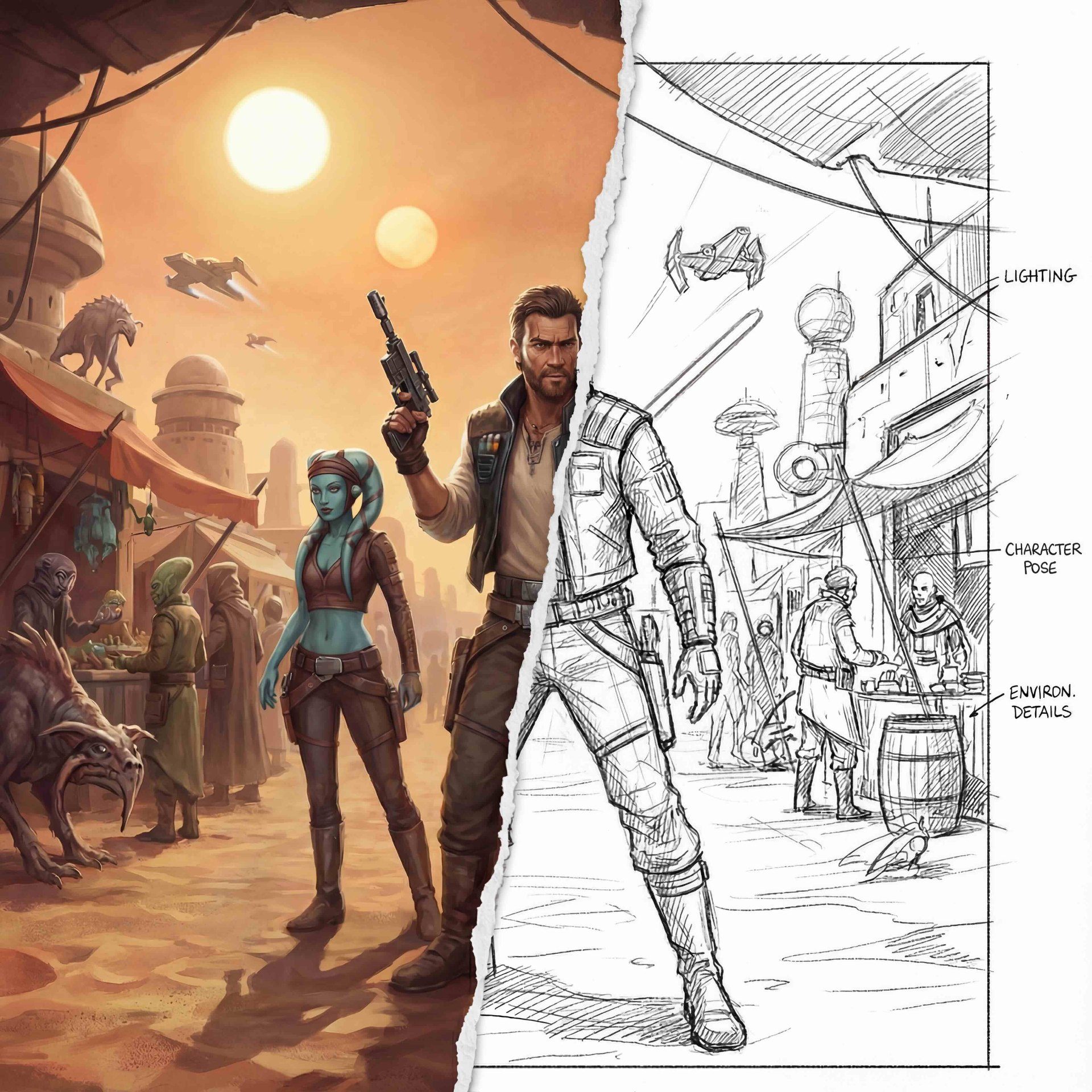
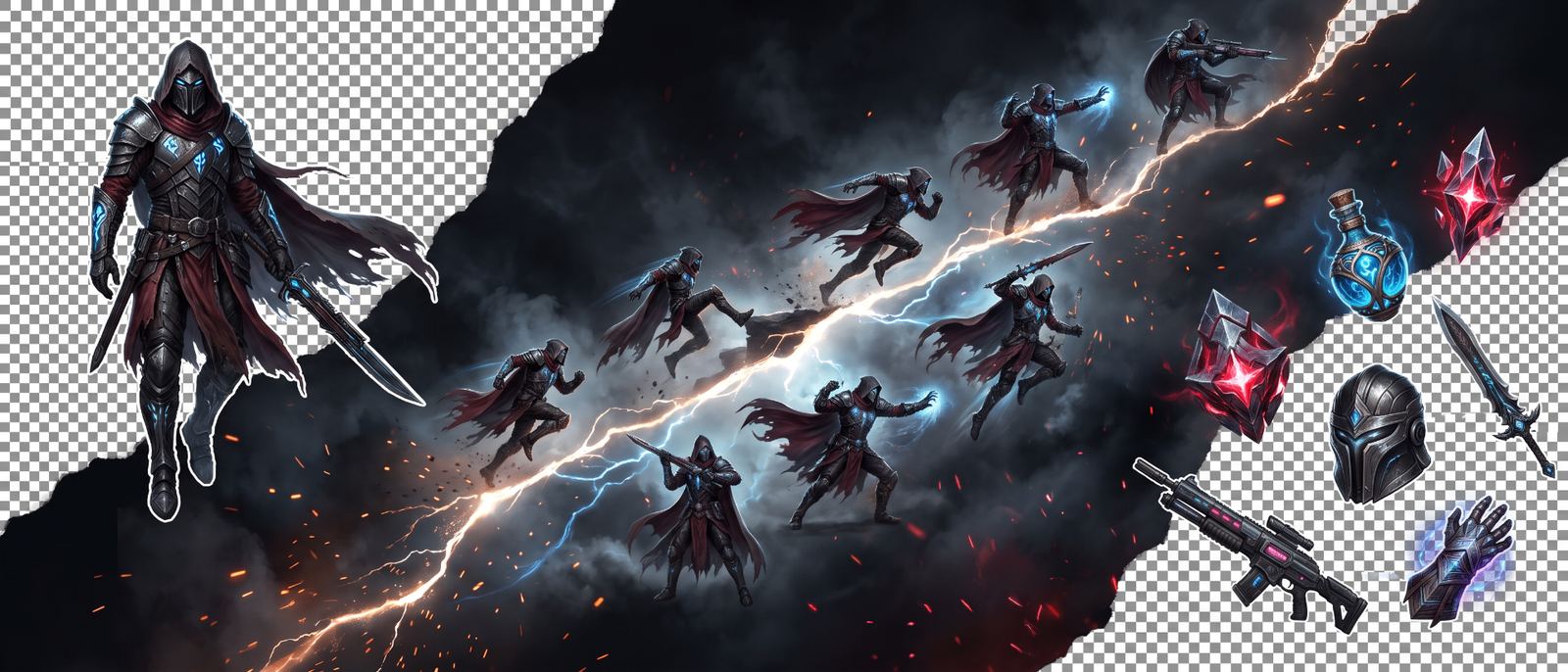
Virtuall is the Creative AI OS for producing images, video, 3D and audio in one shared system. A user can start with a brief, reference, mood board or existing asset and ask for the result: a character exploration, environment direction, 3D asset, trailer concept, campaign variation or complete multi-asset package.
Nyx, Virtuall's AI art director, gets that result to the user. It understands the request, uses the project's creative context, selects from more than 325 models and completes the required AI steps. This is what agentic creation means here: the user directs the outcome instead of wiring nodes, moving files between tools or managing every generation step.
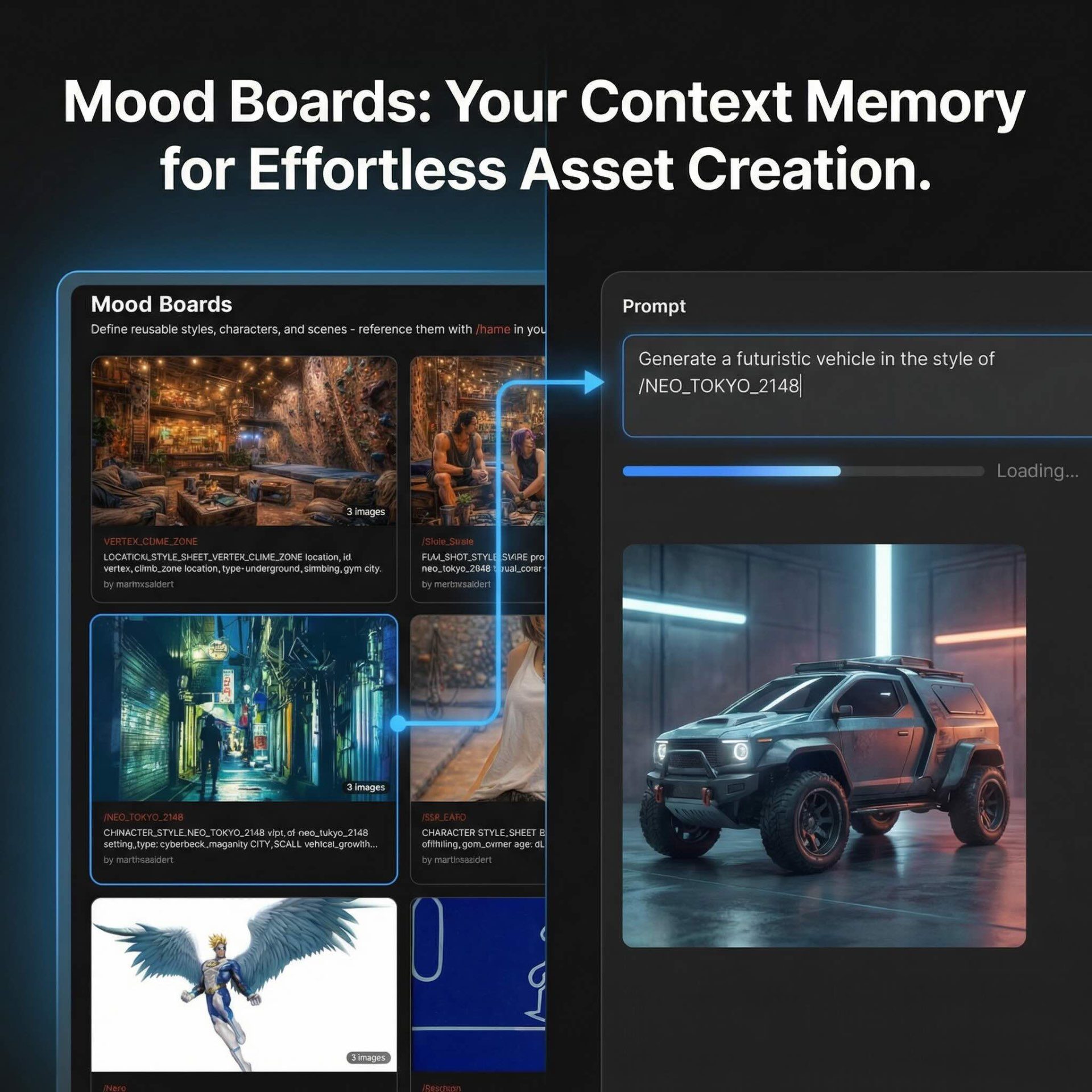
That distinction becomes more valuable with every project. Mood Boards retain the studio's characters, worlds, references and creative rules as shared memory. Blueprints make successful ways of working reusable. Teams can move from concept art to image variations, video, 3D and audio while keeping the same context, then review, annotate, approve and manage the resulting assets in the same production system.
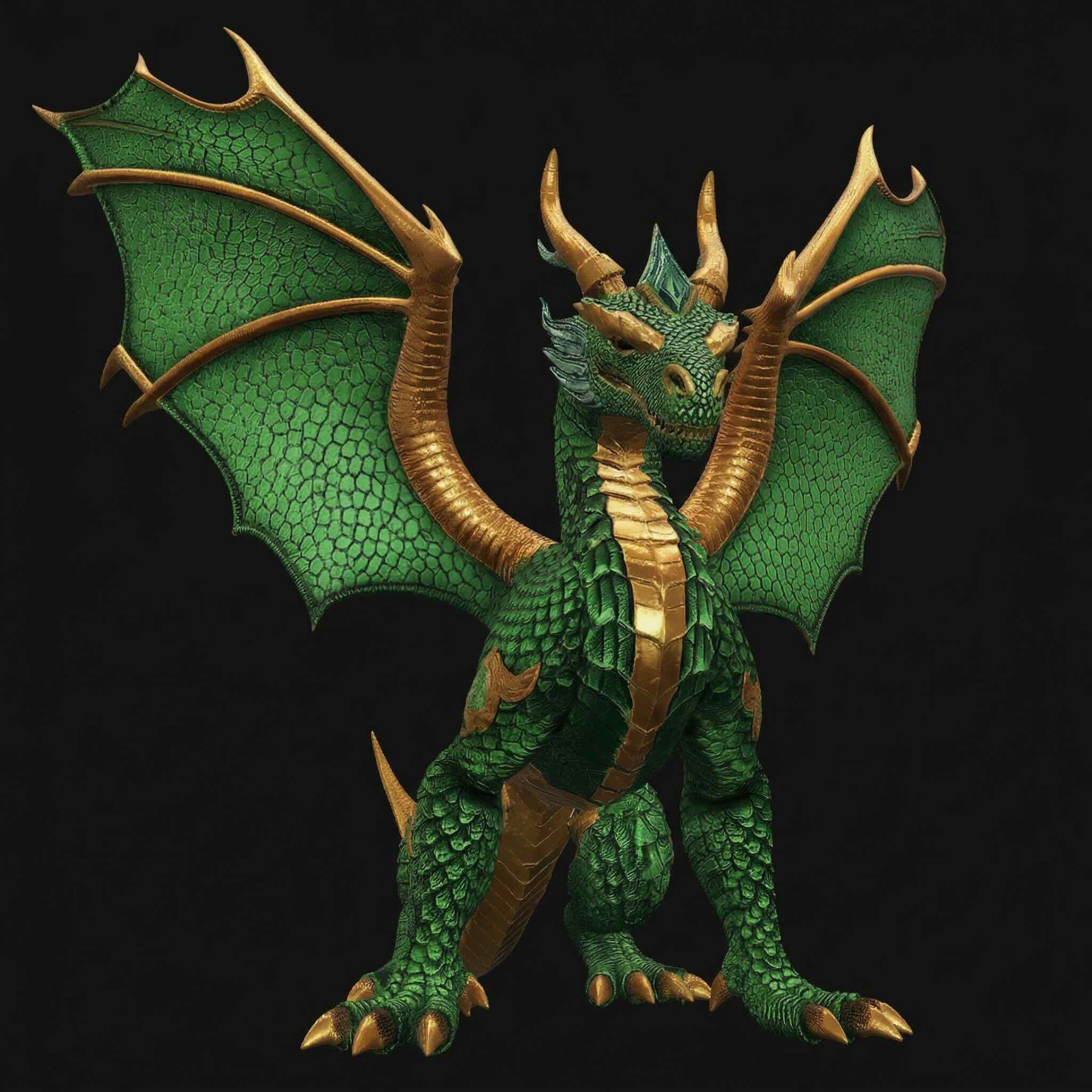
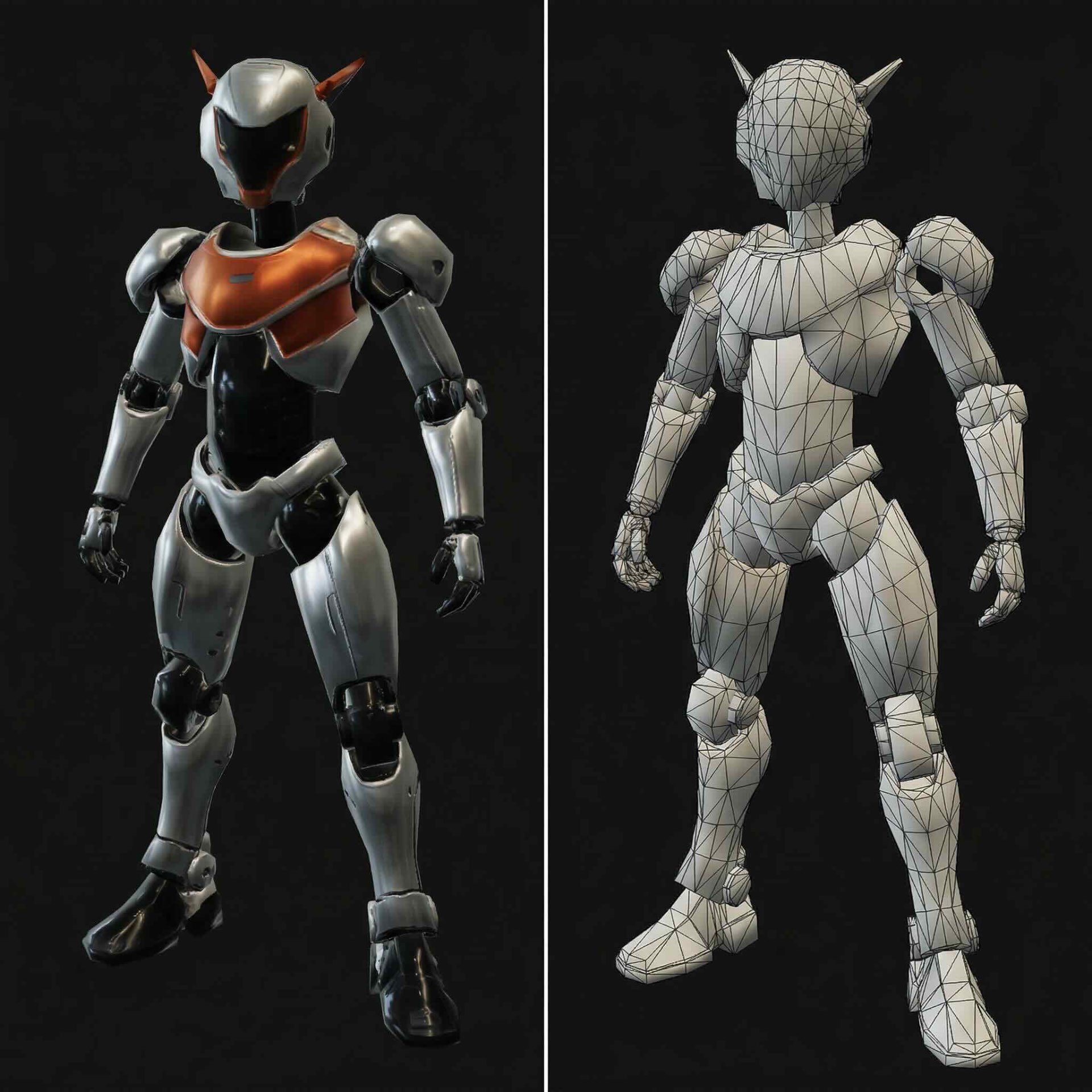

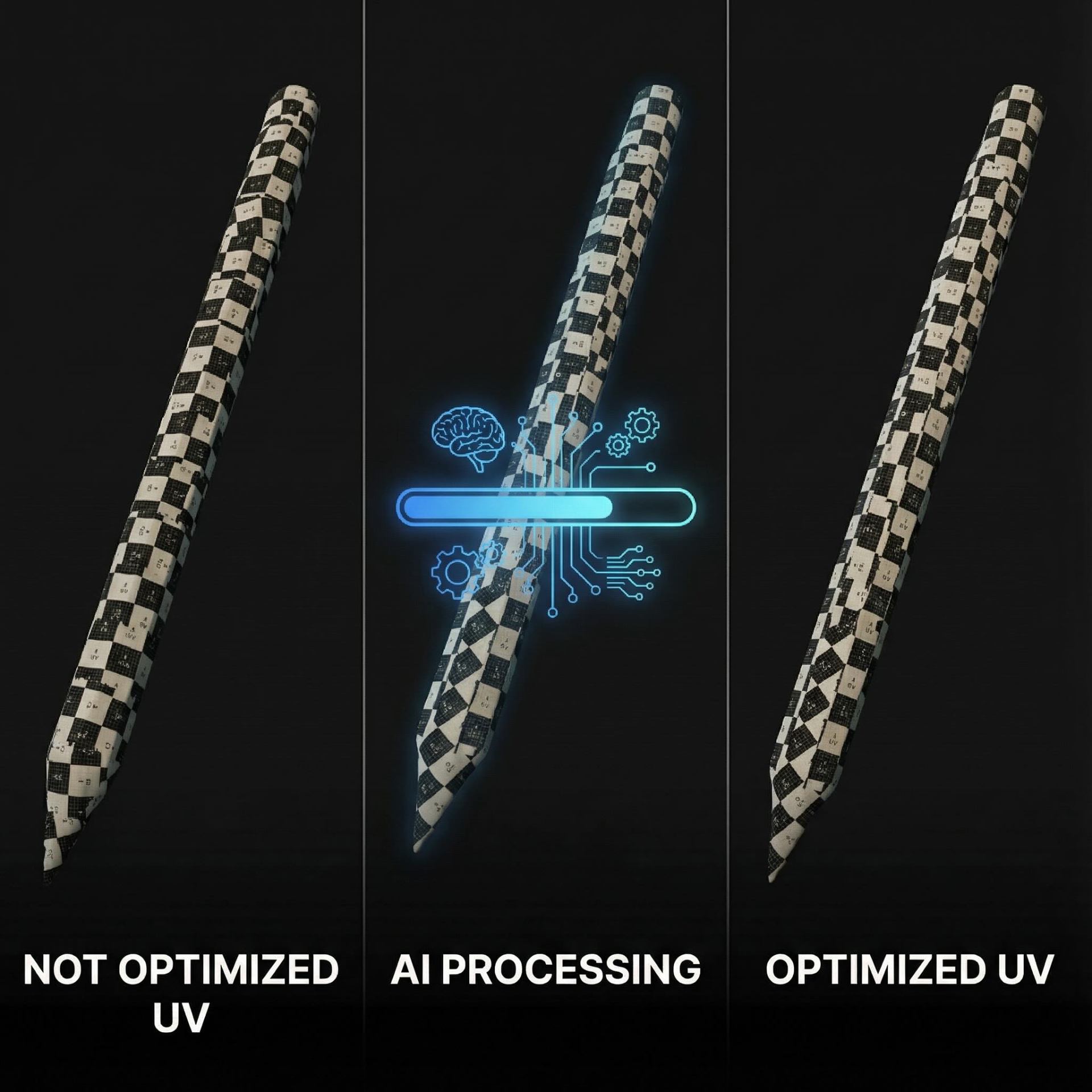
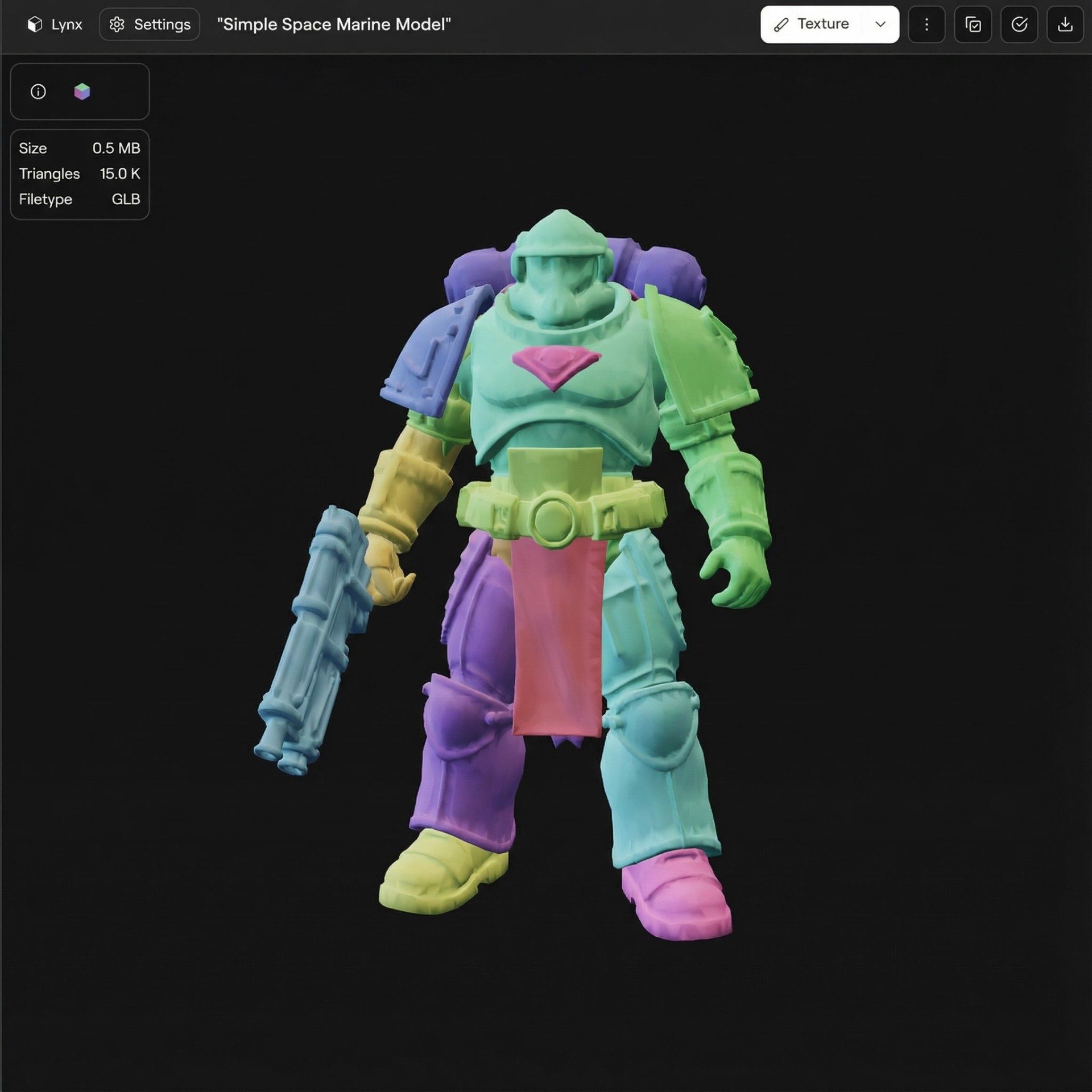
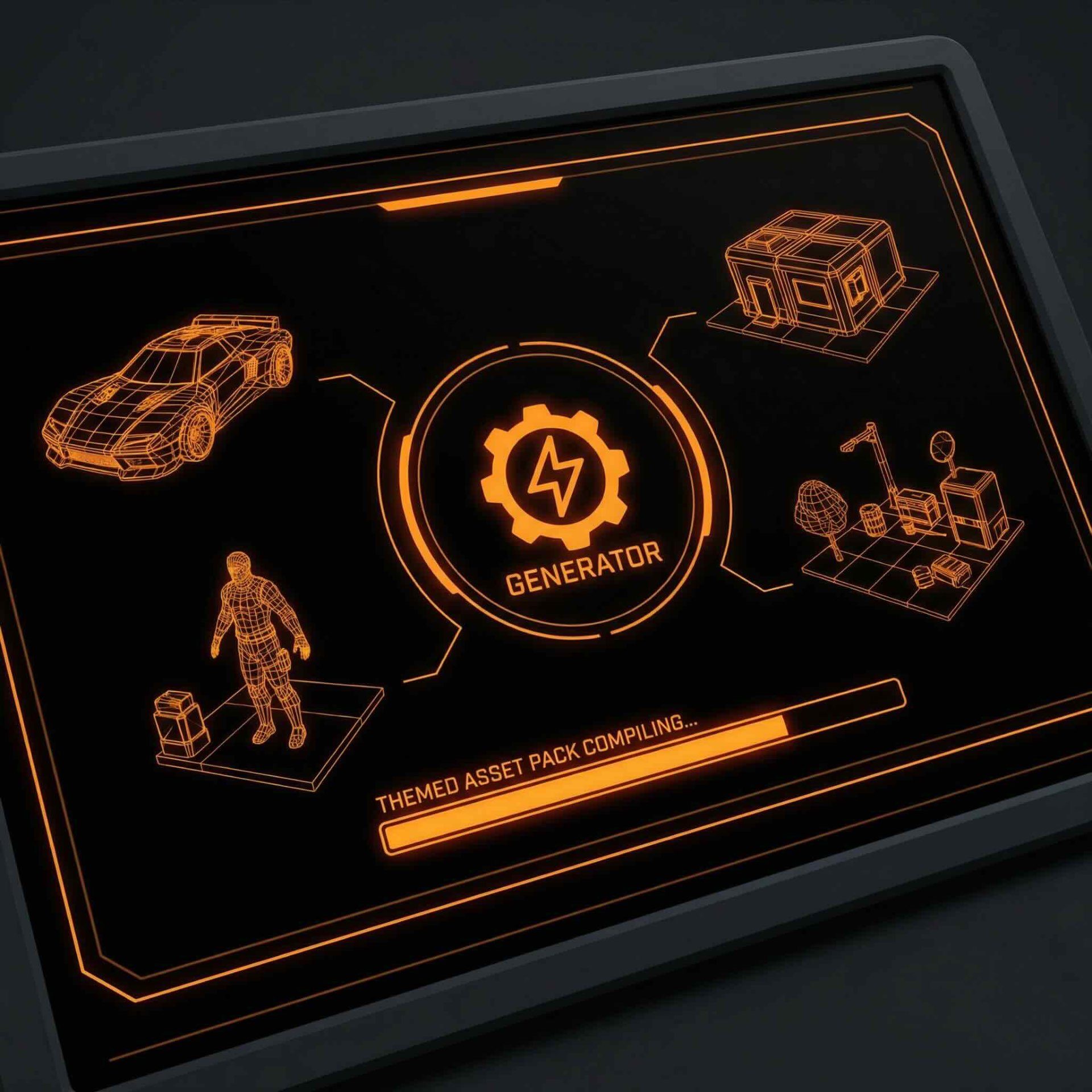
What studios can get from the system
- More creative range — Access 325+ models across image, video, 3D and audio, with the right model available for each task.
- Consistent worlds and campaigns — Carry characters, environments, style references and project decisions across outputs through shared studio memory.
- Results without workflow building — Ask for the outcome and let Nyx complete the AI steps required to produce it.
- Repeatable production — Turn proven processes into Blueprints that teams can reuse for asset packs, variations, campaigns and recurring content.
- One place to create and finish — Generate, compare, annotate, approve, version and manage assets without reconstructing context across separate tools.
- Production controls when needed — Approved model access, roles, provenance, spend controls and audit trails support the creative workflow rather than defining it.
Pricing
Virtuall offers plans for individual creators, professional creators, teams and studios, plus custom Enterprise partnerships for automated production workflows. Current plan details are available on the pricing page.
Considerations
- The broadest model access and team capabilities are available above the Creator plan.
- Studios get the most value when they bring real briefs, references and repeatable production needs into the system.
- Specialist tools can remain part of the stack; Virtuall provides the shared creative and production layer above them.
Website: virtuall.pro
2. Unity Asset Store – Generative AI
For development teams already embedded in the Unity ecosystem, the Unity Asset Store’s dedicated Generative AI section is the most direct route to integrating AI tools for game development. This curated marketplace offers a wide range of plugins that install directly into the Unity editor, streamlining workflows for everything from procedural visual asset generation to creating intelligent, dynamic NPCs. Unlike standalone platforms, its key advantage is seamless integration, allowing developers to test and deploy AI functionalities without ever leaving their project environment.
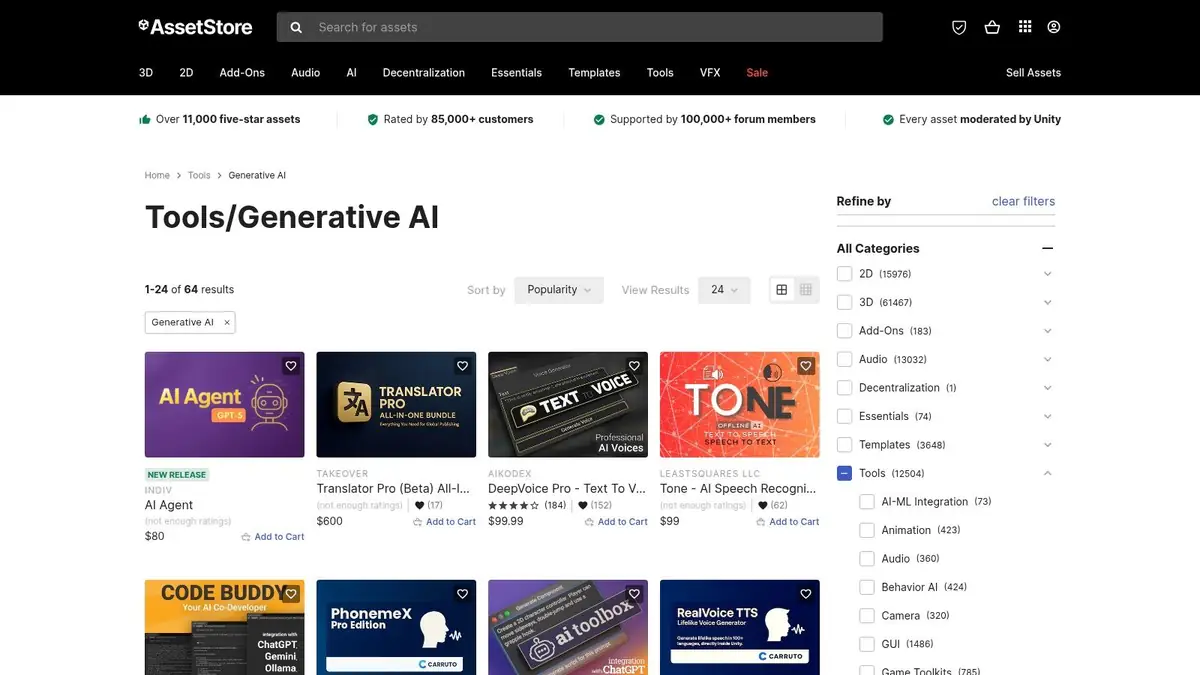
The platform stands out due to its robust user review system and clear version compatibility information, which helps teams vet tools before acquisition. Unity also enforces a responsible AI policy, requiring asset creators to disclose the use of generative AI in their listings, which supports enterprise compliance needs.
Key Considerations
- Pricing: A mix of free and paid assets, with most robust solutions requiring a one-time purchase. Prices vary significantly by publisher.
- Quality Control: While Unity moderates the store, the quality of individual assets can vary. Always check recent reviews, update history, and publisher responsiveness before committing.
- Usage Limitations: A crucial point in the terms of service is that content downloaded from the Asset Store cannot be legally used for training other generative AI models.
Website: https://assetstore.unity.com/tools/generative-ai
3. Epic Games Fab (Unified marketplace)
For developers building with Unreal Engine, Epic Games' Fab is the new centralised hub for assets, plugins, and AI tools for game development. As the successor to the Unreal Engine Marketplace, Sketchfab, and Quixel, it offers a consolidated library of resources, including a growing number of plugins that integrate Large Language Models (LLMs), AI coding assistants, and automation tools directly into the development pipeline. Its primary advantage is its deep integration with the Epic ecosystem, ensuring that purchased plugins and assets are readily available within the user’s Vault for seamless use in Unreal projects.
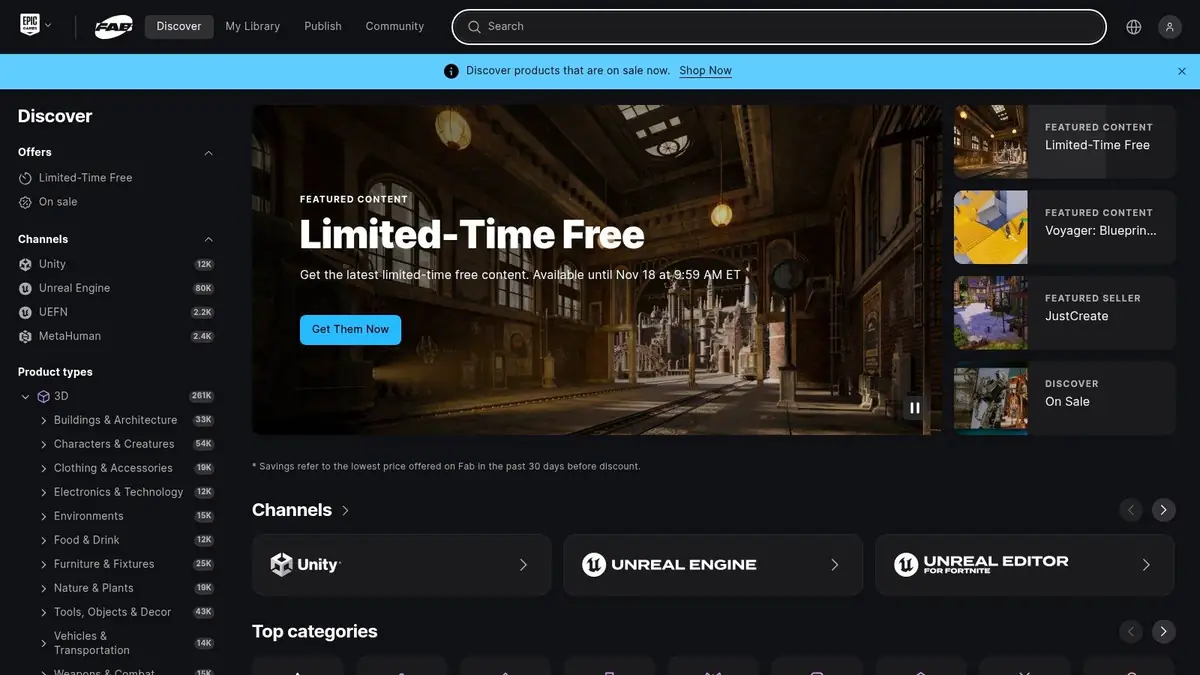
Fab stands out by unifying previously separate storefronts, creating a one-stop-shop for high-fidelity assets and the AI tools needed to manipulate or generate them. This ecosystem-centric approach simplifies licensing and asset management for teams. The marketplace provides clear commercial licensing terms, a critical factor for enterprise studios concerned with intellectual property and compliance.
Key Considerations
- Pricing: A mix of free and paid plugins, with prices for advanced AI tools typically ranging from tens to several hundred US dollars per licence.
- Quality Control: While Epic moderates listings, quality can be inconsistent. Teams should carefully examine user reviews, update frequency, and publisher support history before making a purchase.
- Usage Limitations: The migration from legacy stores is ongoing, so some familiar assets or plugins may not yet be available on Fab. It is important to verify compatibility before integrating new tools.
Website: https://www.fab.com
4. Inworld
Inworld offers a specialised AI runtime and toolset designed to bring NPCs to life with real-time, multimodal interactions. Its core focus is on creating dynamic characters that can converse, express emotion, and perform actions within a game world, moving beyond pre-scripted dialogue trees. The platform provides a complete character creation engine, including a visual graph system for behaviour design and low-latency, multilingual text-to-speech, making it a powerful solution for narrative-driven experiences.
The platform stands out because it is engineered for production-scale game pipelines, with SDKs available for major engines like Unreal and Unity. This focus on performance and ease of integration makes it one of the more enterprise-ready ai tools for game development when it comes to character AI. For a deeper understanding of its impact, you can learn more about AI's role in gamedev. The extensive public documentation and quick-start guides also lower the barrier to entry for development teams.
Key Considerations
- Pricing: While starter plans are available, production-level and enterprise pricing is not fully public. Teams often need to contact the sales department for a custom plan, which is typical for scalable B2B solutions.
- Integration: Requires technical implementation using their SDKs. While documentation is robust, it still necessitates development resources to integrate the runtime into a project.
- Specialisation: Inworld is highly focused on character and NPC AI. It is not a general-purpose tool for visual asset generation or code assistance; it solves a very specific, complex problem.
Website: https://inworld.ai
5. modl.ai
For studios focused on post-launch stability and game balancing, modl.ai offers a specialised set of AI tools for game development aimed at automating quality assurance and simulating player behaviour. The platform’s core strength lies in its AI-driven bots that can autonomously explore levels to find bugs, performance issues, and crashes. This significantly reduces the manual workload on QA teams, allowing them to focus on more complex, subjective testing scenarios. Unlike visual asset generation tools, modl.ai tackles the critical, often resource-intensive, testing phase of the development cycle.
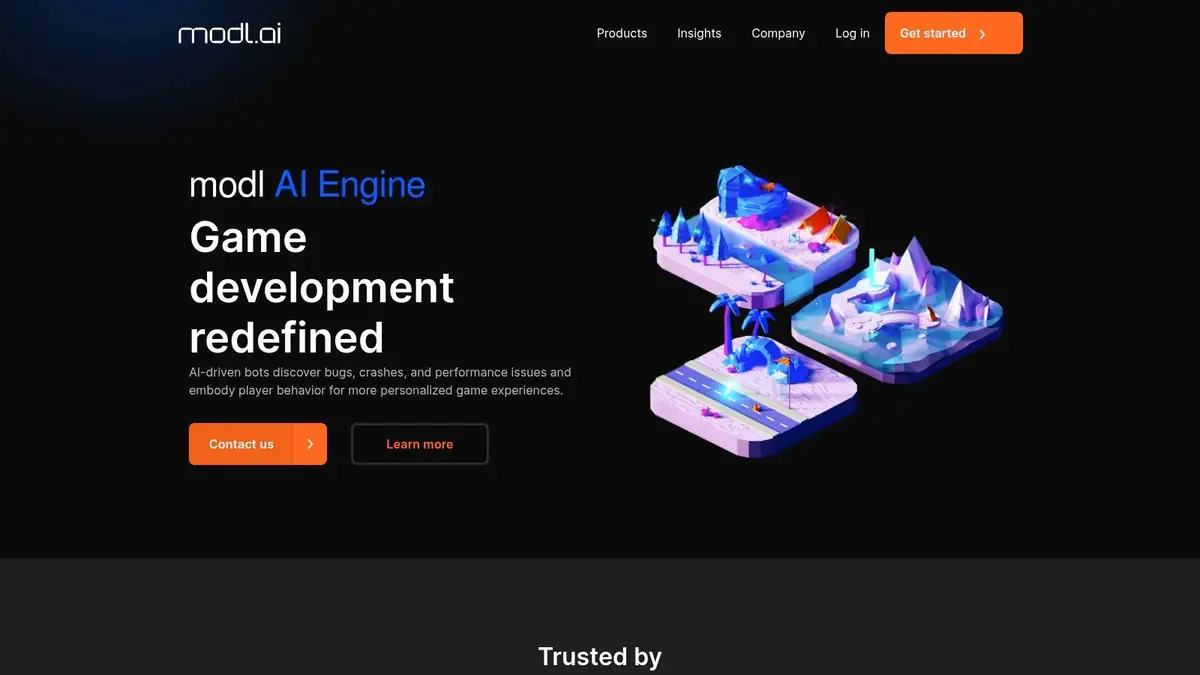
The platform is particularly valuable for its modl:play feature, which uses bots to simulate realistic player behaviours. This helps developers balance game difficulty, analyse player onboarding flows, and predict how design changes will impact user experience before an update goes live. The system can even be trained on data from live players, making its simulations increasingly accurate over time. This focus on behavioural simulation provides actionable design insights that are difficult to obtain through traditional testing alone.
Key Considerations
- Pricing: Access is enterprise-focused and requires direct contact with their sales team. There is no public, per-seat pricing model available.
- Engagement Model: Getting started typically involves a pilot programme or proof-of-concept project, which necessitates a more formalised engagement process compared to self-service platforms.
- Specialisation: The platform is highly specialised for testing, QA, and balancing. It does not offer creative or visual asset generation functionalities, making it a targeted solution for specific production needs.
Website: https://modl.ai/
6. Scenario
Scenario is a visual asset generation platform focused on game art. Its custom-model workflow can help teams adapt image generation to a defined visual direction for work such as concept art, sprites and textures.
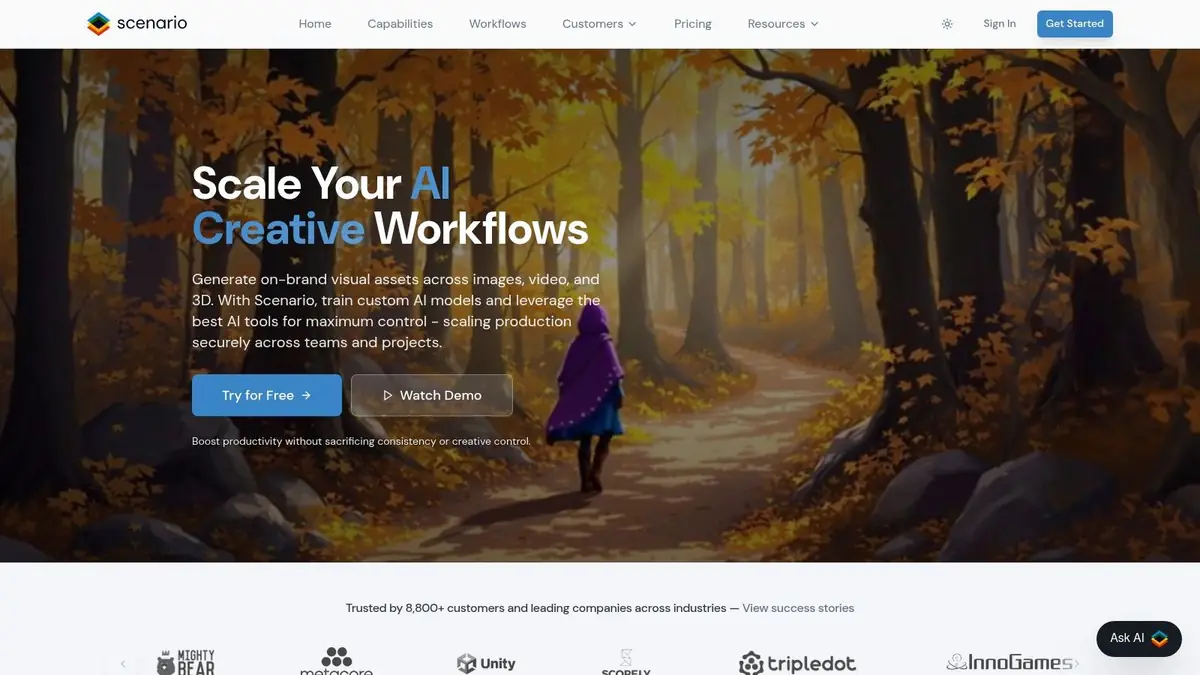
Its image, editing, image-to-3D and API capabilities make it relevant when a game-art team wants hands-on control over a particular visual pipeline. The studio still needs to configure that process, judge the training material and connect the output to work in other formats and systems. That makes Scenario better understood as a focused creation platform within the stack, rather than the operating layer for the studio's full creative production.
Key Considerations
- Best fit: Teams concentrating on visual game assets and custom-model workflows.
- Creative input: Results depend on the quality and consistency of the references or training material supplied by the studio.
- Workflow ownership: Users configure the generation approach and the studio remains responsible for cross-format handoffs, wider project context and downstream production.
Website: https://www.scenario.com/
7. Leonardo.Ai
Leonardo.Ai is a visual generation platform used for concept art, UI explorations and marketing images. It offers model selection, custom training, shared workspaces and asset libraries for teams that want a focused image-generation environment.
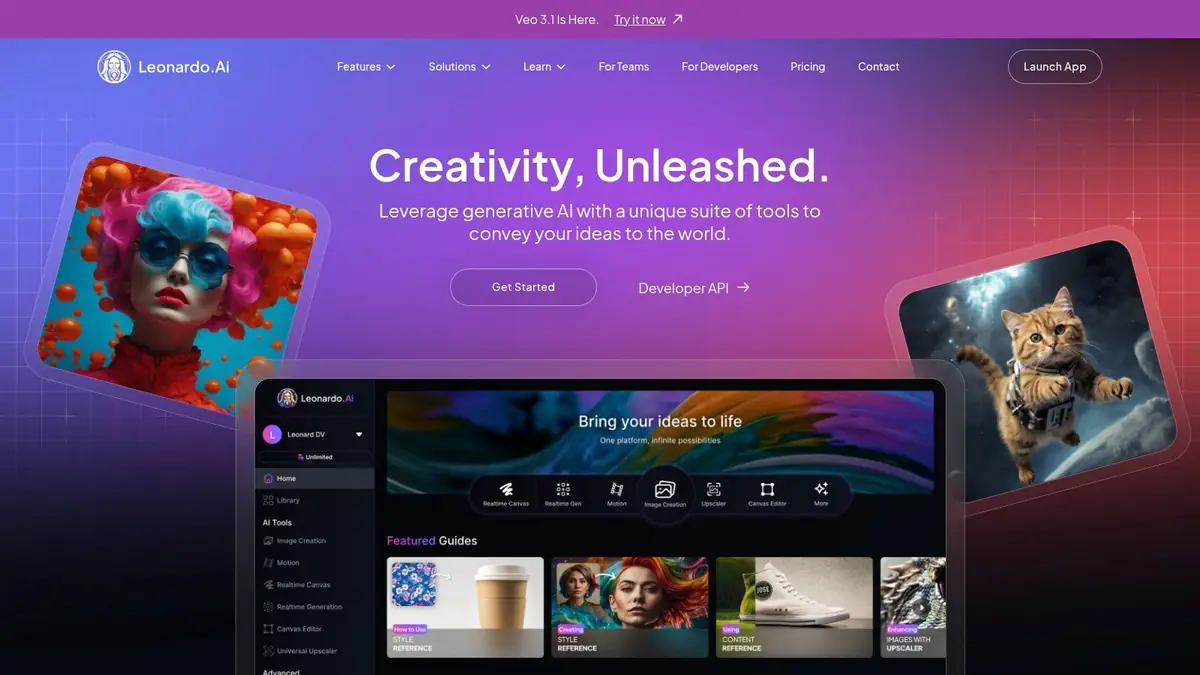
Its API can connect image generation to a studio's own pipeline. That can be useful for repeatable visual tasks, but the studio still designs the automation, carries context between systems and manages work beyond Leonardo's creation layer. Evaluate it as a visual tool, not as a replacement for the production system connecting people, projects, formats and assets.
Key Considerations
- Best fit: Concept artists, marketing teams and creators who need a dedicated visual-generation workspace.
- Creative control: Model choice, references and custom training can improve consistency, but outputs still need art direction and review.
- Workflow ownership: API access enables integration; it does not remove the need to design and maintain the wider workflow.
Website: https://leonardo.ai/
8. ElevenLabs
For game studios seeking to generate high-quality voice-overs, dialogue, and narration, ElevenLabs has become an industry-standard AI tool for game development. Its text-to-speech (TTS) and voice cloning capabilities deliver studio-grade audio, allowing developers to rapidly prototype and finalise voice lines for NPCs or create localised audio tracks without booking expensive talent. The platform is built around a powerful API, designed for easy integration into existing game development pipelines and tools, enabling dynamic dialogue generation in real time.
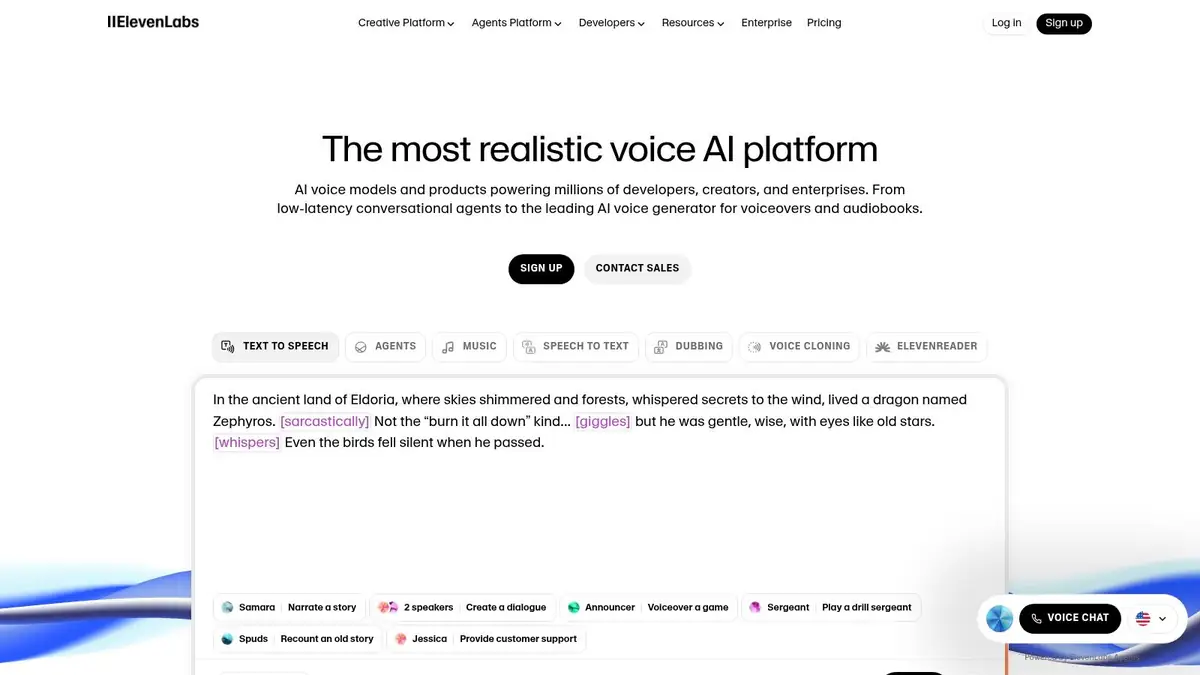
ElevenLabs stands out for its exceptionally natural-sounding voices and robust multilingual support, making it a go-to solution for global game releases. Its clear, usage-based credit system and enterprise-ready features provide the scalability and predictability needed for commercial projects. The recent introduction of conversational AI agents further extends its utility, enabling the creation of truly interactive characters.
Key Considerations
- Pricing: Operates on a tiered subscription model based on monthly character credits and agent minutes. A free plan is available with starter credits for initial testing and small projects.
- API and Throughput: While the API is well-documented, lower-tier plans have concurrency throttles that can limit the throughput for large-scale, real-time generation tasks.
- Agent Costs: When using conversational agents, the costs associated with the underlying Large Language Model (LLM) may be separate from the ElevenLabs usage credits, requiring careful budget management.
Website: https://elevenlabs.io/
9. Meshy
Meshy is a browser-based 3D creation platform designed for rapidly generating game-ready assets from simple text or image prompts. It serves as a powerful accelerator for 3D artists and developers, allowing them to produce meshes, textures, and even basic animations with impressive speed. The platform's standout feature is its end-to-end workflow, which includes AI texturing, automatic rigging, and a library of motions that can be applied to generated models, making it one of the more comprehensive ai tools for game development.
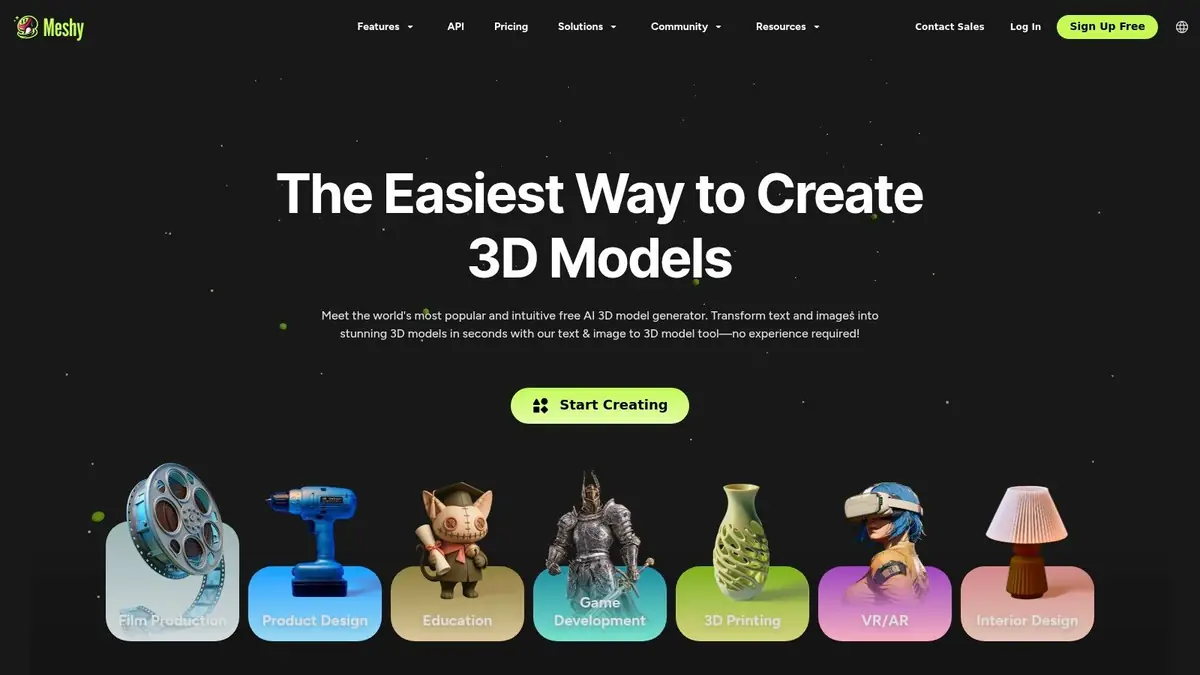
It particularly shines in its practical application for enterprise teams, offering team workspaces and API access for pipeline integration. This focus on utility over novelty allows studios to prototype visual props and characters quickly, validating creative concepts without committing significant artist resources. You can learn more about how to generate 3-D models with AI to understand the technology's potential.
Key Considerations
- Pricing: Offers a free tier with limited monthly credits and a CC BY 4.0 licence on assets. Paid plans provide private assets, higher throughput, and team-focused features.
- Quality Control: The platform includes useful tools like remeshing and asset retopology to refine the initial AI output, giving artists more control over the final quality.
- Usage Limitations: Commercial use and private ownership of generated assets are restricted to the paid subscription tiers, a crucial consideration for professional projects.
Website: https://www.meshy.ai/
10. NVIDIA Omniverse Audio2Face
NVIDIA's Omniverse Audio2Face is a specialised AI tool that tackles one of game development's most time-consuming visual tasks: generating realistic facial animations from audio. By feeding it a simple audio track, the application automatically creates expressive lip-sync and emotional facial movements for 3D characters. It is particularly powerful for studios working with digital humans, offering seamless retargeting to popular rigs like MetaHuman, which significantly accelerates dialogue-heavy scene creation.
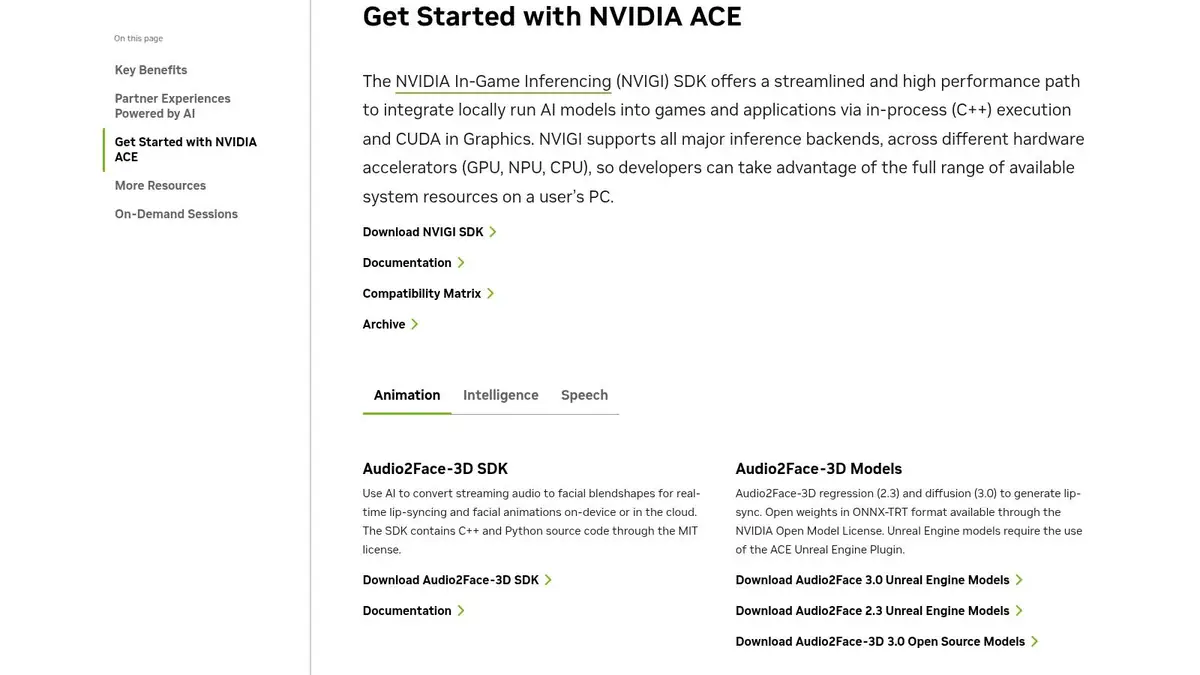
This platform excels by providing deep, granular control over the final animation. Unlike black-box solutions, developers can adjust parameters for everything from eye movement and tongue placement to the intensity of specific emotions. This level of customisation ensures that the AI-generated output serves as a high-quality baseline that can be refined to meet the artistic direction of any project, making it a powerful addition to modern AI tools for game development.
Key Considerations
- Pricing: The Omniverse platform, including Audio2Face, is free for individual creators and artists. Enterprise licensing is required for larger teams and commercial use.
- Quality Control: The quality is consistently high, but achieving the best results requires NVIDIA RTX hardware. The toolset is robust, but launcher updates or framework changes can sometimes affect established workflows.
- Usage Limitations: The tool is designed for generating animation data. Users should consult NVIDIA's licensing agreements for specifics on commercial use and redistribution of assets created with the tool.
Website: https://docs.omniverse.nvidia.com/audio2face/latest/
11. Cascadeur
Cascadeur is a standalone software dedicated to focused character animation through AI-assisted tools. It focuses on accelerating the traditionally laborious process of keyframe animation by using AI to suggest natural poses, predict physically accurate movements, and intelligently fill in the gaps between keyframes. This makes it a focused AI tools for game development for teams aiming to produce high-fidelity, realistic character animations without the budget for extensive motion capture or a large animation team.
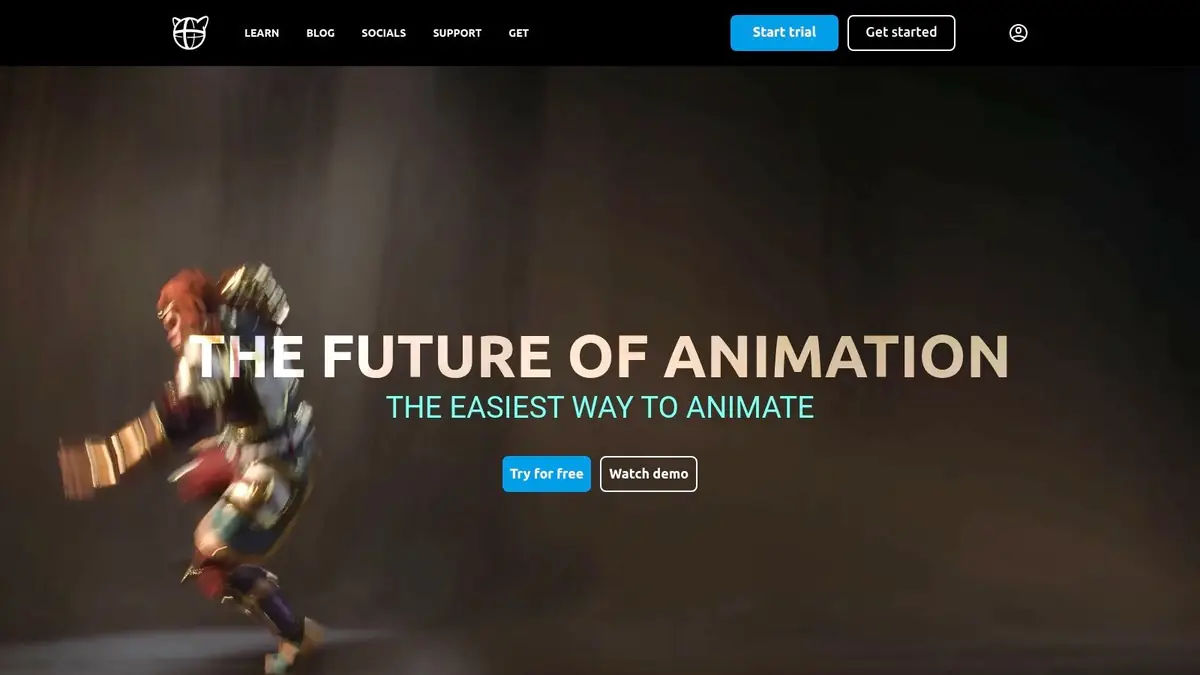
The platform stands out by blending deep physics-based calculations with creative control, allowing animators to guide the AI rather than be replaced by it. Its AutoPhysics tool can instantly create a physically correct version of an animation, while its AutoPosing feature helps find natural-looking stances for character rigs. The clear commercial licensing on its paid tiers also makes it a safe and compliant choice for professional studios and enterprise projects that require transparent usage rights.
Key Considerations
- Pricing: Offers a free version for learning and small projects. Paid tiers include Indie, Pro, and Teams plans with perpetual licences and subscription options for updates, catering to various commercial needs.
- Quality Control: While powerful, new users should anticipate a learning curve to fully leverage its unique physics-based workflow. The tool is highly optimised for humanoid characters, and its effectiveness may vary with non-humanoid rigs.
- Usage Limitations: The free licence has specific revenue and team size restrictions. Commercial use requires upgrading to a paid plan, which is essential for enterprise compliance and legal protection.
Website: https://cascadeur.com/
12. AWS for Games (Amazon)
For studios aiming to build custom, production-grade AI solutions, AWS for Games offers a comprehensive suite of cloud services and reference architectures. Instead of a single tool, it provides the fundamental building blocks-like Amazon Bedrock for generative AI and SageMaker for ML workloads-that empower developers to create bespoke AI functionalities. This makes it one of the most powerful and scalable ai tools for game development, ideal for features such as dynamic NPC dialogue, procedural visual content generation, or real-time game analytics.
The platform's strength lies in its production-ready infrastructure and detailed solution guides tailored for the games industry. AWS provides sample code and architectural patterns for common use cases, like generative NPC dialogue or adaptive music, which helps enterprise teams accelerate development while ensuring their solutions are secure, scalable, and compliant with global standards.
Key Considerations
- Pricing: Operates on a pay-as-you-go model. This allows for flexible investment but requires careful cost monitoring to avoid unexpected expenses.
- Quality Control: As a collection of enterprise-grade services, the quality is consistently high. However, the final implementation quality depends entirely on the development team's expertise.
- Usage Limitations: Requires significant engineering effort to integrate the various services into a cohesive game development pipeline. It is a collection of building blocks, not an out-of-the-box toolset.
Website: https://aws.amazon.com/games/
Top 12 AI Tools for Game Development: Feature Comparison
Choose the layer your studio is missing
A studio may use several products in this list at once. These products solve different jobs, so the useful question is not which single tool replaces all the others.
The bigger decision is who has to assemble the process. Node-based, API-led and configured workflows can give skilled operators precise control over individual AI steps. That is valuable for experimentation and specialist work. It is less accessible when producers, art directors, marketers and other teams simply need a result and do not want to become workflow builders.
Agentic creation changes that relationship. In Virtuall, the user describes what they want, supplies the creative direction and reviews the result. Nyx completes the AI steps needed to get there, while the Creative AI OS carries project memory across people, models, formats and assets. Nyx is not planning people or assigning human work; it is getting finished creative results to the user.
What to evaluate beyond a feature list
- Creative range: Can the system produce the image, video, 3D and audio work your studio needs?
- Consistency: Can characters, worlds and visual rules carry across assets and projects?
- Accessibility: Who can get a useful result without learning nodes, settings or separate tools?
- Repeatability: Can a successful process become reusable for the wider team?
- Production fit: Can people review, approve, version and manage outputs without losing context?
- Control: Can the studio manage model access, provenance, spend and permissions?
Specialists make tasks faster. An operating system improves the whole creative capability.
If the need is one specialised task, choose the specialist that fits it. If the ambition is to help more people produce better, more consistent work across projects and formats, the studio needs a layer that connects those capabilities and gets results to users without making them build the process each time.
Explore Virtuall for game development, or start creating with the Creative AI OS.