AI Asset Management That Preserves Rights and Reuse
Learn how AI asset management helps creative teams preserve rights, track provenance and safely reuse images, video and 3D assets.
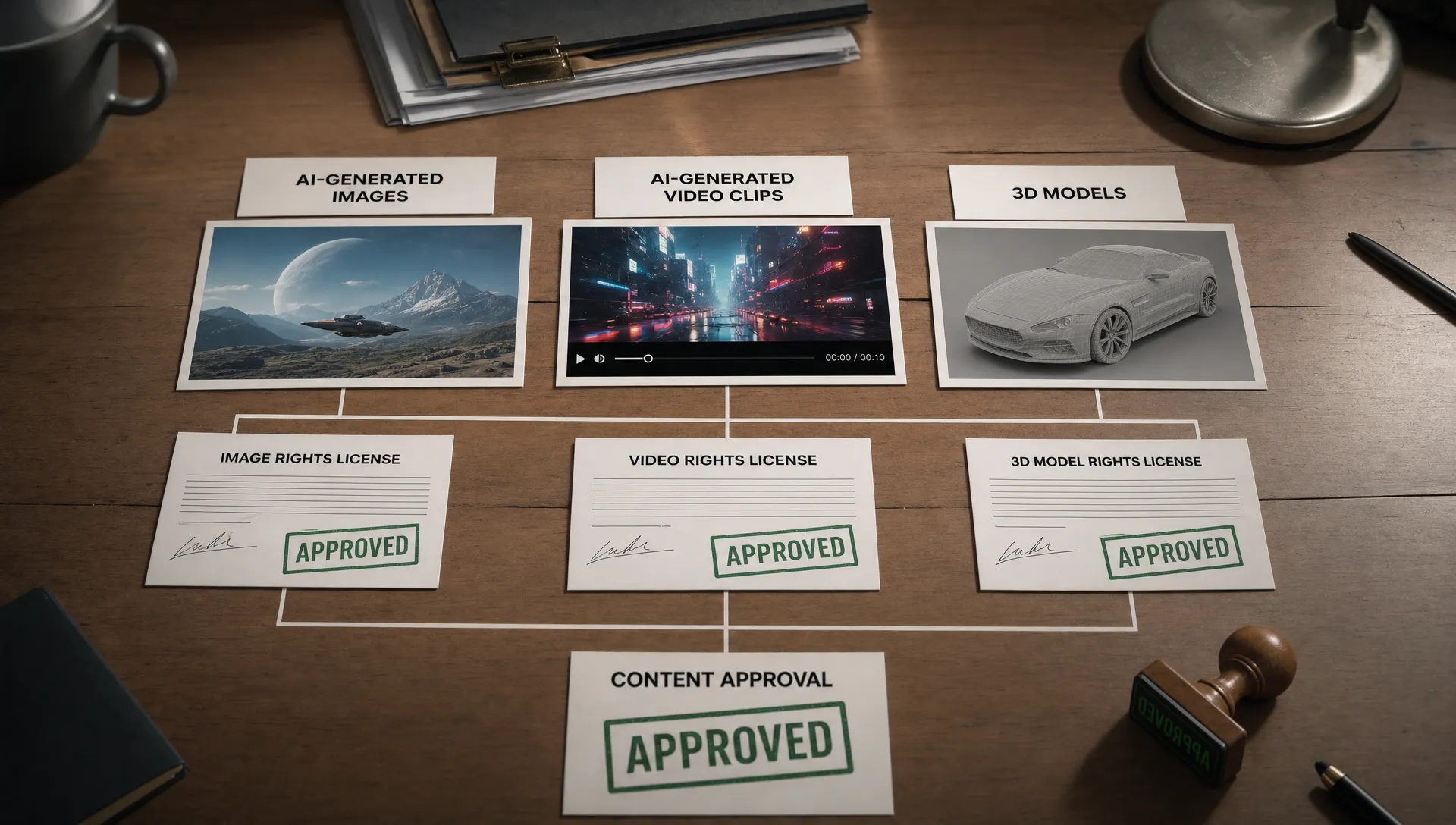
AI asset management has moved beyond storage and search. For enterprise creative teams, the hardest question is no longer where a file lives. It is whether that file can be reused safely, in the right market, on the right channel, for the right product and under the right conditions.
That question has become harder because creative AI changes the shape of an asset library. A single approved campaign visual can lead to hundreds of variants. A 3D product model can become rendered stills, motion clips, AR previews and game-ready derivatives. A mood board can influence prompts across multiple studios. Without a rights-aware operating layer, reuse becomes either too risky or too slow.
For CMOs, this is a brand and compliance issue. For art directors, it is a consistency and creative control issue. For application managers, it is a systems and auditability issue. For game developers, it is a production pipeline issue. Good AI asset management connects all of these concerns by making rights, provenance, approvals and reuse rules part of the asset itself.
Why rights must travel with every AI asset
In traditional asset management, a final file often carried enough context to be useful: campaign name, product line, date, format and maybe usage rights. AI-generated assets need more than that because the asset is not just a file. It is the result of inputs, prompts, model choices, human edits, approvals and delivery context.
The risk usually appears later. A concept image approved for an internal pitch gets reused in a public campaign. A licensed reference is used to generate a derivative after the license window has closed. A regional marketing team downloads a visual without knowing it was approved only for social media, not paid outdoor. A game studio kitbashes a 3D asset into a new scene, then cannot prove which source materials were allowed for commercial release.
This is why rights and reuse should not live in separate systems. If legal guidance is stored in a PDF, approvals are handled in chat, assets sit in a DAM and AI generation happens in disconnected tools, nobody has a complete view at the moment reuse decisions are made.
For a deeper view of licensing, attribution and provenance risks, Virtuall has a related guide to AI asset rights management. The practical challenge for asset management is turning those rights rules into operational controls that creative teams can actually use.
The asset record is the control point
Rights-preserving reuse starts with the asset record. This is the structured profile attached to a creative asset and its derivatives. It should answer more than who uploaded the file and when. It should explain how the asset was made, what it depends on and what future teams are allowed to do with it.
| Question the asset record must answer | Why it matters for reuse |
|---|---|
| What inputs influenced this asset? | Source files, references, prompts and mood boards can affect licensing, attribution and brand suitability. |
| Which model or workflow produced it? | Model terms, approved tool lists and generation settings can determine whether the output is allowed in production. |
| Who contributed or approved it? | Human review, art direction, legal checks and stakeholder approvals create accountability. |
| Where can it be used? | Channel, region, product line, audience and campaign limits need to be visible before download or export. |
| Can it be modified? | Some assets may be approved as final masters, while others can be remixed, localized or adapted. |
| What derivatives exist? | Reuse often happens through variants, crops, renders, edits, texture maps or scene files. |
| When should it be reviewed or retired? | Licenses expire, product claims change and brand standards evolve. |
When these answers are captured as metadata, the asset library becomes more than a repository. It becomes a decision system. Search results can show approved assets first. Restricted files can stay quarantined. Teams can see whether a file is production-ready or still in review. Reuse becomes governed by design, not by memory.
Build reuse into the lifecycle, not after delivery
Many organizations try to solve rights problems at the end of production. That is too late. By the time a visual, video or 3D model reaches delivery, it may already have been copied, adapted and shared across tools. A stronger approach is to preserve reuse potential across the full asset lifecycle.
Intake and classification
Every AI workflow starts with materials: brand assets, product imagery, licensed references, 3D meshes, audio, scripts, logos, copy and sometimes user or talent likeness data. These inputs should be classified before generation begins.
Classification does not need to slow creative work. It can be as simple as separating approved brand references from restricted materials, tagging license windows and marking files that should never be used as generative inputs. For enterprise teams, this early discipline prevents unclear rights from spreading into dozens of downstream outputs.
This is where centralized asset management for AI creative operations becomes valuable. Centralization is not only about tidier folders. It gives teams a shared source of truth for source materials, work in progress, approved masters and delivery outputs.
Controlled generation
The generation stage should preserve intent and constraints. Creative teams need freedom to explore, but enterprise workflows also need approved models, usage policies, brand context and repeatable settings.
Generation blueprints can help by turning prompts, references, rules and output requirements into reusable templates. Studio context memory, such as mood boards and approved visual direction, can keep outputs aligned across teams without forcing every artist or marketer to rebuild context from scratch.
In a Creative AI OS such as Virtuall, orchestration matters because image, video, 3D and audio generation may use different models and tools. Nyx, Virtuall's intelligence layer, is designed to orchestrate multiple AI models while preserving intent and context across studios and teams. That kind of continuity is what makes reuse reliable instead of accidental.
Review and approval
AI assets should not move directly from generation to broad access. Review workflows need to capture creative quality, brand fit, rights status and production readiness. An art director may approve visual direction, a producer may approve technical delivery, a legal reviewer may approve usage limits and a marketing lead may approve channel use.
Those decisions should attach to the asset record. If approval only lives in a chat thread or email chain, it will be lost when another team searches the library three months later.
Governed reuse
Reuse should be intentional. A team looking for assets for a holiday campaign, a product launch or a game environment should be able to filter by rights status as easily as by file type or visual theme.
The best reuse workflows answer practical questions before the asset is opened: is this approved for commercial use, can it be localized, can it appear in paid media, can it be used in a playable build, can it be rendered into video and does it require attribution? When the system can answer these questions, reuse becomes faster and safer.
Retirement and restriction
Not every asset should stay reusable forever. Some files should expire with a license, a campaign, a product claim or a talent agreement. Others should remain archived for audit but blocked from download. Mature AI asset management includes review dates, restriction states and retirement workflows so old assets do not become hidden liabilities.
Metadata that makes reuse safe
Metadata is often treated as administrative work, but in AI asset management it is the mechanism that preserves value. A beautiful asset that cannot be cleared for reuse is a sunk cost. A well-documented asset can keep producing value across campaigns, markets and formats.
A practical metadata model should include:
- Rights metadata: License type, usage scope, territory, channel, attribution needs, expiration date and modification limits.
- Provenance metadata: Source assets, prompt class, model or workflow used, major edits and derivative relationships.
- Creative context: Campaign, product line, mood board, art direction, brand guidelines and approved references.
- Workflow metadata: Owner, contributors, reviewers, approval state, comments and decision history.
- Technical metadata: File type, resolution, color profile, 3D format, texture maps, rigging status, duration or output package.
- Reuse history: Where the asset has been published, exported, localized, rendered or embedded in another production.
Provenance standards such as C2PA can help carry content credentials across the supply chain. They are especially useful when assets move between tools, agencies and distribution channels. Internal asset management still needs to interpret that provenance in context: what is allowed, what is blocked and what needs review.
Preventing shadow reuse
Shadow reuse happens when assets move outside governed systems. It is common because creative teams are under pressure. Someone exports a draft to a shared folder, screenshots a concept, copies a prompt, downloads a model or reuses an old render because it is faster than searching the official library.
The goal is not to punish teams for moving quickly. The goal is to make the governed path easier than the workaround. If approved assets are easy to find, rights status is visible and export rules are built into the workflow, people have fewer reasons to bypass the system.
Permissions also matter. A junior designer may need access to concept assets but not final campaign masters. A regional marketer may need approved local variants but not source prompts or restricted references. A game developer may need 3D assets approved for engine integration but not assets still under legal review.
Regulation is reinforcing this discipline. The European Commission's AI Act overview reflects a broader move toward documented AI systems, risk management and transparency. Creative teams may not all face the same obligations, but enterprise buyers increasingly expect auditability when AI is used in production.
Teams that are formalizing their operating model can use AI governance rules every creative operation needs as a policy starting point. The asset management layer then turns policy into daily workflow.
What reuse looks like across images, video and 3D
AI asset management has to support different creative formats without treating them as isolated worlds. An image, a video clip and a 3D model may all come from the same product launch, use the same brand context and depend on the same license restrictions.
| Format | Reuse opportunity | Common rights or production risk | Control needed |
|---|---|---|---|
| Images | Campaign variants, ecommerce visuals, social crops, localization | Licensed references, likeness, trademarks, restricted geographies | Channel and territory metadata, approval states, derivative tracking |
| Video | Cutdowns, paid ads, product explainers, cinematic sequences | Music, voice, footage rights, talent agreements, expired campaign claims | Time-based rights, version control, review workflows, publication history |
| 3D | Product renders, AR assets, game environments, virtual production | Third-party meshes, textures, scans, engine use limits, derivative uncertainty | Source lineage, format metadata, commercial use status, export controls |
| Audio | Voiceovers, sound design, localization, interactive experiences | Voice rights, synthetic voice permissions, music licensing, attribution | Usage scope, consent records, model or provider terms, approval records |
This cross-format view is especially useful for enterprise creative operations. A CMO sees campaign reuse across markets. An art director sees visual consistency. An application manager sees integration needs across DAM, PIM, DCC and production tools. A game developer sees whether an asset is safe to include in a build, trailer or marketplace package.
How to evaluate AI asset management platforms
The right platform should not only store AI outputs. It should help teams control how assets are created, approved, reused and retired. When evaluating systems, focus on operational questions rather than feature checklists alone.
Ask whether the platform can capture input lineage, output lineage and derivative relationships. Check whether it can separate work in progress from approved masters. Look for review workflows that capture real decisions, not just file comments. Confirm that rights metadata can drive search, permissions, export rules and reuse recommendations.
Integration is also critical. Creative teams rarely work in one tool. Enterprise workflows often span DCC tools, DAM systems, PIM platforms, review tools, game engines, storage environments and publishing systems. APIs and plugins matter because rights data should travel with the asset, not get trapped in one interface.
For AI specifically, governance controls are central. Teams should be able to define approved models, workflows and generation blueprints. They should be able to preserve studio context, manage collaboration, track assets through pipelines and keep audit trails for compliance. For organizations with European operations or strict data requirements, EU-based infrastructure and inference can also be part of the evaluation.
Virtuall was built around this operating model: a Creative AI OS for governing and scaling AI-powered content creation across image, video, 3D and audio. The value is not just generating more assets. It is making sure the assets that teams generate can be trusted, approved and reused in production.
Frequently Asked Questions
What is AI asset management? AI asset management is the practice of organizing, governing and reusing assets created or influenced by AI. It includes storage, metadata, provenance, rights, approvals, derivative tracking and workflow controls across formats such as images, video, 3D and audio.
How does AI asset management preserve rights? It preserves rights by attaching licensing terms, source lineage, approval status, model or workflow context and usage limits to each asset record. This helps teams know whether an asset can be used, modified, localized, exported or published.
Why is reuse harder with AI-generated assets? AI-generated assets often depend on multiple inputs, prompts, models and human edits. Without clear provenance and rights metadata, teams may not know whether a derivative asset is approved for commercial use or limited to internal exploration.
Is a traditional DAM enough for AI creative workflows? A traditional DAM can store final files, but AI workflows often need more operational control. Teams need to manage generation context, source lineage, approvals, model governance, derivative relationships and reuse rules before assets spread across production.
Can AI-generated 3D assets be reused in games or virtual production? They can be reused when the source materials, model terms, licenses, technical formats and approval status allow it. Game teams should track mesh sources, textures, scans, derivatives, engine use and commercial release permissions.
Make rights and reuse operational
AI can accelerate creative production, but scale only works when teams can trust what they are reusing. Rights, provenance and approvals need to travel with every asset from generation to delivery, then remain visible whenever that asset is searched, adapted or exported.
If your studio or enterprise creative team is building AI into production workflows, Virtuall can help you operate creative AI with governance, orchestration, collaboration, asset management and compliance controls built for production-ready output.