AI in Creative Industries: Where It’s Working in Production
AI in creative industries is now working in production. See proven use cases across image, video, and 3D, plus governance tips to scale safely.
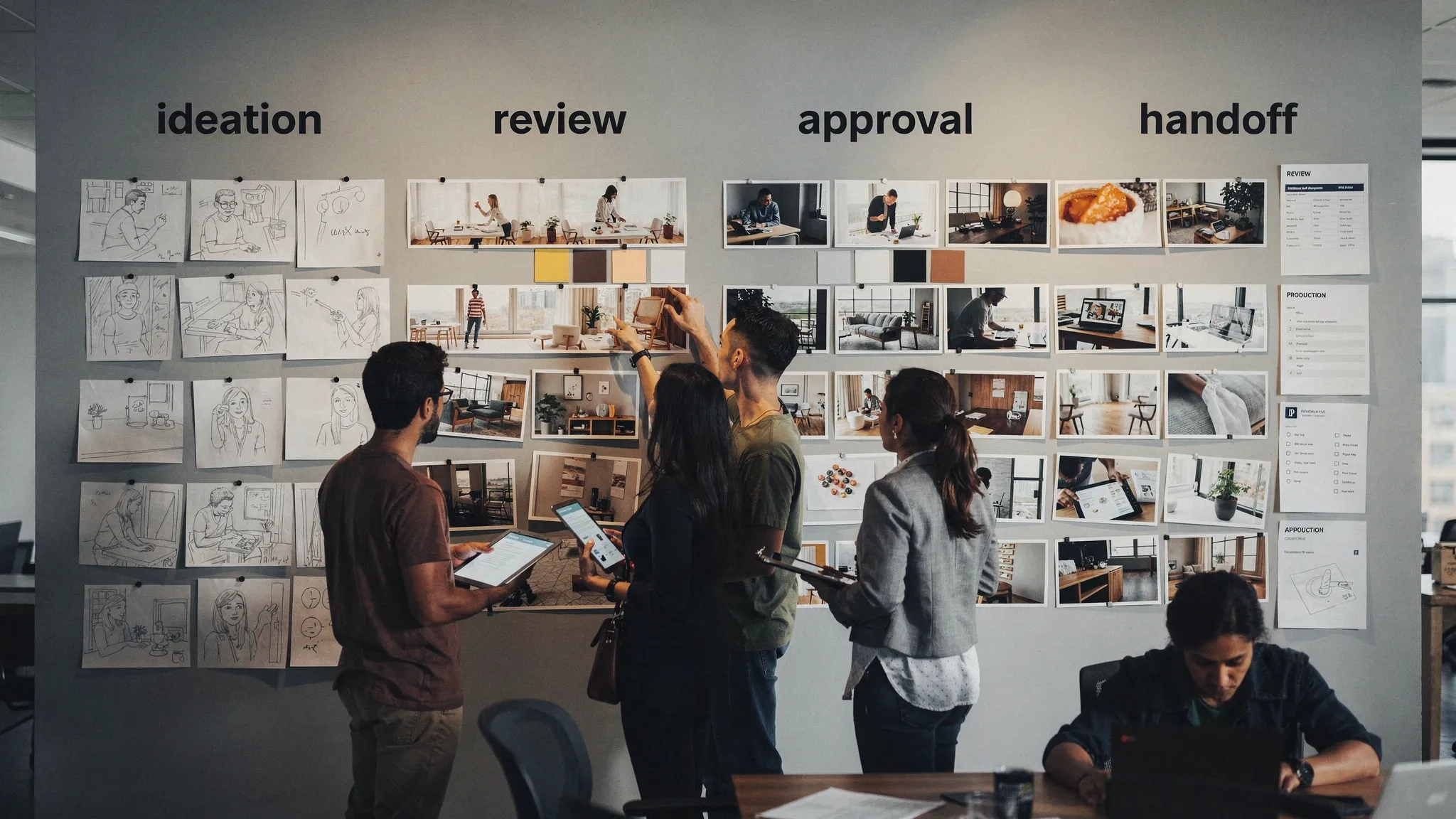
Creative teams have been experimenting with generative AI for a few years. What has changed recently is the shift from “cool demos” to repeatable production systems: governed tools, defined workflows, measurable cycle-time improvements, and outputs that pass brand, legal, and technical checks.
This article maps where AI is already working in production in creative industries (image, video, and 3D), what makes those deployments succeed, and what enterprise teams should put in place to scale safely.
What “working in production” actually means
In enterprise creative environments, “production” is not just generating a pretty image. It usually means:
- Consistency: outputs match brand standards across teams, regions, and channels.
- Traceability: you can explain what model, prompt, references, and approvals produced an asset.
- Governance: role-based access, approved models, policy enforcement, and auditability.
- Workflow fit: AI steps integrate with existing tools (DAM/PIM, DCC apps, review and approvals).
- Compliance and risk controls: IP, privacy, and regulatory requirements are handled as part of the workflow, not after the fact.
When these conditions are met, AI stops being “an app people try” and becomes a capability the studio can operate at scale.
Where AI is already working in production (by workflow)
1) Marketing and campaign content variations (images and short-form video)
What’s in production: high-volume variation generation for paid social, display, CRM, and e-commerce campaign refreshes.
Why this is working now: the creative problem is often variation-heavy but structure-rich. Teams already have layouts, copy frameworks, and brand systems. AI adds speed in generating on-brand alternates and localized versions.
Common production pattern
- A brand-safe template is defined (formats, layout rules, do-not-use terms, visual style constraints).
- AI generates variations within guardrails.
- Human review focuses on selection, refinements, and risk checks.
Where it breaks: when teams treat prompting as the workflow. Without reusable templates, shared context, and review checkpoints, results drift and approvals get stuck.
Useful reference: Adobe positions Firefly around commercial safety and enterprise workflows, reflecting how many teams are operationalizing gen AI for marketing production rather than experimentation (Adobe Firefly).
2) Product content at scale (e-commerce, retail, CPG)
What’s in production: generating or augmenting product imagery (backgrounds, environments), producing product videos from existing assets, and accelerating catalog enrichment.
Why this is working now: product content pipelines already have structure (SKUs, attributes, angle requirements, channel specs). AI can be inserted into the pipeline as an automated “content multiplier,” especially when paired with a PIM/DAM and clear approval rules.
High-value use cases
- Background and scene generation for seasonal campaigns while keeping the product accurate.
- Format expansion: 1 master asset expanded into dozens of channel variants.
- Localization: regionally appropriate settings while maintaining brand identity.
Key production requirement: asset provenance and governance. Enterprises need to know what source assets were used, what was generated, and what was modified.
3) Creative ops and pre-production acceleration (briefs, storyboards, mood boards)
What’s in production: using AI to speed up early-stage ideation deliverables that unblock downstream work: treatment options, mood boards, shot concepts, and rough boards.
Why this is working now: pre-production is where ambiguity is highest. AI is effective at quickly producing options, exploring visual directions, and aligning stakeholders earlier.
What mature teams do differently: they treat these outputs as decision artifacts, not final deliverables. The value is faster alignment and fewer late-stage changes.
4) Video post-production support (assistive, not fully autonomous)
What’s in production: AI-assisted tasks that reduce manual labor without taking full creative control.
Examples include:
- Rough cut support (finding selects, generating stringouts)
- Audio cleanup and dialogue enhancement
- Captioning and versioning
- Object removal and background extension in controlled contexts
Why this is working now: these tasks are bounded and measurable. Teams can validate quality quickly and keep human sign-off.
Risk area: deepfake-like capabilities and talent likeness usage. This demands explicit consent management and policy controls.
5) 3D asset ideation and look development (games, industrial, experiential)
What’s in production: accelerating early 3D exploration, concept-to-blockout workflows, and texture/material iteration.
For game studios and 3D-heavy teams, AI is showing up in:
- Concept exploration that informs 3D direction
- Material/texture iteration to speed lookdev
- Reference generation for environments and props
Why it’s working: it compresses the time from idea to “something we can react to,” which is crucial in early production.
What keeps it production-safe: clearly separating “AI concept/reference” from “final shippable asset,” plus a pipeline that captures intent, references, and approvals.
Related standard to watch: OpenUSD continues to expand as an ecosystem standard for 3D interchange, and production teams benefit from aligning AI-generated 3D workflows with interoperable scene formats (Alliance for OpenUSD).
6) Localization and transcreation (global brand operations)
What’s in production: AI-assisted localization for creative text, on-screen graphics versioning, and market-specific creative variants.
Why this is working now: enterprises already have translation management and approval processes. AI becomes a first pass that is then refined by regional teams and legal.
What “good” looks like: the process includes style guides, prohibited claims rules, and market-specific compliance checks before anything ships.
7) Compliance-friendly “controlled creativity” for regulated industries
What’s in production: governed generation where rules are stricter: finance, healthcare, automotive, and any category with heavy claims restrictions.
AI is most successful here when it is used to generate within a constrained set of patterns:
- Approved visual styles
- Pre-vetted messaging structures
- Defined review steps and audit trails
This is less about unconstrained creativity and more about operating creativity reliably.
The common denominator: systems beat prompts
Across these workflows, teams succeed when they stop relying on individual prompting skill and instead operationalize three layers:
1) Governance layer (what is allowed)
This includes model approvals, role-based permissions, policy enforcement, and auditability. It is also where you align with evolving regulations and internal risk posture.
Two useful, widely adopted references:
- The NIST AI Risk Management Framework (AI RMF) for structured risk practices.
- The EU AI Act for requirements impacting many global enterprises (especially around transparency and risk categories).
2) Workflow orchestration layer (how work moves)
Production value comes from connecting AI steps to:
- briefs and intake
- generation templates
- review and approvals
- asset storage and metadata
- downstream toolchains (DCC, DAM/PIM)
Without orchestration, AI creates output. With orchestration, AI creates throughput.
3) Context layer (what “on-brand” means)
Teams need shared context: brand rules, mood boards, product truths, campaign constraints, and past decisions. This is how you prevent style drift and keep multi-team production coherent.
A practical maturity model: where most teams are right now
Use this to benchmark what “production AI” means in your organization.
| Stage | What it looks like | Typical outcome | Main risk |
|---|---|---|---|
| Experimentation | Individuals try tools ad hoc | Isolated wins | Brand and IP risk, inconsistency |
| Team pilots | Small team uses shared prompts and folders | Faster iterations | Fragile process, hard to scale |
| Managed production | Defined templates, approvals, and asset tracking | Predictable throughput gains | Bottlenecks if governance is manual |
| Scaled operations | Orchestrated workflows across tools and teams | Consistent, compliant output at scale | Change management, cross-team alignment |
If you are aiming for enterprise impact, “managed production” is the minimum viable target. “Scaled operations” is where cost, speed, and risk posture improve together.
What to standardize first (so AI actually ships work)
Most production failures come from missing standards, not model quality. Standardize these early:
Define “generation blueprints” for repeatable work
For recurring deliverables (ad variants, product scenes, key visual extensions), create templates that specify:
- input requirements (product image angles, copy fields, mandatory disclaimers)
- style constraints (palette, lighting, composition rules)
- output specs (aspect ratios, file types, naming)
- review gates (brand, legal, regional)
This turns AI into a reusable production capability instead of one-off output.
Put review and approvals into the workflow, not the inbox
If approvals happen in chat threads and email, governance will never keep up with volume. Production setups that work have:
- clear ownership per checkpoint
- annotation and feedback captured on the asset
- status tracking (what is blocked and why)
Track provenance and intent
Enterprises increasingly need to answer:
- What source assets were used?
- What model generated this?
- What prompt, reference, and settings were applied?
- Who approved it?
Even if not legally required for every asset today, this is quickly becoming a baseline expectation for responsible operations.

What enterprise leaders should measure
AI adoption is often reported as “we tried it.” Production leaders measure outcomes.
| Metric | What to measure | Why it matters |
|---|---|---|
| Cycle time | Brief to approved asset time | Shows real throughput improvement |
| Rework rate | % of assets needing major revision | Indicates consistency and clarity of templates |
| Approval time | Time spent waiting on approvals | Reveals workflow bottlenecks |
| Variant velocity | Variants produced per master asset | Ties AI to campaign scale |
| Compliance incidents | Policy violations or takedowns | Protects brand and reduces risk |
Where Virtuall fits (if you are scaling beyond pilots)
If your team is moving from pilots to production, the biggest challenge is rarely “finding a model.” It is operating creative AI reliably across studios, tools, and stakeholders.
Virtuall is designed as a Creative AI operating system to help teams control, orchestrate, and scale AI-powered content creation across image, video, and 3D with enterprise-grade governance. That includes:
- governance controls for how AI is used
- workflow orchestration across teams
- reusable generation blueprints
- studio context memory (for example, mood boards)
- collaboration workflows (review, approvals, annotation)
- integrations via plugins and API
- EU-based infrastructure and inference for teams with strict compliance needs
If you are looking to make AI outputs consistent and production-ready across multiple teams, those operational layers tend to matter more than picking a single “best” model.
Frequently Asked Questions
What are the best examples of AI in creative industries working today? High-volume marketing variations, product content pipelines, pre-production ideation, assistive video post tasks, and 3D lookdev are among the most proven production use cases.
Why do AI pilots fail to scale in enterprise creative teams? Most fail due to missing governance, lack of standardized templates, disconnected approvals, and no provenance tracking. The issue is operations, not output quality.
How do you keep AI-generated content on-brand across teams? Use shared context (style guides and mood boards), reusable generation templates, and mandatory review gates. Consistency comes from systems, not individual prompting skill.
What should CMOs and creative directors measure to prove ROI? Track cycle time, rework rate, approval time, variant velocity, and compliance incidents. These metrics show whether AI improves throughput without increasing risk.
Does using multiple models help in production? It can, if orchestration and governance exist. Multi-model setups can improve quality and coverage, but without control and traceability they often increase inconsistency.
Ready to move from experiments to production?
If AI is already being used across pockets of your organization, the next step is making it consistent, compliant, and scalable across studios and workflows.
Explore how Virtuall helps enterprises operate creative AI at scale: Virtuall.