Blender Python vs AI 3D Generators: Which Workflow Should You Use?
Compare OpenAI Astra with Meshy, Tripo and TRELLIS. Learn when precise Blender Python construction beats image-to-3D—and when a hybrid workflow works best.
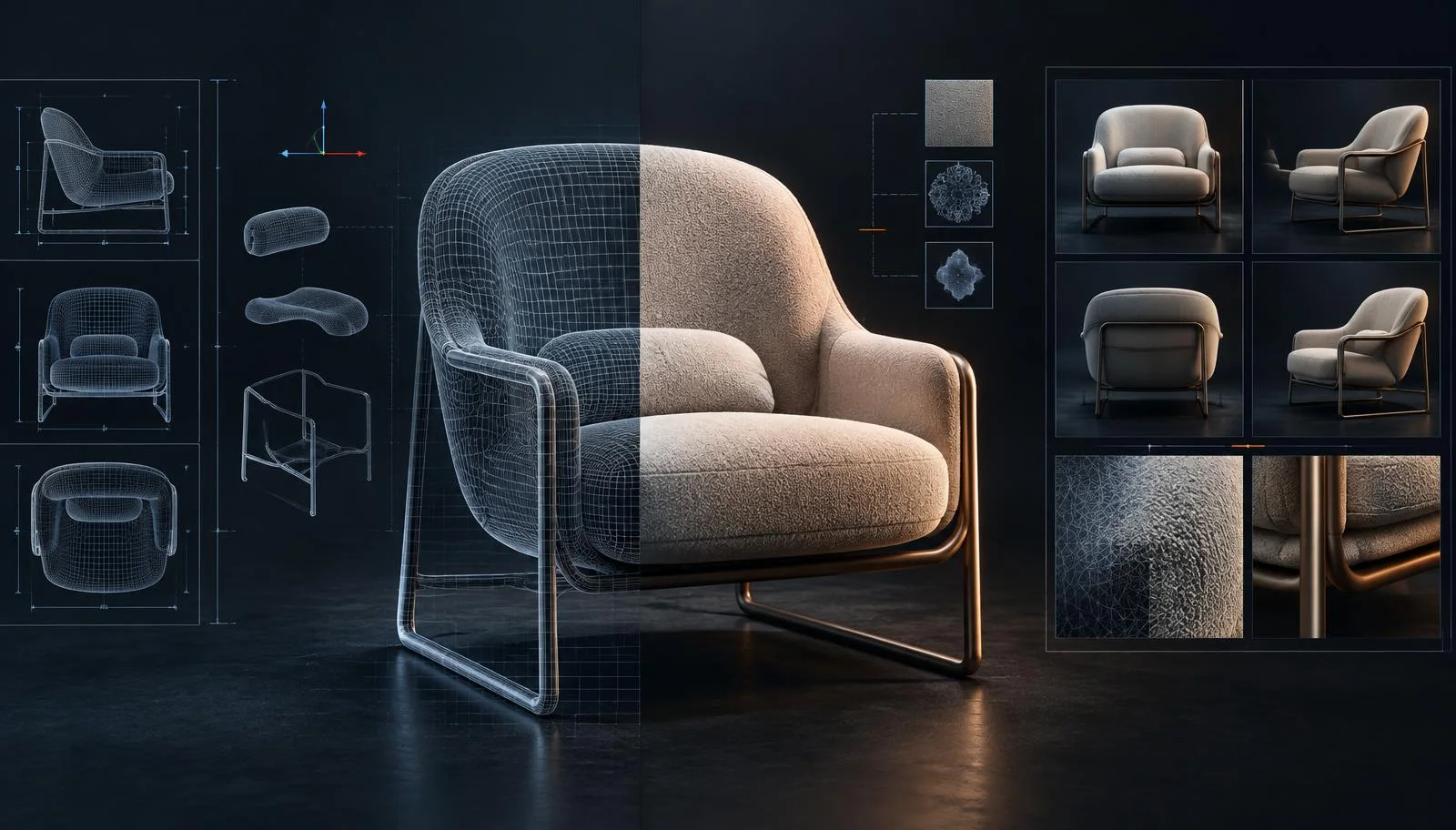
If you need a chair that is exactly 760 mm high, a shelving system that repeats at fixed intervals, or a room assembled from a measured plan, an AI agent writing Blender Python is often the better starting point. If you need a creature, a soft upholstered prop, a stylized character, or a mesh that closely follows concept art, an image-to-3D model is usually the faster route.
That is the practical difference between OpenAI Astra directing Blender and learned 3D generators such as Tripo, Meshy, and Microsoft TRELLIS. They all produce genuine 3D data, but solve different problems. One constructs a scene through explicit instructions. The other infers shape and appearance from patterns learned across 3D data.
The short answer: choose Blender/Python for dimensional control, repeatable construction, scene logic, and systematic variants. Choose learned 3D AI for visually led forms, rapid concept-to-mesh work, organic detail, and matching a reference image. Many professional projects benefit from both.
Two ways to generate a 3D model
The phrase “AI 3D model generator” now covers methods that work very differently. Treating them as interchangeable leads to the wrong brief, the wrong quality checks, and unnecessary cleanup.
Astra + Blender: an agent constructs the model
Astra is not itself a neural mesh generator. In OpenAI’s architectural visualization example, the agent uses Blender’s bpy Python API to create and edit an actual Blender scene: architecture, furniture, materials, lights, and cameras. It can inspect renders, revise its script, and run the next iteration. OpenAI describes the workflow here.
Blender then performs the geometry operations defined by the script. Its Python API exposes scene objects and mesh data including vertices, edges, loops, and polygons. Blender documents those structures in its official API.
This is procedural construction. The prompt works like a specification that an agent translates into operations:
- create a 2.4 m by 0.9 m wall, 150 mm thick;
- place three shelves at fixed heights;
- use a 22 mm panel profile;
- repeat a module every 600 mm;
- bevel exposed edges by 3 mm;
- name objects by assembly and material;
- position the camera at a defined focal length and height.
When the script is correct, repeating it produces the same construction. Values can become parameters, making this efficient for controlled families of products, room layouts, fixture systems, packaging structures, or hard-surface props.
Code-driven does not automatically mean correct. The agent can misunderstand the brief, choose the wrong origin, create intersections, or use a technically valid construction that does not match design intent. Dimensions, transforms, clearances, normals, materials, and renders still need validation.
Tripo, Meshy, and TRELLIS: a model infers the shape
Learned 3D generators work probabilistically. They use a text description, an image, or several images as a condition and infer a plausible 3D object. A single image does not show the back, underside, interior, or every depth relationship, so the system must estimate what is hidden.
This is why image to 3D is often more reliable than text to 3D when art direction matters. Meshy’s documentation notes that a visual reference gives the system a clearer generation target than text alone, and that its multiview mode accepts one to four views of the same object. See Meshy’s image-to-3D guidance and its multi-image API documentation. (Or, if you prefer to access all 3D AI models from one API, start here with the Creative AI OS.)
Tripo makes the same principle explicit: multiple angles improve geometry accuracy and texture coverage. Its multiview workflow requires a front view and at least one additional consistent view. See Tripo’s multiview documentation.
Microsoft TRELLIS is related, but it is not a like-for-like commercial service. It is an open research model and toolkit. Its Structured LATent representation can be decoded into meshes, radiance fields, or 3D Gaussians and conditioned by text or images. Read the Microsoft Research publication and official TRELLIS project.
Which approach is better for which assets?
Neither method owns an entire asset category. The distinction is what information is easiest to express and what must remain controllable.
Strong candidates for Astra + Blender/Python
Measured architecture and interiors. Walls, openings, stairs, panels, rooms, and camera setups respond well to explicit dimensions and relationships.
Furniture systems and fixtures. Cabinets, shelving, tables, retail displays, and modular assemblies often consist of repeated parts with defined thicknesses, offsets, and clearances.
Packaging and product structures. Boxes, containers, controlled bottle profiles, display units, and product families benefit from named parameters and repeatable variants.
Hard-surface and modular assets. Mechanical housings, simple vehicles, environment kits, platforms, and level-blockout elements can be described through primitives, profiles, booleans, arrays, and modifiers.
Scenes rather than isolated objects. A Python workflow can place objects, assign materials, set lights and cameras, and rebuild the scene when a source dimension changes.
These are not limits on Blender. Artists create highly organic work in Blender through sculpting, geometry nodes, simulation, and manual modeling. The narrower point is that asking an agent to construct subtle anatomy, folds, hair, or irregular handcrafted detail entirely through explicit Python operations is usually less direct than providing visual references to a learned generator.
Strong candidates for learned 3D AI
Characters and creatures. A strong reference communicates silhouette, proportion, surface character, and style more efficiently than a long list of geometric operations.
Soft products and apparel-like forms. Cushions, footwear, bags, garments, plush objects, and upholstered furniture depend on curvature, folds, and material cues that are visually dense.
Stylized props and concept meshes. Learned generators are useful when the target is “match this design language” rather than “hold this exact dimension.”
Rapid visual exploration. A team can compare several forms before investing in topology, rigging, exact scale, or final materials.
Reference-led reconstruction. When front, side, back, and three-quarter views agree, multiview generation has more evidence for hidden geometry and texture placement.
A generated mesh is not automatically ready for animation, an engine, manufacturing, or print. Inspect silhouette, scale, symmetry, thickness, holes, self-intersections, normals, polygon density, edge flow, UVs, texture seams, and material maps. The asset may need remeshing, retopology, UV work, scale correction, baking, rigging, or manual art direction. Meshy’s own documentation notes that topology and edge flow determine whether a mesh is efficient and deformable. See Meshy’s 3D core concepts.
Prompting: specifications versus references
The largest workflow mistake is using the same prompt for both methods.
How to brief Astra for Blender
Write a construction brief. Resolve ambiguity with units, coordinate rules, relationships, and acceptance checks.
Build a freestanding retail display in Blender. Overall size: 1800 mm high, 900 mm wide, 450 mm deep. Use 22 mm panels. Add four shelves with equal clear spacing between a 120 mm plinth and a 100 mm header. Keep the rear panel 12 mm thick. Apply a 2 mm bevel to exposed edges. Set the scene to metric millimetres. Name every object by assembly and part. Create front, side, and three-quarter cameras. Before rendering, report overall bounding-box dimensions and any intersecting parts.
The important information is not decorative language. It is:
- units and tolerances;
- overall and part dimensions;
- relationships, origin, axes, and transforms;
- construction method or permitted modifiers;
- object naming and hierarchy;
- materials and UV requirements;
- cameras, lighting, and output settings;
- checks the agent must perform.
“Mathematically specified” is more accurate than “mathematically guaranteed.” Explicit inputs make the intended construction testable. They do not remove the need to inspect the result.
How to brief image-to-3D AI
Treat reference preparation as part of the modeling process.
For a single-image workflow:
- isolate one object against a simple background;
- show the complete silhouette without cropping;
- avoid heavy occlusion and extreme perspective;
- use sharp, even lighting that reveals form;
- remove cast shadows or background elements that could become geometry;
- decide whether the reference communicates shape, texture, or both.
For a multiview workflow:
- use the same object and design in every view;
- keep proportions, materials, lighting, and object state consistent;
- provide front, side, back, and three-quarter information where supported;
- avoid views that quietly change handles, seams, accessories, or proportions;
- review all generated angles before accepting the mesh.
Text still helps, but it plays a supporting role: identify the object, material, style, pose, and details that the images leave ambiguous. It cannot reliably override contradictory views.
Workflow comparison
| Question | Astra + Blender/Python | Learned 3D AI |
|---|---|---|
| Primary input | Specification, constraints, dimensions | Text, image, or consistent multi-view references |
| Core action | Constructs geometry through Blender operations | Infers geometry and appearance from learned patterns |
| Best control | Dimensions, repetition, hierarchy, scene logic | Silhouette, visual character, soft or organic form |
| Repeatability | High with the same script and inputs | Can vary by model, seed, settings, and input |
| Hidden surfaces | Must be specified or constructed | Inferred; more views reduce ambiguity |
| Topology | Controlled by operations, but still inspected | Varies by model and mode; cleanup may be needed |
| Variants | Change parameters and rerun | Regenerate, edit references, or vary settings |
| Typical QA | Dimensions, intersections, hierarchy, normals | Shape fidelity, hidden geometry, topology, UVs, scale |
The strongest production workflow is often hybrid
A false choice between code and learned generation ignores how professional 3D work is assembled.
A team might generate the soft body of a chair from prepared multiview references, then use Blender/Python to set exact overall scale, replace the frame with dimensioned geometry, apply naming conventions, create LOD variants, assign approved materials, build turntable cameras, and export consistent files.
Or a team might construct a modular retail environment procedurally, then use 3D AI for decorative props and soft furnishings. The procedural system protects dimensions and repeatability; the learned model accelerates visually complex assets.
- define which parts must be dimensionally controlled;
- define which parts are judged primarily by visual fidelity;
- generate or construct each part with the appropriate method;
- validate topology, scale, materials, rights, and destination requirements;
- assemble, version, and export through one governed workflow.
For the broader handoff into engines and production tools, read How to Build Production-Ready 3D Workflows With AI. For model options, see 12 Best AI Tools for 3D Modeling in 2026. Our 3D Modeling Software Comparison covers the wider tool landscape, while A Practical Guide to 3D File Formats explains what survives each export.
One API for both workflows
Running this stack engine by engine gets expensive fast: one contract for a mesh generator, another for an image model, another for video — each with its own keys, billing, and limits.
Virtuall’s Model Library puts 325+ of the leading image, video, 3D, and audio models behind one API — including learned 3D engines such as Tripo and Meshy, alongside the image models your references depend on. One integration, one set of governance controls, and the freedom to change models without rewriting your pipeline.
It is also the easiest way to run an agentic workflow like the ones described above. If you want to set up your own Astra agent — or any equivalent agent that writes Blender Python or drives generation steps — a single governed endpoint gives it safe, controlled access to all AI models: one key, every generation traceable and auditable, and model choices your team can change without touching the integration.
See how teams integrate the Model Library — one API, 325+ models.
Ready to try it? Start Creating with the Creative AI OS.
A practical decision checklist
Choose Astra + Blender/Python when exact dimensions matter; the asset is modular, hard-surface, architectural, or scene-based; you need repeatable variants; hierarchy and assembly logic matter; and the team can validate Blender geometry and scripts.
Choose learned 3D AI when the target is best communicated visually; the asset has soft, organic, irregular, or stylized form; concept-to-mesh speed matters more than exact dimensions; you can provide strong references; and the pipeline includes mesh and texture review.
Choose a hybrid workflow when the asset needs both visual fidelity and controlled construction—which is common in product visualization, games, retail environments, and campaign production.
Frequently asked questions
Does Astra create a real 3D model?
Astra can direct Blender to create real scene objects and mesh data through Python. The useful distinction is explicit procedural construction versus learned geometric inference.
Are Blender Python models dimensionally accurate?
They can be built from explicit metric values and checked against bounding boxes, transforms, and construction rules. Accuracy depends on the brief, script, Blender operations, and validation.
Is image to 3D better than text to 3D?
For matching a specific design, image to 3D generally provides a clearer target because it communicates silhouette, proportion, materials, and style directly. Multiview inputs can reduce ambiguity further when views are consistent.
Are AI-generated meshes production-ready?
That depends on the destination. Assets may need scale correction, cleanup, remeshing, retopology, UV work, texture revision, rigging, LODs, collision geometry, or export validation. “Production-ready” is a destination-specific test.
Will one approach replace the other?
No. Procedural construction is strong where rules and dimensions define the asset. Learned generation is strong where references and visual form define it. Many professional workflows combine both.
Can I give my own AI agent access to all these models?
Yes. The Virtuall Model Library puts 325+ image, video, 3D, and audio models behind one governed API. An agent you build — for example one that writes Blender Python, like Astra — gets safe, controlled access to every model through a single integration. Each generation is traceable and auditable, and you can change models without rewriting the integration.