13 Best Real Time Collaboration Tools for Creative Teams (2025)
Discover the top real time collaboration tools for 3D design and creative workflows. Compare features, pricing, and security for enterprise teams.

In today's fast-paced creative industries, especially those involving complex visual work, seamless and secure interaction between designers, managers, and clients is critical. Traditional, asynchronous workflows often create bottlenecks, version control issues, and communication gaps that stifle innovation. This is where real time collaboration tools become essential, transforming isolated tasks into a dynamic, unified process. For enterprise-level creative teams, selecting the right platform isn't just about efficiency; it's about security, compliance, and scalability.
This guide provides a comprehensive review of the leading tools that empower visual creative teams to ideate, execute, and iterate together securely. We'll explore each platform's key features, ideal use cases for creative and visual design workflows, integration capabilities, and pricing structures. To truly unlock group synergy, it's also beneficial for teams to master various creative problem-solving techniques that complement their digital collaboration efforts.
Our goal is to help you identify the best platform for your specific needs, whether you're managing a small design studio or a large-scale visual effects team. The entries include practical use cases and direct links, ensuring you have all the information needed to make a confident, informed decision within a secure and compliant framework.
Automate your creative production on the Creative AI OS — create with Nyx, keep your assets and context together, and review work in one workspace.
1. Virtuall
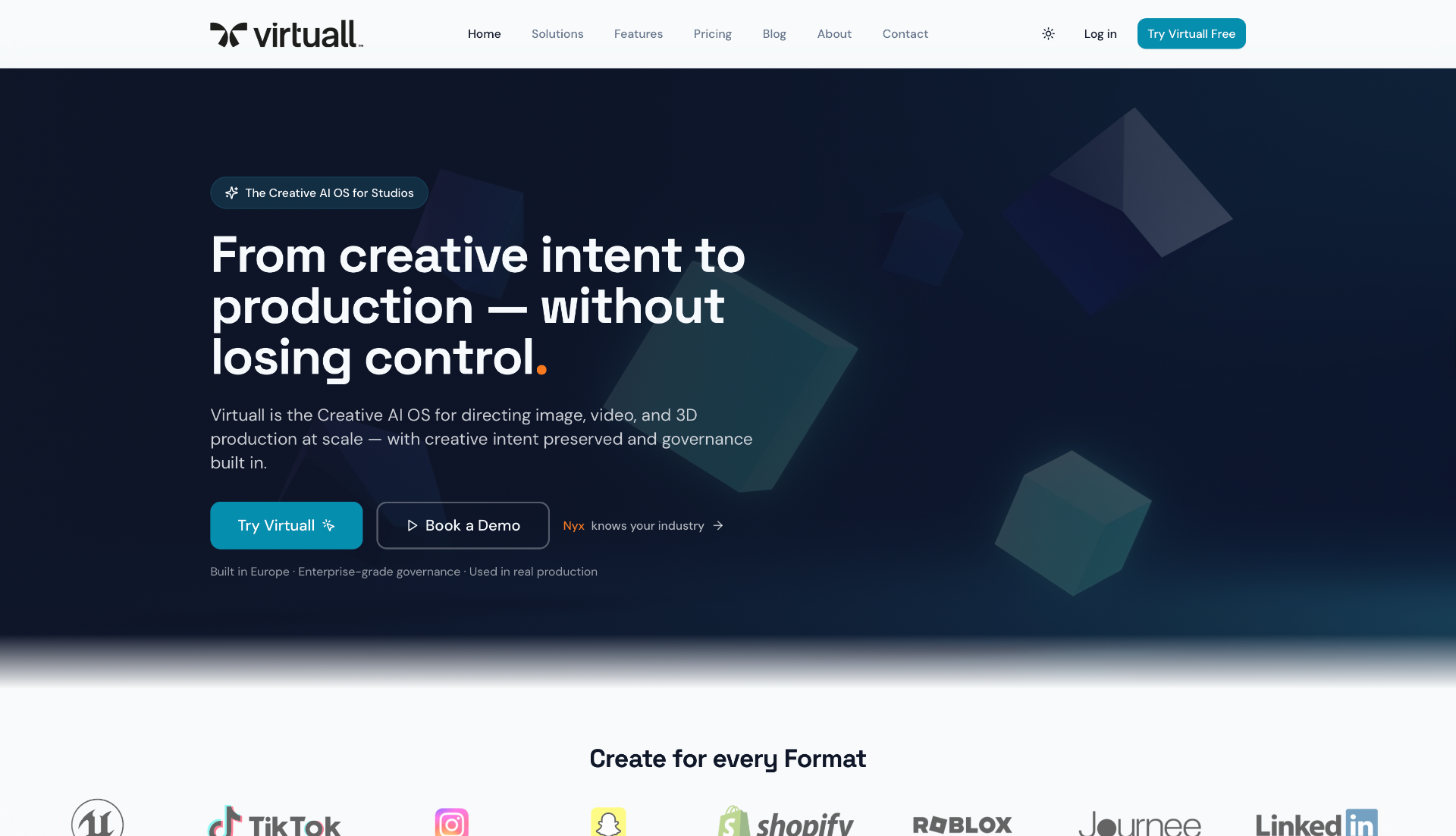
Best for: Studios and creative teams that want to automate production and keep creation, assets, feedback and approvals in the same workspace.
Automate your creative production on the Creative AI OS. Virtuall brings your people, creative knowledge and AI tools together. Create images, video, 3D and audio, organize assets and keep production work connected to the references and decisions behind it.
Nyx gets the results to you. Describe what you want or upload a reference. Nyx plans and runs the AI steps, then returns output for review and download. It does not schedule your team or assign people to tasks. You keep creative direction and approval; reusable workflows help you repeat production without rebuilding the process each time.
Use Case for Creative Teams
A game studio can keep a campaign prompt, style references and assets in one project, use Nyx to create variations, and collect feedback on the results. Internal artists and external partners work in the same approved environment with access appropriate to their roles. Reviewers can comment and approve assets before delivery, rather than reconstructing decisions from separate chats and file folders.
Key Capabilities
- Creative production: Image, video, 3D and audio tools in one workspace. The 325+ Model Library is available on Pro and above, not Creator.
- Nyx and reusable workflows: Turn a prompt or reference into results and build production workflows you can run again.
- Persistent creative context: Keep styles, references and decisions in the OS when you change models. Memory stays in the OS and is not used to train the AI models.
- Collaboration and review: Shared projects, annotations, asset approvals and version history on team-oriented plans.
- Controlled access: User management on Team and Studio; advanced user and group management, governance and auditability on Enterprise. Controls depend on the plan and configuration.
Pricing
- Creator: €19/month.
- Pro: €39/month.
- Team: €199/month.
- Studio: €799/month.
- Enterprise: Custom pricing for additional infrastructure, controls and support.
Monthly prices checked October 15, 2026. All prices exclude VAT. You buy a workspace and its capabilities; included credits and usage depend on the plan. See current pricing, capabilities and billing options.
Pros
- AI creation and production review stay connected in one workspace.
- Nyx runs the AI steps to deliver results, rather than only offering suggestions.
- Reusable workflows and persistent context help keep repeated work on style.
- Internal teams and external partners can work together with plan-appropriate permissions.
Considerations
- Choose Team or above for shared production and review; Creator and Pro are individual plans.
- Model access, usage, storage and management controls vary by plan.
- Human review remains important. Shared context and approved tooling are not a guarantee of identical outputs or copyright clearance, nor proof of tools used outside the workspace.
Explore the Workspace · Start Creating
2. Microsoft Teams
Microsoft Teams serves as a comprehensive communication hub, making it one of the most widely adopted real time collaboration tools for enterprises. Its primary strength lies in its seamless integration within the Microsoft 365 ecosystem. For creative teams already using Word, Excel, and PowerPoint for project documentation, proposals, or presentations, the ability to co-author documents live within a Teams channel is a significant workflow accelerator. This eliminates version control issues and keeps all project-related communication and documentation in a single, secure environment.
Use Case for Creative Teams
A visual effects studio can create a dedicated Team for a specific client project. Within this Team, they can have separate channels for "Concept Art," "3D Modeling," and "Client Feedback." Artists can share high-resolution renders directly in the relevant channel, receive threaded feedback, and hop on an impromptu video call to discuss complex visual changes. The integration with OneDrive and SharePoint ensures that large asset files are managed securely with enterprise-grade controls, which is crucial for protecting sensitive client intellectual property.
Teams excels at centralizing communication and documentation, offering a secure, all-in-one platform for businesses deeply invested in the Microsoft 365 suite. Its enterprise-grade security and compliance features make it a responsible choice for studios handling sensitive client IP.
- Key Features: Persistent chat channels, HD video meetings, live co-editing in Office apps, extensive app integrations.
- Pros: Unmatched integration with Microsoft 365, robust security and compliance standards.
- Cons: Can be overly complex for small teams not using the full Microsoft suite; optimal value is tied to a Microsoft 365 subscription.
- Pricing: A limited free version is available. Paid plans start at $4.00 per user/month (annual commitment) with Microsoft 365 Business Basic.
Website: https://www.microsoft.com/en-us/microsoft-teams/compare-microsoft-teams-business-options
3. Slack
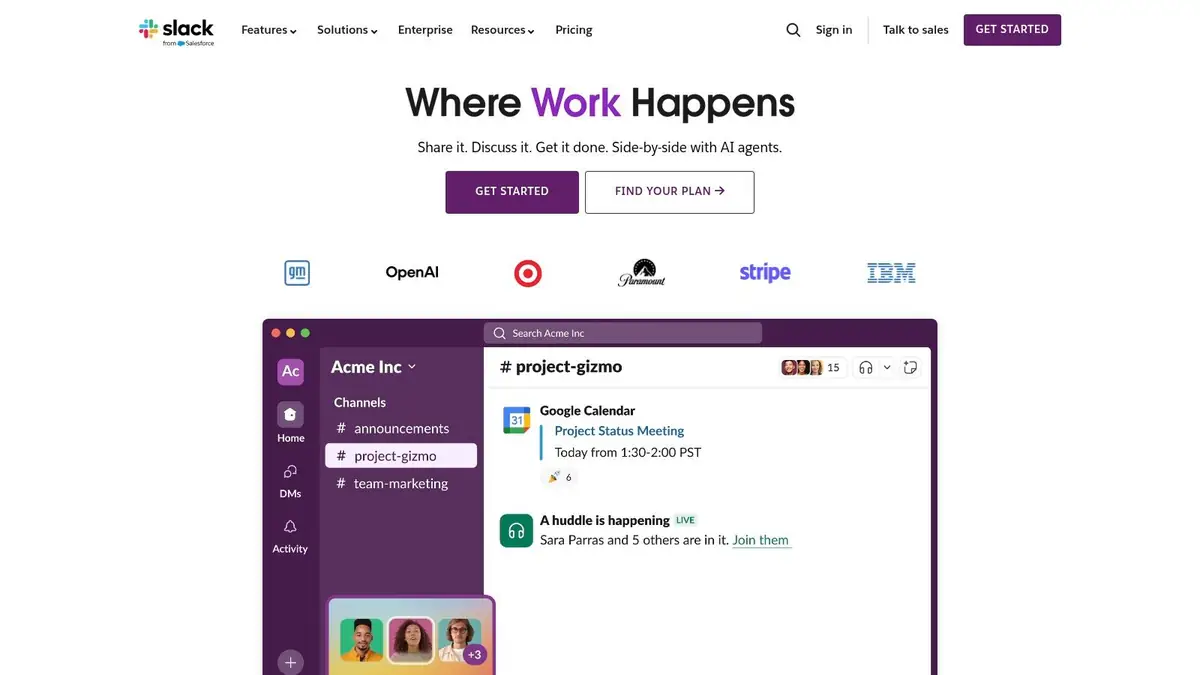
Slack has cemented its reputation as a central hub for daily team communication, making it a powerful choice among real time collaboration tools. Its core strength is creating a highly organized and searchable archive of all team conversations, decisions, and shared files. For creative teams, this means a project’s entire history, from initial brief to final asset delivery, is captured in one place. The intuitive channel-based structure allows teams to silo conversations by project, discipline, or client, preventing information overload and keeping discussions focused and on-topic.
Use Case for Creative Teams
An animation studio can utilize Slack Connect to create a secure, shared channel with an external client and a freelance sound designer, ensuring all stakeholders are in sync. Within their own workspace, they can have channels like #character-rigging or #vfx-updates. An animator can drop a WIP render into the channel, get threaded feedback from the Art Director, and then start a quick Huddle with a rigger to discuss a specific joint issue-all without leaving the platform. This immediate feedback loop is critical for fast-paced visual projects.
Slack shines by making team communication fluid, searchable, and highly extensible through integrations. It is the gold standard for creating a vibrant, connected digital workspace that accelerates day-to-day creative operations and decision-making.
- Key Features: Channels, threads, and powerful search; Huddles with screen sharing; canvases and lists for lightweight docs/tasks; 2,600+ app integrations; Built-in AI summaries and search on paid plans.
- Pros: Intuitive and widely adopted user interface; strong cross-company collaboration via Slack Connect.
- Cons: Can become noisy without good channel hygiene; some advanced security and retention controls require higher-tier enterprise plans.
- Pricing: A limited free version is available. Paid plans start at $7.25 per user/month (billed annually) for the Pro plan.
Website: https://slack.com
4. Google Workspace
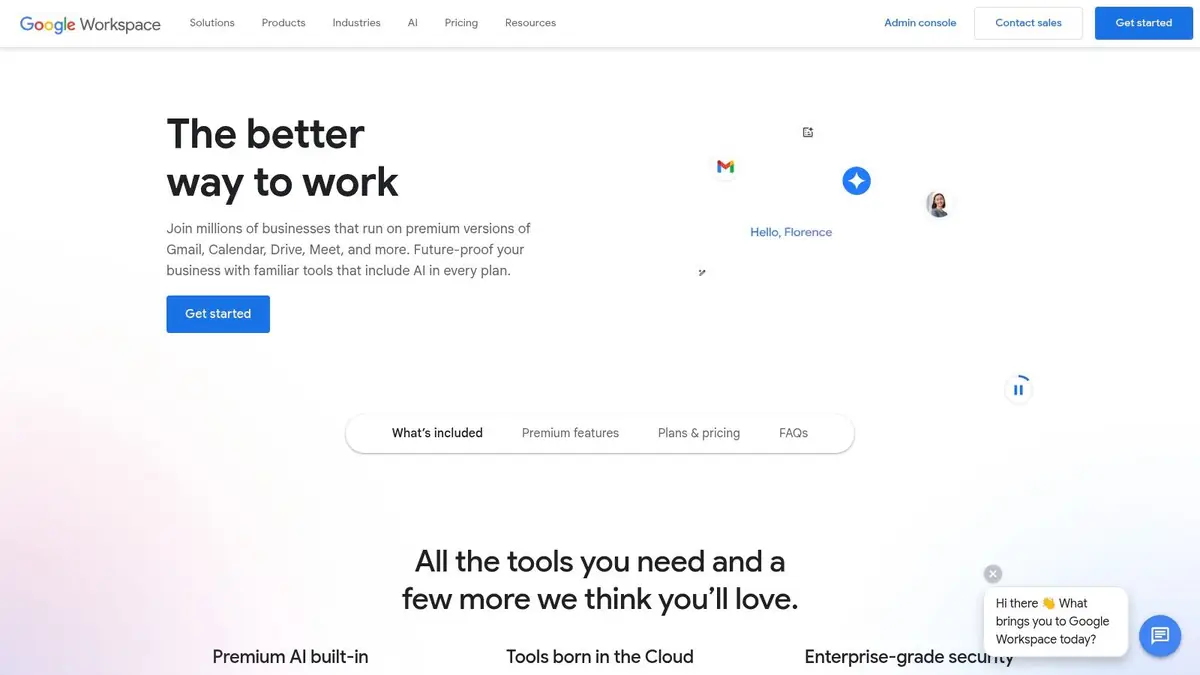
Google Workspace is a powerhouse among real time collaboration tools, renowned for its frictionless co-editing experience. Its core strength is the simultaneous, browser-based editing of documents, spreadsheets, and presentations, which is ideal for creative teams developing scripts, project plans, or marketing copy. The intuitive nature of Google Docs, Sheets, and Slides allows multiple users to contribute and comment in the same file without complex check-in/check-out processes, ensuring a single source of truth for all text-based assets.
Use Case for Creative Teams
A creative agency can use Google Sheets to manage a master content calendar, with writers, designers, and project managers updating statuses simultaneously. The creative team can use Google Docs to draft storyboards and scripts, with stakeholders providing feedback directly in the document via comments and suggestions. Google Meet can be used for daily stand-ups and review sessions, with a link automatically generated in every Calendar invite, keeping the entire team connected and aligned on project milestones and creative direction.
Google Workspace excels at providing a simple, powerful, and accessible platform for live document collaboration, making it ideal for creative teams that prioritize speed and ease of use in their administrative and planning workflows.
- Key Features: Real-time multi-user editing with version history, Meet video conferencing with captions and recording, Integrated Drive storage and sharing, Gemini AI features included across core apps.
- Pros: Best-in-class live co-editing in docs and spreadsheets, simple sharing and permissions model at scale.
- Cons: Storage and admin controls vary by tier; some enterprises prefer Microsoft file-format defaults for compliance.
- Pricing: Plans start at $6 per user/month for Business Starter, with more advanced security and features in higher tiers.
Website: https://workspace.google.com
5. Zoom (Zoom Workplace / Zoom One)
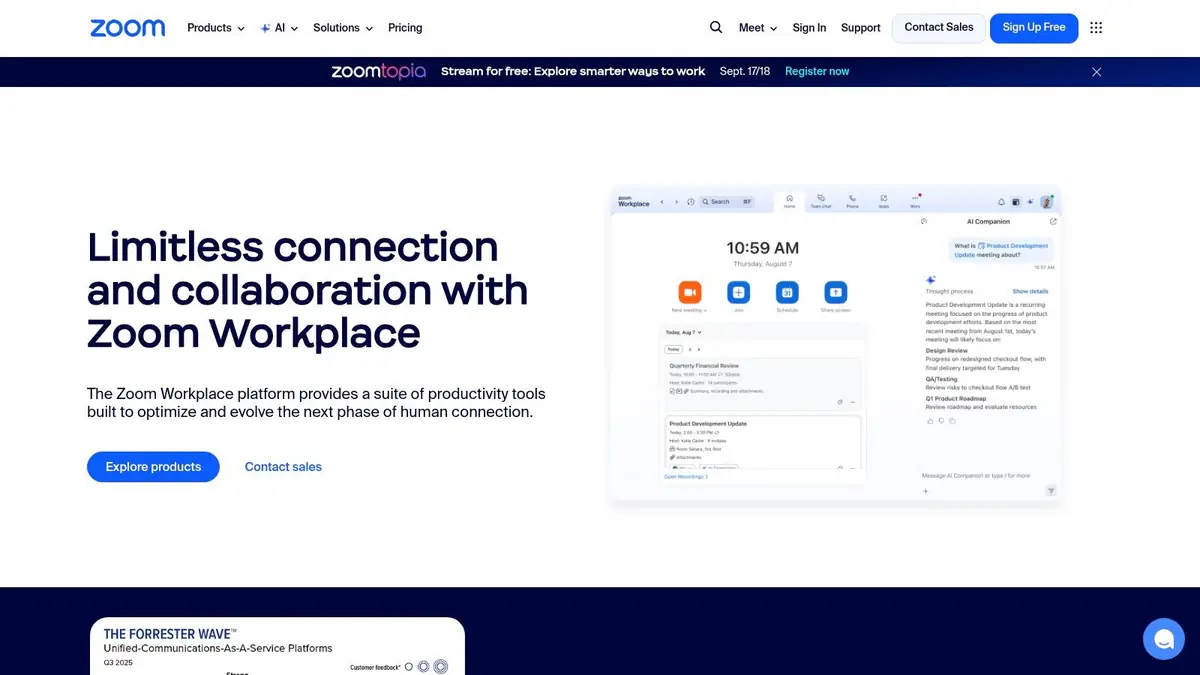
While synonymous with video conferencing, Zoom has evolved into a multifaceted platform that supports a wide range of real time collaboration tools. Its core strength remains its incredibly reliable and high-quality video meeting experience, which is essential for creative teams needing to review visual assets with clarity. The platform now bundles Team Chat, Whiteboards, and other services into its Zoom Workplace offering, creating a more cohesive environment for project communication beyond just scheduled calls.
Use Case for Creative Teams
An animation studio can use Zoom for daily stand-ups and critical client review sessions, leveraging its stable screen-sharing to present high-fidelity animation sequences without lag. During a brainstorming session, the team can launch a Zoom Whiteboard to sketch out storyboards or character concepts collaboratively in real time. The AI Companion feature on paid plans can automatically generate meeting summaries and action items, ensuring key creative decisions and feedback points are captured and distributed without manual effort. For a deeper dive into maximizing the platform's potential, consider exploring how to use Zoom for virtual meetings.
Zoom’s primary advantage is its best-in-class video stability and simplicity, ensuring that critical visual reviews are not compromised by technology. The addition of persistent chat and whiteboards makes it a stronger contender for centralized team collaboration.
- Key Features: HD video meetings and webinars, Team Chat with file sharing, collaborative Whiteboards, AI Companion for summaries on paid plans.
- Pros: Excellent video quality and reliability, very easy for external clients to join meetings, broad hardware ecosystem.
- Cons: The free tier has become more restrictive for business use; comprehensive features require a move to paid Workplace bundles.
- Pricing: A free Basic plan is available. Paid plans start at 5.99 per user/month for the Pro tier.
Website: https://www.zoom.us
6. Figma
Figma has redefined the landscape for UI/UX design, establishing itself as the quintessential platform for interface creation and one of the most effective real time collaboration tools available. Its core strength is its browser-based, multiplayer environment, where multiple designers, developers, and stakeholders can simultaneously view and edit design files. This live interaction eliminates the friction of file syncing and version conflicts, creating a single source of truth for all visual assets and design systems.
Use Case for Creative Teams
A product design team can use Figma to design the UI for a new application. The UI/UX designers can build interactive prototypes in a shared file, while artists create and add final assets to a shared component library. Simultaneously, developers can use Developer Mode to inspect design elements, grab code snippets, and access specs, ensuring pixel-perfect implementation. The accompanying FigJam whiteboarding tool can be used for initial brainstorming sessions on user flow and visual concepts, keeping the entire design lifecycle within one secure ecosystem.
Figma excels by providing a unified, real-time environment for the entire product design process, from initial brainstorming in FigJam to high-fidelity prototyping and developer handoff, making it indispensable for modern digital product teams.
- Key Features: Live multi-cursor design editing, interactive prototyping, shared component libraries, Developer Mode for handoff, FigJam for whiteboarding.
- Pros: Best-in-class real-time design collaboration; cross-platform and browser-based, requiring no heavy software installations.
- Cons: Costs can scale significantly with different seat types (Design, FigJam) and team size; advanced security and organizational features are gated behind higher enterprise tiers.
- Pricing: A limited free plan is available. Paid plans start at 2 per editor/month (billed annually) for Figma Professional.
Website: https://www.figma.com
7. Miro
Miro provides an infinite digital whiteboard, making it one of the most flexible real time collaboration tools for visual ideation and strategic planning. Its core strength is translating the dynamic energy of an in-person workshop into a distributed environment. For creative teams, it’s an indispensable space for brainstorming sessions, mapping out user journeys, or organizing complex project roadmaps before a single visual asset is even created. The platform’s intuitive drag-and-drop interface allows for a free-flowing exchange of ideas using sticky notes, diagrams, and images.
Use Case for Creative Teams
A marketing creative team can use a Miro board for a campaign workshop to define the core visual concept. The team can use digital sticky notes to map out story beats, add inspiration images, and use voting tools to prioritize key messaging. The board becomes a living document that can be shared securely with stakeholders and links to project management tools like Jira, ensuring that the high-level creative vision is directly connected to actionable production tasks. This maintains alignment between creative directors, artists, and copywriters throughout the campaign lifecycle.
Miro excels at facilitating unstructured ideation and structured planning in a single visual space. It is the go-to platform for remote workshops, agile ceremonies, and keeping cross-functional teams aligned on a shared creative vision.
- Key Features: Live boards with sticky notes, voting, and timers; 5,000+ templates and 160+ integrations; Diagramming and two-way Jira/Azure DevOps sync; Miro AI for summarizing and ideation.
- Pros: Excellent for distributed workshops and agile rituals; Scales from quick brainstorms to multi-team planning.
- Cons: Advanced security, SSO, and guest access are on higher-tier plans; Heavy boards with many assets can tax older machines.
- Pricing: A limited free version is available. Paid plans start at $8 per member/month (billed annually).
Website: https://miro.com
8. Notion
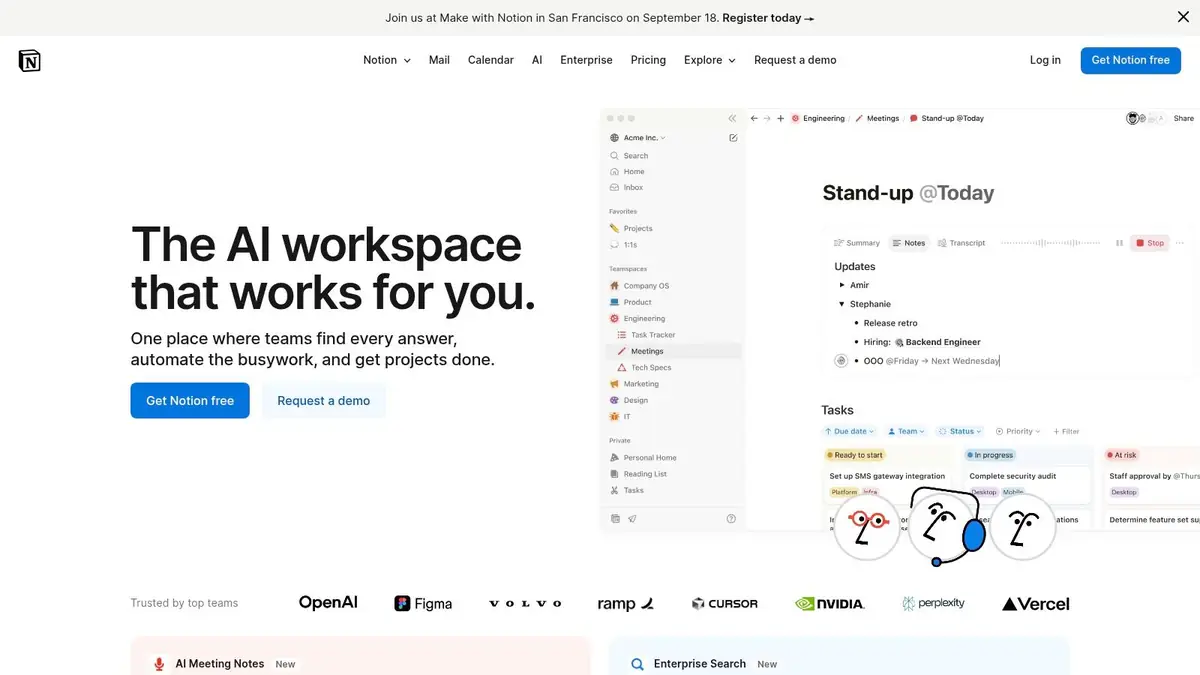
Notion offers a uniquely flexible workspace where documents, databases, and project management tools converge, making it a powerful platform for teams seeking customizable real time collaboration tools. Its core strength is the “everything block,” which allows users to build interconnected systems for documentation, task tracking, and knowledge management. For creative studios, this means a single source of truth for project briefs, asset libraries, and feedback cycles, with all pages and database entries updating instantly for every team member. The recent addition of Notion AI further streamlines workflows by assisting with drafting, summarizing, and generating action items from notes.
Use Case for Creative Teams
A design studio can use Notion to create a central creative brief that links directly to artist databases, task lists, and brand style guides. Artists can populate a gallery-view database with concept sketches, which producers can then tag with statuses like "In-Review" or "Approved." Changes to an asset's status in the database automatically reflect in the master project timeline, providing everyone with a live, accurate view of progress without needing to switch apps.
Notion’s unparalleled flexibility allows it to replace multiple niche applications, consolidating project knowledge and task management into one fluid, interconnected, and highly visual environment.
- Key Features: Live-updating pages and databases, linked views, Teamspaces with granular permissions, Notion AI for content generation, web publishing.
- Pros: Highly adaptable model replaces several tools; strong for building knowledge bases and public-facing roadmaps.
- Cons: Extreme flexibility can lead to disorganization without a clear structure; key enterprise controls are gated behind higher-tier plans.
- Pricing: A limited free version is available. Paid plans start at $8 per user/month (billed annually) for the Plus plan.
Website: https://www.notion.so
9. ProofHub
Best for: Creative teams coordinating project schedules, feedback and file approvals in one workspace.
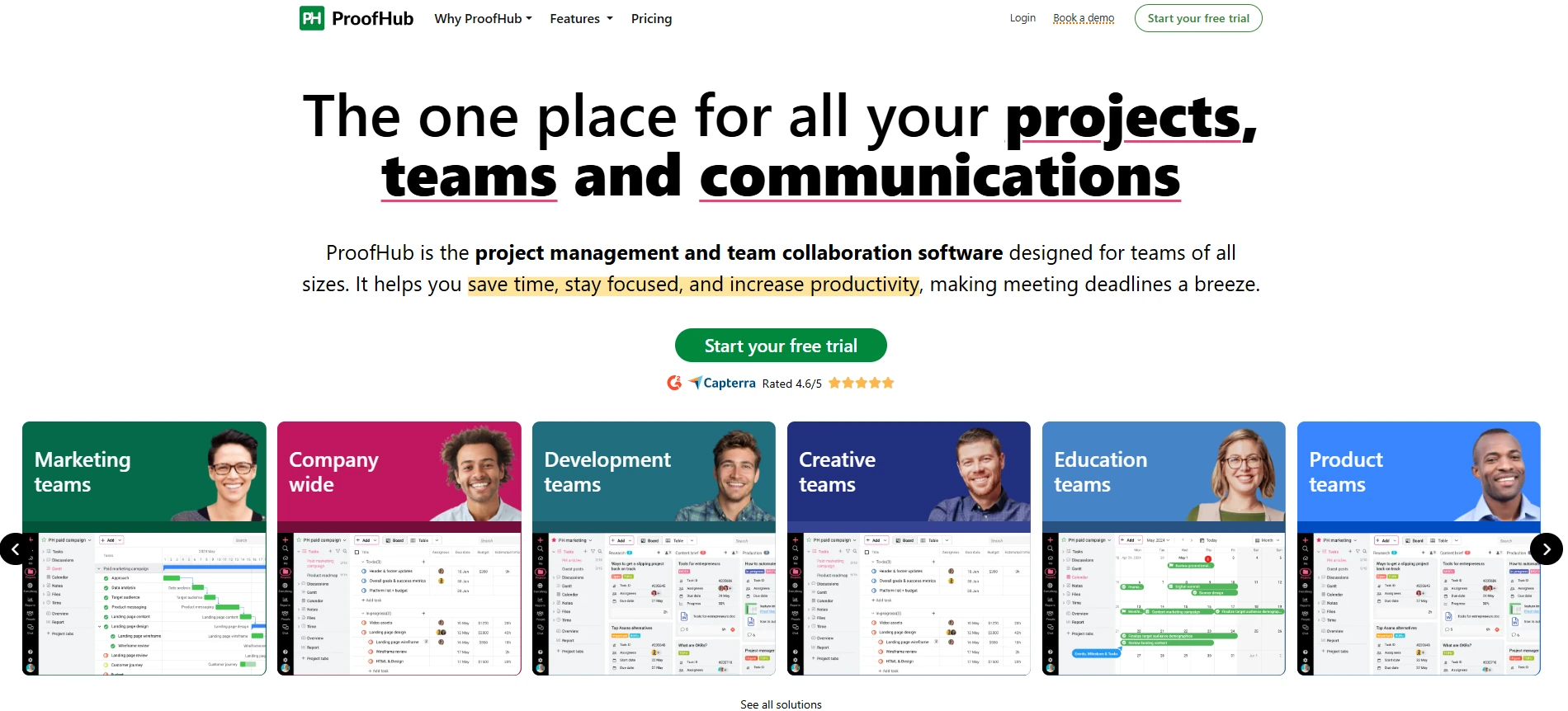
ProofHub brings task management, team communication and file review together. Teams can track work in Table, Kanban, Gantt and Calendar views, discuss changes and keep feedback attached to the relevant project. Its focus is coordinating people and reviewing their work, rather than generating creative assets or editing a design file together.
Use Case for Creative Teams
A design agency managing a client campaign can set up a board with stages from kickoff to delivery. A project manager assigns tasks with a campaign prompt and reference files attached. When a designer uploads an asset, a manager or client can use the built-in proofing tool to annotate the file and leave specific feedback. The team can review those comments alongside the task, then move approved work to the next stage.
For studios working with external clients, keeping task updates, discussions and review notes in the same project can reduce the need to reconstruct decisions from separate email threads.
- Key Features: Table, Kanban, Gantt and Calendar views; task dependencies; built-in file proofing with annotations; team chat and discussions; time tracking and timesheets. Custom access roles are available on Ultimate Control.
- Pros: Flat-rate pricing with no per-user fee; project planning and creative review in the same workspace; native time tracking for project reporting.
- Cons: Flat-rate plans may be less economical for freelancers or individual users. Storage is limited to 15GB on Essential and 100GB on Ultimate Control, which matters for media-heavy projects.
- Pricing: Essential costs $45/month billed annually ($540/year), or $50 billed monthly, for 40 projects and unlimited users. Ultimate Control costs $89/month billed annually (,068/year), or $99 billed monthly, for unlimited projects and unlimited users. Rates checked October 15, 2026.
Website: https://www.proofhub.com
ProofHub is included as part of a reciprocal editorial collaboration.
10. Asana
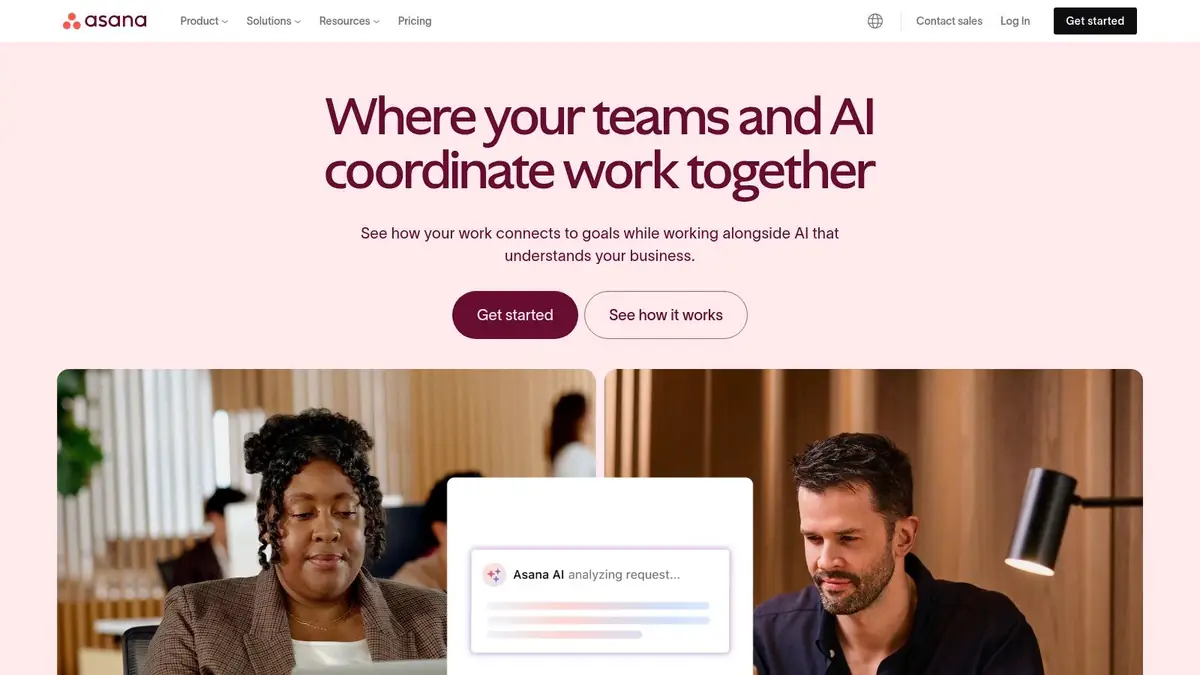
Asana is a powerful work management platform that excels at bringing clarity to complex projects, making it a valuable tool for creative workflows. While often seen as a task manager, its real-time updates on project timelines, task dependencies, and team workloads transform it into one of the most effective real time collaboration tools for structured creative production. Asana allows teams to see how individual tasks connect to larger strategic goals, ensuring everyone is aligned and moving in the same direction.
Use Case for Creative Teams
A visual production studio can use Asana's Timeline view to map out an entire production sprint, from concept art to final asset integration. A lead artist can assign a "character model" task to one artist, which is marked as a dependency for the "rigging" task assigned to another. When the model is completed and marked as done, the rigger is automatically notified that they can begin their work. This real-time dependency tracking eliminates bottlenecks and keeps the visual production pipeline flowing smoothly.
Asana brings structure and transparency to creative chaos, visualizing project progress and dependencies in real-time to keep even the most complex productions on track and accountable.
- Key Features: Live-updating tasks and timelines, workflow automation, project dashboards and reporting, extensive integrations.
- Pros: Excellent for visualizing project dependencies and overall progress; powerful templates and automation.
- Cons: Can have a steep learning curve for advanced features; key portfolio management tools are on premium tiers.
- Pricing: A free Basic plan is available. Paid plans start at 0.99 per user/month (billed annually).
Website: https://asana.com
11. ClickUp
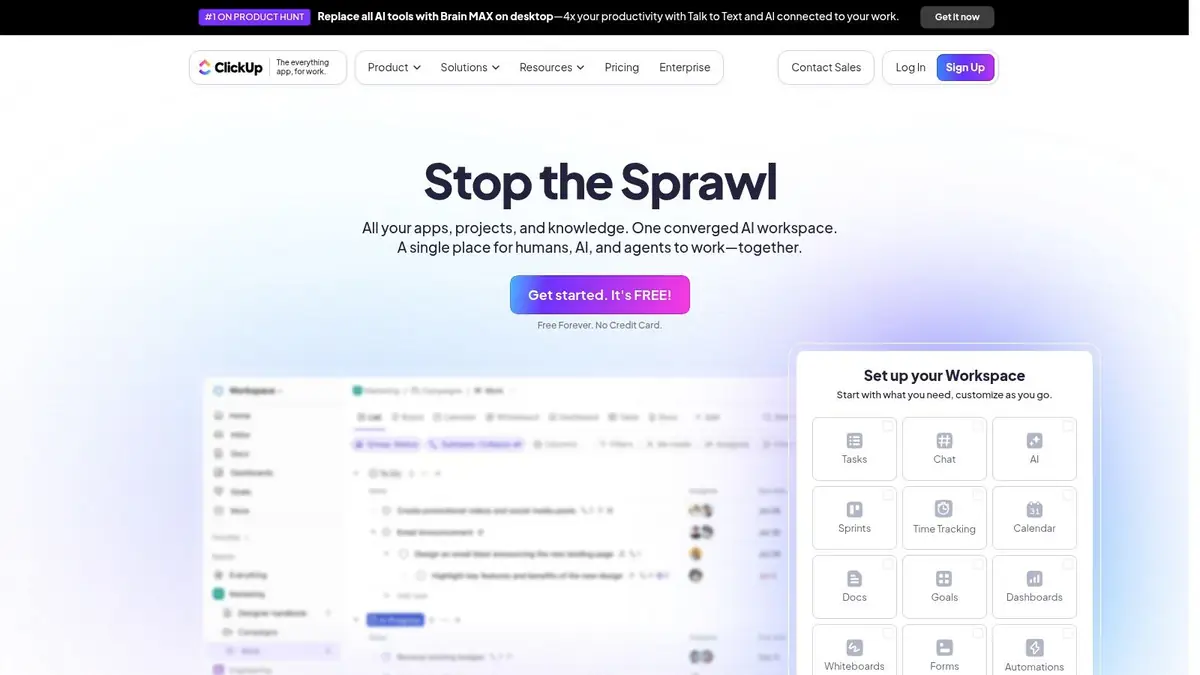
ClickUp positions itself as an all-in-one productivity platform, aiming to replace multiple disparate applications with a single, unified workspace. For creative studios, this means project tasks, documentation, whiteboards, and chat can coexist in one environment. As one of the most versatile real time collaboration tools, its strength lies in extreme customizability, allowing teams to build workflows that precisely match their creative process, from initial concept to final asset delivery. Real-time editing in ClickUp Docs and collaborative Whiteboards enables teams to brainstorm and refine ideas simultaneously.
Use Case for Creative Teams
A visual design studio can use ClickUp to manage its entire creative pipeline. A custom list can track assets using a Kanban board view, with stages like "Concept," "Modeling," "Texturing," and "Final Render." Artists can attach work-in-progress files to tasks, tag team members for feedback directly in comments, and use the native time tracking to log hours against specific assets. The integrated Docs feature can serve as a living creative brief, which is editable by the team in real time as the project evolves.
ClickUp is the ultimate consolidator, offering a powerful, feature-dense environment for teams looking to bring all their project management, documentation, and collaborative work into a single customizable platform.
- Key Features: Tasks, docs, whiteboards, goals, and dashboards; real-time collaborative docs and comments; native time tracking and workload management.
- Pros: Very feature-rich and highly customizable; can consolidate multiple tools into one platform.
- Cons: Setup complexity for first-time admins; feature breadth can feel overwhelming.
- Pricing: A robust free-forever plan is available. Paid plans start at $7 per user/month (billed annually).
Website: https://clickup.com
12. Airtable
Airtable elevates the familiar spreadsheet into a powerful relational database, making it one of the most flexible real time collaboration tools available. It uniquely combines the simplicity of a grid with the complexity of a database, allowing teams to build custom applications and workflows. For creative agencies, this means moving beyond static project trackers to create dynamic, interconnected systems for asset management, content pipelines, and resource allocation, all updated live as changes happen.

Use Case for Creative Teams
A visual effects studio can use an Airtable "base" to manage their entire asset creation pipeline. Different tables can track characters, environments, and props, linking each asset to its assigned artist, status (e.g., "Concept," "Modeling," "Texturing"), and due date. Using Airtable's different views, a producer can see a Kanban board of asset progress, while an art director can use a gallery view to review final renders. This interconnected system ensures that when an artist updates an asset's status, the project timeline and resource dashboards reflect the change in real time for all stakeholders.
Airtable is exceptional for creating a single source of truth that is both structured and highly customizable. It empowers creative operations by linking project management data directly to asset databases and production schedules in a collaborative environment.
- Key Features: Shared bases and interfaces with permissions, Automations, extensions, and API access, Multiple views: grid, kanban, timeline, gantt.
- Pros: Familiar spreadsheet feel combined with database power, strong for cross-functional operations and content pipelines.
- Cons: Record and attachment limits depend on plan; advanced governance features are only on Business and Enterprise tiers.
- Pricing: A free plan with limited records is available. Paid plans start at $20 per seat/month, billed annually.
Website: https://airtable.com
13. Atlassian Confluence
Atlassian Confluence functions as a living knowledge base, making it one of the most powerful real time collaboration tools for centralizing project documentation and team wisdom. Its core strength is its structured wiki-style format, which allows teams to build an organized and interconnected single source of truth. For creative teams juggling complex projects, this means all design briefs, technical specifications, and meeting notes can be created and updated collaboratively in real time, preventing knowledge silos and ensuring everyone works from the most current information.
Use Case for Creative Teams
A visual development studio can use a dedicated Confluence "Space" for their upcoming project. Within this space, they can create pages for the creative brief, character backstories, and technical art guidelines. Concept artists and 3D modelers can embed their work directly into pages, receive inline comments, and see real-time edits from the Art Director. The tight integration with Jira allows them to link documentation directly to development tasks, providing engineers with immediate context for asset implementation and ensuring the creative vision is maintained throughout the production pipeline.
Confluence excels at creating a structured, searchable, and collaborative knowledge hub. It is the definitive choice for creative organizations that need to document complex processes and link that documentation directly to their project management workflow in Jira.
- Key Features: Live co-authoring with comments and page history, Spaces, page permissions, Whiteboards, and AI writing assistance.
- Pros: Strong structure for knowledge bases and team hubs, tight integration with Jira for project documentation.
- Cons: Best features like analytics are on Premium tiers; interface can feel heavier compared to doc-first tools.
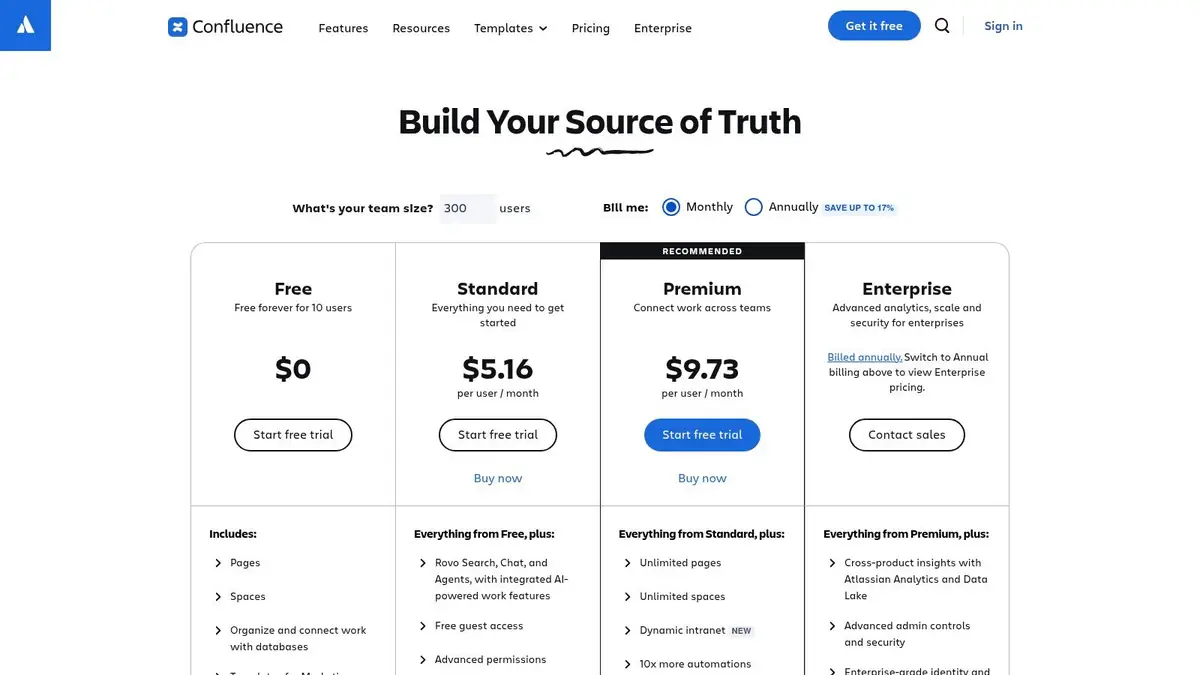
- Pricing: A free plan is available for up to 10 users. Paid plans start at $6.05 per user/month.
Website: https://www.atlassian.com/software/confluence/pricing
Real-Time Collaboration Tools Comparison
Tool Core capabilities Best for Key distinction Pricing approach Virtuall AI creation, reusable workflows, asset review and persistent context Studios and creative production teams Creative AI OS: Nyx delivers results inside a shared workspace Creator €19; Pro €39; Team €199; Studio €799/month; Enterprise custom. Excludes VAT Microsoft Teams Chat, meetings and Office co-authoring Teams using Microsoft 365 Communication connected to Office documents Subscription and Microsoft 365 bundles Slack Channels, Huddles and integrations Internal and cross-company teams Searchable conversations and Slack Connect Free and paid per-user plans Google Workspace Documents, spreadsheets, Meet and Drive Teams collaborating on documents Live co-editing and shared files Per-user subscription tiers Zoom Workplace Video meetings, chat and whiteboards Remote teams and client meetings Video-led communication Free and paid plans Figma Live design editing, prototypes and developer handoff UI/UX and product design teams Multiplayer interface design Free and paid seat-based plans Miro Whiteboards, diagrams and workshop tools Teams planning and brainstorming together Visual workshops and shared planning Free and paid per-member plans Notion Documents, databases and shared knowledge Teams organizing project knowledge Flexible linked pages and databases Free and paid per-user plans ProofHub Project views, file proofing, chat and time tracking Creative teams coordinating client work Planning and review in one workspace Flat-rate, unlimited users; from $45/month billed annually Asana Tasks, timelines and workflow automation Cross-functional project teams Dependencies and structured work tracking Free and paid per-user plans ClickUp Tasks, documents and whiteboards Teams consolidating work tools Customizable work management Free and paid per-user plans Airtable Linked records, views and automations Creative operations and content teams Structured asset and project data Free and paid seat-based plans Atlassian Confluence Pages, comments and Jira integration Teams maintaining shared documentation Project knowledge connected to Jira Free and paid per-user plans Choosing the Right Platform for Your Creative Vision
Navigating the landscape of modern real time collaboration tools can feel overwhelming, but the journey from selection to implementation is a crucial investment in your team's creative potential. As we've explored, the market offers a spectrum of solutions, from communication powerhouses like Slack and Microsoft Teams to versatile project management hubs such as Asana and ClickUp. While these platforms are excellent for general-purpose organization and chat, visual and 3D design workflows present unique challenges that demand more specialized, secure capabilities.
The key takeaway is that no single tool is universally perfect. Your ideal platform is the one that aligns seamlessly with your team's specific processes, technical requirements, and long-term goals. For creative teams, this means moving beyond simple file sharing and chat functions to find a tool that genuinely understands and accelerates the creative lifecycle, from brainstorming and asset generation to final review and delivery.
How to Make Your Final Decision
To select the right tool, begin with a thorough audit of your existing workflow. Identify the bottlenecks and pain points your team faces daily. Is it inefficient feedback loops on 3D models? A disconnect between project management and asset creation? Or perhaps security concerns when sharing proprietary designs with external stakeholders? Answering these questions will provide a clear framework for evaluating the platforms we've discussed.
Consider these critical factors during your evaluation:
- Workflow Integration: Does the tool consolidate your workflow, or does it add another layer of complexity? A truly effective solution should reduce the need to switch between multiple applications, centralizing communication, task management, and creative asset handling in one secure place.
- Scalability and Security: Choose a platform that can grow with your team and your projects. For enterprise-level work, prioritize tools that offer robust security protocols, compliance certifications, and granular permission controls to protect your valuable intellectual property.
- Specialization vs. Generalization: General tools like Google Workspace are fantastic for document collaboration, while specialized platforms like Figma excel in UI/UX design. For 3D and visual content, seek out a solution purpose-built for those asset types, offering features like 3D model viewing, version control, and AI-powered creative assistance.
Ultimately, the best real time collaboration tools are those that become an invisible, empowering extension of your team's talent. They should foster creativity, not hinder it with clunky interfaces or disjointed processes. By focusing on your unique creative needs, you can implement a platform that not only connects your team but also amplifies your collective vision, ensuring every project is delivered efficiently, securely, and to the highest standard.
Want creation and collaboration in the same production environment? Explore the Creative AI OS Workspace: create with Nyx, retain your creative context, and review work with your team and partners. Start Creating, or compare workspace plans.
Related reading
Related reading