A Guide to AI Genererede Billeder for Creative Teams
Unlock the power of ai genererede billeder. Learn how to master prompting, streamline workflows, and integrate AI into your creative process with this guide.
Staring at a blank canvas can be daunting. What if you could turn a simple text description into a stunning visual in mere seconds? This isn't science fiction anymore; it’s the new reality with ai genererede billeder (AI-generated images).
If you haven't had the chance to generate anything yet, you can try the Creative AI OS from Virtuall for free and bring your first idea to life right now.
Your Starting Point for Professional AI Images
The idea of creating images from words might sound futuristic, but it’s a practical tool that is already reshaping creative industries. Think of it less like complex code and more like a new form of digital art where your words are the paintbrush. It's a bit like photography, but instead of capturing what already exists, you're creating what you imagine.
This guide will walk you through the essential concepts and practical techniques you need to get professional results. We'll also explore how a dedicated platform like VirtuallPRO turns this technology from a fun novelty into a core part of your creative workflow, covering everything from the initial spark of an idea to the final polished asset.
The Rapid Growth of AI in Creative Fields
The adoption of AI tools is accelerating, especially within creative sectors. This trend is particularly strong here in Denmark, where businesses are quickly seeing the benefits.
A 2023 report revealed that 15% of Danish companies were already using AI solutions—a figure nearly double the EU average of 8%. The information and communication sector is leading the charge, embracing AI to innovate and work faster. You can find more insights on Denmark's AI adoption from Statista.
This boom is exactly where Virtuall comes in. We’re here to help game developers, art directors, and marketing teams generate, iterate, and collaborate on AI-powered images and 3D models more efficiently than ever before. For creative professionals, this opens up incredible opportunities for rapid visualisation and asset creation. A great way to get a feel for what’s possible is to explore our guide on the best free AI image generators.
From Simple Idea to Detailed Visual
Getting started is often the hardest part, but AI can be the bridge that closes the gap between a rough idea and a tangible visual.
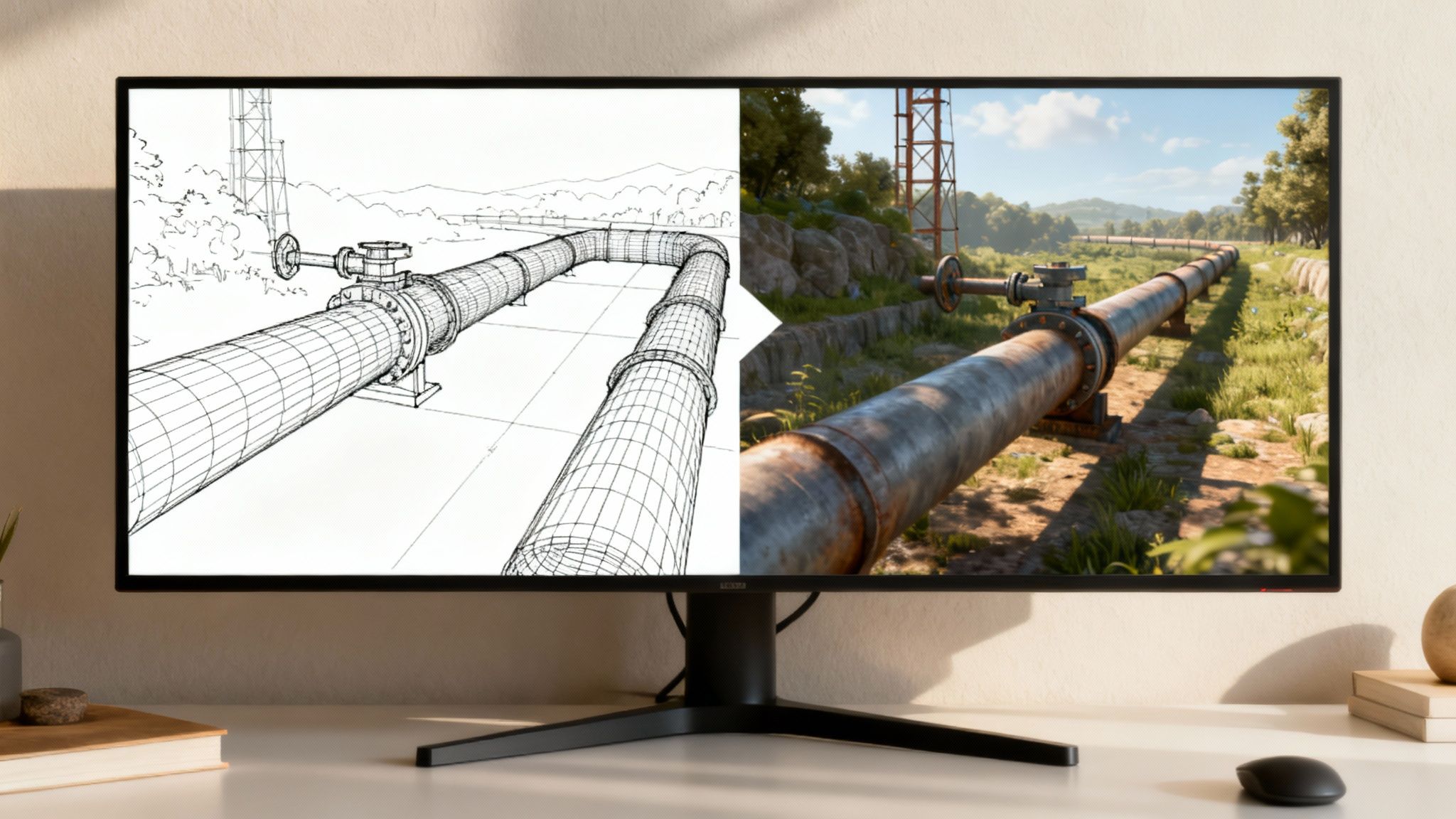
A great way to get your footing is by exploring AI sketch-to-real tools. These platforms can transform a very basic concept or a simple drawing into a more concrete, AI-generated image. They provide a powerful starting point, allowing you to quickly see your ideas take shape before you dive into refining them into high-quality visuals, saving you valuable time in the early stages of any project.
How AI Actually Learns to Create Art
It can feel like pure magic watching an AI spin a few words into a stunning image, but peeling back the curtain gives you so much more creative control. The process isn't about a machine thinking like an artist; it's about it learning from a colossal library of human creativity.
Think of it like an art student who has spent a lifetime studying millions of paintings, photographs, and sketches. Every single piece is meticulously labelled with a detailed description. That's the core idea behind how an AI model learns its craft. The system is trained on billions of image-text pairs scraped from across the internet, analysing everything from the composition of a photo to the brushstrokes in a painting and the specific words used to describe them.
So, when the AI sees a picture tagged "majestic lion at sunset," it doesn't just see a lion. It starts to connect those words with specific colour palettes, lighting patterns, textures, and shapes. It’s not just memorising pictures; it's learning the deep, underlying patterns that link our language to the visual world. When you write a prompt, you're handing the AI a creative brief, and it taps into that vast knowledge to build something entirely new that fits your description.
The Sculptor in the Machine
One of the most powerful techniques driving modern image generation is the diffusion model. The easiest way to wrap your head around this is to picture a sculptor who starts not with a block of marble, but with a block of pure chaos.
The AI begins with a canvas filled with random noise—like the static on an old TV screen. Your text prompt is the sculptor's vision. Guided by your words, the AI carefully chips away at the noise, step by step, gradually revealing a coherent image. It’s a masterful process of refinement, where chaos is slowly chiselled into a clear and detailed picture. This method is what allows for such incredible versatility, producing everything from photorealistic landscapes to wild, abstract art.
This simple flow from human language to a final image is what it's all about.
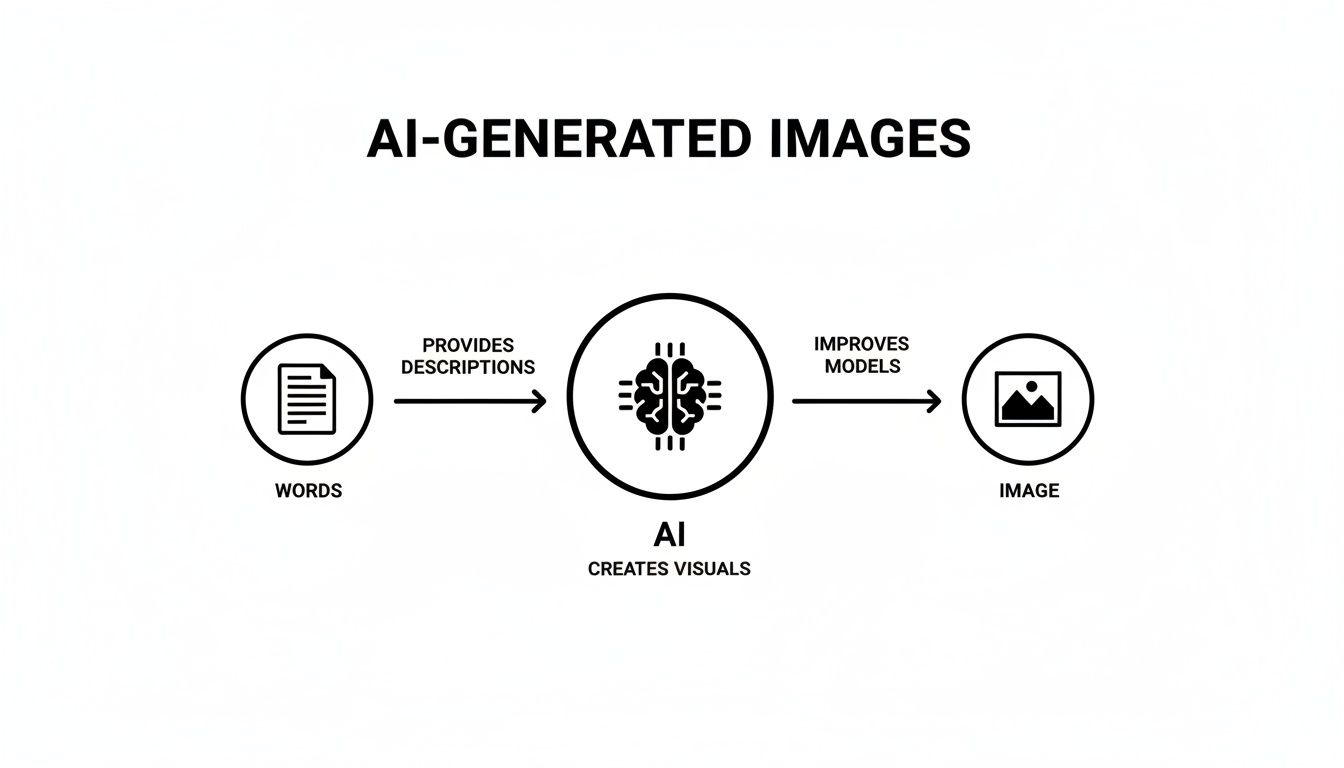
The main thing to remember is that your words are the steering wheel. That’s why getting good at writing prompts is such a crucial skill for anyone in this space.
Different Engines, Different Brushes
Just as a painter chooses between watercolours, oils, or acrylics for different effects, not all AI models are built the same. Each has its own distinct personality. Some are masters of photorealism, while others shine when it comes to creating stylised illustrations, anime, or architectural mock-ups.
For creative professionals, this variety is a massive advantage. But trying to juggle multiple AI engines, each with its own interface and quirks, quickly becomes a logistical headache. This is exactly where having a central hub for your creative work becomes a game-changer.
By bringing together multiple leading AI engines into a single workspace, VirtuallPRO gives your team the freedom to pick the perfect artistic 'brush' for any creative challenge. You're never locked into one style and can always select the best tool for the job.
With VirtuallPRO, your team can instantly switch between models to nail the right aesthetic for a project. Need hyper-realistic product shots for a marketing campaign? Done. Need fantastical concept art for a new game? No problem. Our Creative AI OS gives you a full palette of generative tools, all in one place, so your team can stop worrying about the tech and focus on what they do best: creating incredible visuals.
Mastering the Art of the AI Prompt
Getting incredible ai genererede billeder really comes down to one core skill: your ability to communicate clearly with the AI. The text you feed it, what we call a prompt, isn't just a set of instructions. Think of it more like a creative brief, a director's vision, and a painter's initial sketch all rolled into one. Anyone can type a basic description, but professional-quality work begins when you learn to go deeper.
Mastering prompt engineering is all about learning to speak the AI's language. It involves layering in specific details like the artistic style, the mood of the lighting, the composition of the shot, and even the type of virtual camera lens you want to use. The gap between a generic, forgettable image and a professional-grade visual is often bridged by just a few carefully chosen words.
Deconstructing a Powerful Prompt
A truly great prompt is built from several key ingredients. It’s like a recipe—each component adds a distinct flavour that shapes the final result. By learning to combine these elements, you gain precise, granular control over the image the AI produces.
Here are the core building blocks you should always consider:
- Subject: What is the main focus of your image? Be specific. Don't just say "a car"; try "a vintage 1960s muscle car with a cherry red finish."
- Style: This defines the entire artistic feel. Words like "photorealistic," "impressionist oil painting," "Japanese anime style," or "Art Deco" immediately set the mood.
- Composition: How is the scene arranged? Use phrases like "wide-angle shot," "dramatic close-up portrait," or "shot from a low angle" to direct the virtual camera.
- Lighting: This is absolutely critical for creating atmosphere. Try using terms like "cinematic lighting," "soft golden hour light," "dramatic rim lighting," or "a moody neon glow."
- Detail & Colour: Add those finishing touches that bring a scene to life. Mention things like "intricate mechanical parts," "weathered, rusted textures," or a specific palette like "a palette of warm autumn colours."
When you start combining these, you’re no longer just making simple requests. You're giving detailed artistic direction, a crucial step we cover in our guide to artificial intelligence drawing techniques.
From Basic to Brilliant: An Example
Let’s put this into practice. Say you need an image of a futuristic city. A simple prompt would be: "A futuristic city." What you get back will probably be pretty generic and uninspired.
Now, let's apply the principles we just talked about and build a much more compelling prompt.
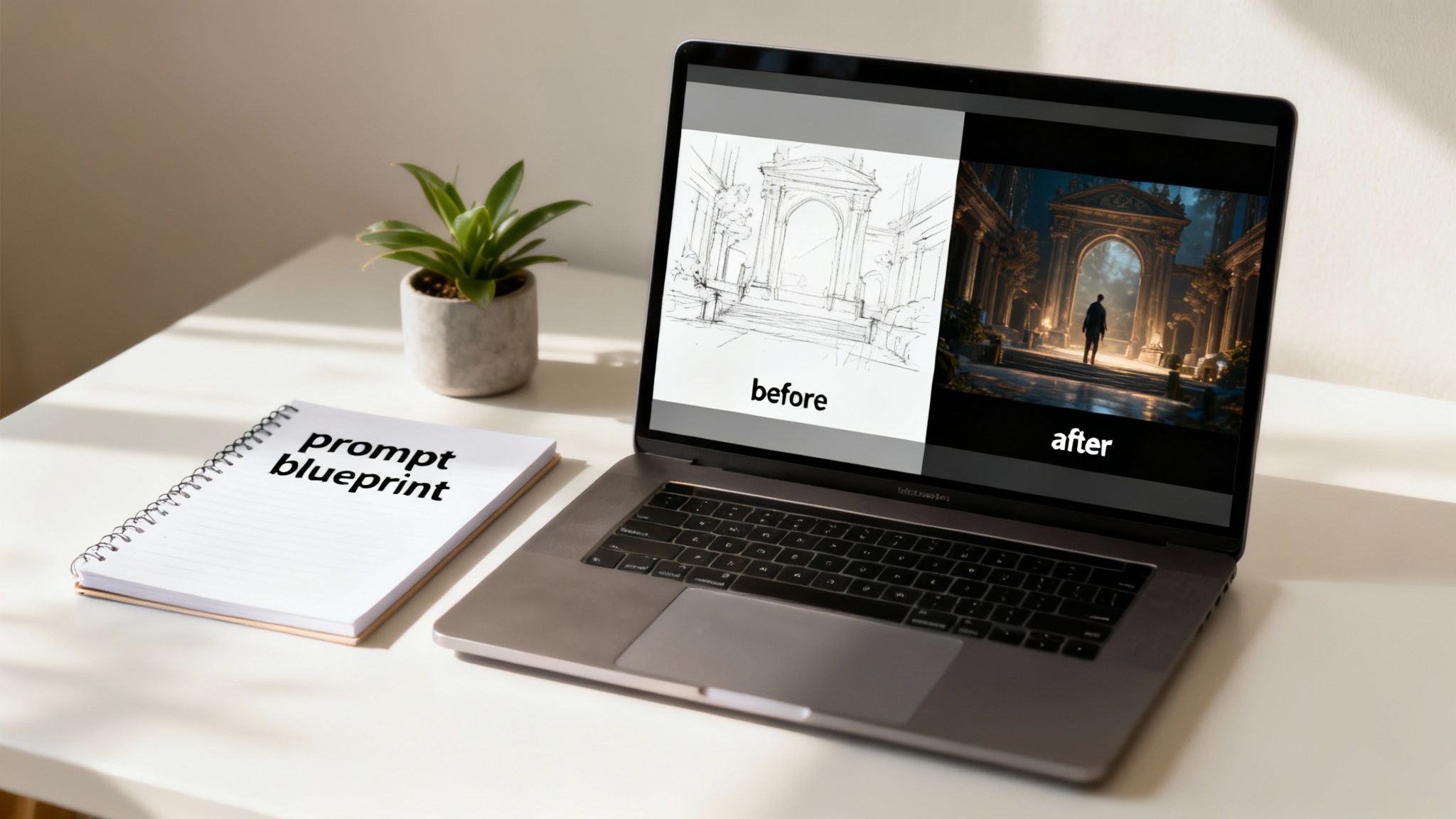
Before (Simple Prompt):
A futuristic city.
After (Detailed Prompt):
An ultra-detailed, photorealistic wide-angle shot of a sprawling futuristic cyberpunk city at night. Neon signs reflect on the wet, rain-slicked streets as flying vehicles weave between towering holographic skyscrapers. Cinematic lighting, moody and atmospheric.
See the difference? The second prompt gives the AI a ton of information to work with. It specifies the style (photorealistic cyberpunk), the composition (wide-angle shot), the lighting (cinematic, neon), and evocative details (wet streets, flying vehicles). That level of detail is what transforms a vague idea into a specific, high-quality visual.
The Iterative Process and Prompt Blueprints
Your first prompt is almost never your last one. The best results always come from an iterative process of testing and refining your instructions. You generate an image, analyse what works and what doesn't, then tweak your prompt by adding, removing, or changing keywords to inch closer to your vision.
This cycle of generate-and-refine is where the real creativity happens. But for a professional team, starting this process from scratch for every single asset is incredibly inefficient and a recipe for inconsistent branding. This is where having a structured workflow becomes non-negotiable.
This is a challenge VirtuallPRO was built to solve. It allows teams to create and share 'prompt blueprints'—reusable templates that capture your very best and most successful prompts.
Imagine your art director spends hours perfecting a prompt that perfectly nails the brand’s visual aesthetic. With blueprints, they can save it. Now, anyone on the team can use that blueprint to generate new assets that are instantly on-brand and visually consistent. This feature doesn't just speed up asset creation; it ensures every piece of content, from marketing visuals to in-game props, maintains a coherent style. It turns your team's best ideas into repeatable, high-quality outcomes.
Real-World Workflows for Creative Teams
Knowing how to write a good prompt is one thing, but putting that skill to work is where ai genererede billeder really start to fix serious production bottlenecks. Professional teams aren't just playing around anymore; they're building entire creative processes around this technology to work faster and smarter.
For game developers, this looks like rapidly visualising characters, environments, and props long before the painstaking 3D modelling work begins. Marketing agencies can conjure a near-endless stream of unique visuals for social media campaigns or storyboard an entire video ad in minutes, not days.
The real win here is speed, which translates into more creative opportunities. Teams can now explore dozens of visual directions in the time it used to take to flesh out a single concept, leading to much stronger, more polished final assets.
How Game Development Studios Use It
In game development, the pre-production stage is all about exploration. It’s where ideas take visual form and designs get locked in. Traditionally, this meant endless hours of concept art, sketching, and mood boarding just to define the game's look and feel.
AI image generation changes the entire pace of this process. An art director can now conjure a hundred different character variations in an afternoon. A level designer can mock up a dozen distinct environment concepts before lunch. This isn't about replacing artists; it's about giving them superpowers to work at the speed of their imagination.
VirtuallPRO acts as the central hub for this accelerated workflow. It’s a shared, browser-based space where the whole team can generate concepts, track different versions, and collaborate on visual ideas without ever leaving the platform. This gets rid of the logistical headache of emailing files and ensures everyone is on the same page.
By streamlining the initial phase, an asset’s design is thoroughly vetted and approved long before it moves to the expensive 3D modelling stage. This can save thousands of pounds in production costs and shave weeks off the development timeline. To learn more about the specific tools involved, our guide on the best AI for image creation offers more detail.
How Marketing and Advertising Agencies Use It
Marketing teams face a relentless demand for new and engaging visual content. Keeping multiple campaigns running across different platforms requires a constant supply of imagery, which can quickly burn through budgets and creative energy.
This is where ai genererede billeder offer a game-changing solution. A creative team can produce a huge variety of ad visuals tailored to specific audiences without needing to organise costly photoshoots. It's particularly powerful in e-commerce, where AI product photography can create incredible shots without a physical studio.
Picture a campaign for a new drink. A marketer could generate hundreds of images showing the product in different scenarios—on a sunny beach, in a cosy café, at a vibrant music festival—all born from a single, well-crafted prompt. This allows for A/B testing visuals at a scale that was once impossible, leading to smarter, data-backed campaigns.
The table below breaks down how different teams are putting these workflows into practice.
AI Image Generation Use-Cases Across Industries
Here’s a snapshot of how different creative sectors are using AI-generated images to tackle common production challenges, and how a platform like VirtuallPRO brings it all together.
| Industry / Team | Primary Use-Case | Key Benefit with VirtuallPRO |
|---|---|---|
| Game Studios | Rapidly prototyping characters, props, and worlds. | Centralises concept art generation and version control, ensuring a cohesive vision from pre-production to final asset. |
| Marketing Agencies | Creating diverse visuals for multi-platform campaigns. | Enables scalable content creation and brand consistency through shareable 'prompt blueprints' for repeatable success. |
| AR/VR Developers | Visualising immersive environments and assets. | Provides a unified workspace to generate 2D concepts and then move seamlessly into creating 3D models for virtual worlds. |
| Product Design | Generating mockups and product variations quickly. | Speeds up the ideation phase, allowing designers to explore more possibilities and refine concepts faster than ever before. |
By weaving AI image generation directly into the creative pipeline, teams aren't just making pictures faster. They are fundamentally changing how they brainstorm, collaborate, and produce visual content. VirtuallPRO provides the operating system for this new way of working, making sure the process is organised, scalable, and secure enough for any business. It turns a powerful technology into a reliable production tool.
Getting Quality and Ethics Right
Using ai genererede billeder professionally is about more than just a clever prompt; it’s about a serious commitment to quality and doing the right thing. As impressive as these AI models are, they’re far from perfect. So, let's get into the tricky stuff—from cleaning up weird visual glitches to navigating the murky waters of ethics and copyright.
When you shift from just messing around with AI to using it for real projects, you have to set some standards. You need a process to make sure every image not only looks great but is also above board, legally and ethically. For any business, that's simply not negotiable.
Fixing Those Weird AI Glitches
Even the most sophisticated AI can spit out some odd results. We've all seen them: the character with six fingers, textures that look like they're melting, or objects that just don't make sense. Funny on social media, but a total deal-breaker for professional work. Thankfully, fixing these quirks is all part of the modern creative process.
Most of these problems can be solved with a bit of savvy prompting and some quick post-production clean-up.
- Prompting and Reprompting: A lot of the time, you can fix visual errors just by tweaking your prompt. Using negative prompts (like
--no extra limbs) is a great way to tell the AI what to avoid. - Inpainting and Outpainting: These tools are lifesavers. They let you select a small part of an image to regenerate—perfect for fixing a mangled hand—or expand the canvas to add more scenery without starting over.
- A Little Photoshop Magic: Let’s be honest, sometimes the fastest fix is to just open up your favourite editing software. A few minutes with a clone stamp or healing brush can easily correct the minor mistakes the AI left behind.
These small quality checks are what bridge the gap between AI’s raw speed and the polished finish that only a human can provide.
The Tangled Web of Ethics and Law
Beyond getting the visuals right, using AI images for business means you have to deal with a legal and ethical minefield that’s still being mapped out. We’re talking about copyright, where the training data came from, and just using the tech responsibly. The rules can be wildly different from one AI tool to another, so you really have to read the fine print.
Take Midjourney, for example. Their terms say you own the images you create, but they also require a Pro plan if your company makes over At the end of the day, you are responsible for how you use an AI-generated image. It’s on you to make sure the visuals in your campaigns or products don’t step on anyone’s copyright or trademark. This is exactly why we built Virtuall to be a safe, enterprise-ready platform. We put AI governance at the forefront so your company can create with confidence. For any business, letting a team run wild with AI tools is a recipe for chaos. How do you keep costs from spiralling? And how can you be sure every single image is on-brand and legally sound? This is where having one central hub becomes a game-changer. VirtuallPRO is designed to be your Creative AI OS, giving managers a bird's-eye view of everything. Our platform provides the structure you need to adopt AI safely and efficiently across your whole organisation. With VirtuallPRO, you get everything you need to manage your ai genererede billeder from the first spark of an idea to the final, fully compliant asset. It’s how you turn this powerful new technology into a reliable and secure part of your professional toolkit. The real magic of AI-generated images happens when we look beyond the single, perfect picture. It’s not just about creating a great visual; it’s about seeing that visual as the first domino in a much larger creative process. This is where the real competitive advantage is found, and it’s the core idea behind Virtuall's Creative AI OS. This shift in thinking changes the goal entirely. Instead of just making stunning visuals, we can start building entire worlds faster than ever before. It’s about creating a smooth, continuous flow where an idea can grow without hitting a wall. A 2D concept you generate in minutes can become a game-ready 3D asset or an animated marketing video, all without ever leaving the same creative space. A messy toolbox is a killer of both creativity and efficiency. Every time your team has to switch between different apps for image generation, 3D modelling, and video production, you create frustrating data silos and lose that precious creative momentum. Each file export and software switch introduces another chance for delays and miscommunication. VirtuallPRO was built to get rid of that friction by bringing these essential tools together. Our platform acts as a single source of truth where teams can: By unifying the workflow, we make sure every asset—from its first spark of an idea to its final version—lives in one accessible, collaborative environment. By bringing generation, management, and collaboration for images, 3D, and video into one OS, Virtuall enables a more agile and innovative future for creative teams. It connects all the dots in your production pipeline. The end result is a workflow where creativity builds on itself. An image one artist generates can become the foundation for a 3D modeller's asset, which in turn becomes a key part of a producer's animated short. This connected system makes a level of speed and teamwork possible that you just can't get with a disjointed set of tools. You can see this new way of working for yourself and find out what your team is capable of by trying VirtuallPRO for free. As teams start getting their hands dirty with AI-generated images, the same few questions always seem to pop up. Let's tackle some of the big ones to help your organisation get comfortable with using this tech professionally. This is the big question on everyone's mind, and honestly, the legal side of things is still catching up. The short answer is: it’s complicated. In many places, an image made entirely by an AI with zero creative guidance from a person might not qualify for copyright at all. But that's rarely how it works in a professional setting. When a creative expert puts real effort into crafting prompts, selecting the best outputs, and then refining them in post-production, the picture becomes a lot clearer. That human touch is key. For any business, the safest bet is to work with platforms that have straightforward terms of service on ownership and commercial use. We built Virtuall to be a responsible and compliant choice for enterprises. VirtuallPRO in particular is designed for professional teams, operating within a clear legal framework so you can manage your intellectual property without the guesswork. Maintaining a consistent look and feel across a project or brand is a massive challenge when using AI. The best way to wrangle it is through a combination of meticulous prompting and using the right platform features. You can try things like using the same style descriptions every time, referencing specific artists or aesthetics, and using "seed numbers" to create slight variations of the same core image. But asking every team member to perfectly replicate complex prompts on their own is a recipe for frustration. A platform like VirtuallPRO solves this problem at the workflow level. Your team can create and share 'prompt blueprints'—powerful templates that guarantee repeatable, on-brand results. This means everyone, from the junior designer to the art director, can generate assets that stick to your project's visual identity, ensuring everything looks cohesive whether it's for a marketing campaign or an entire game world. Bringing any new tool into the fold can feel like a headache, but modern platforms are built to make this transition as painless as possible. Instead of forcing your team to jump between a dozen different standalone apps, a Creative OS like VirtuallPRO brings everything under one roof. It bundles generation, asset management, team feedback, and version control into a single workspace you can access from your browser. This means your team doesn't need to master multiple interfaces or waste time exporting and importing files between different programs. By unifying the whole creative process, VirtuallPRO is designed to enhance your current pipeline, not force you to tear it down and start over. It makes getting started faster and a whole lot more efficient for everyone. Ready to build a smarter creative workflow? Explore how Virtuall can centralise your team's entire asset pipeline, from concept to final render. Get started for free.
How VirtuallPRO Gives You Control and Peace of Mind
Beyond a Single Image to a Full Creative Pipeline
Unifying the Creative Workflow
Frequently Asked Questions
Who Actually Owns the Copyright to an AI-Generated Image?
How Do We Keep Our Visuals Consistent?
Is It Hard to Get AI Image Generation into Our Workflow?
Related reading
Related reading