Scalable AI: A Checklist for Multi-Team, Multi-Tool Rollouts
Use this scalable AI checklist to plan secure, governed rollouts across teams, tools, workflows, and creative production pipelines.
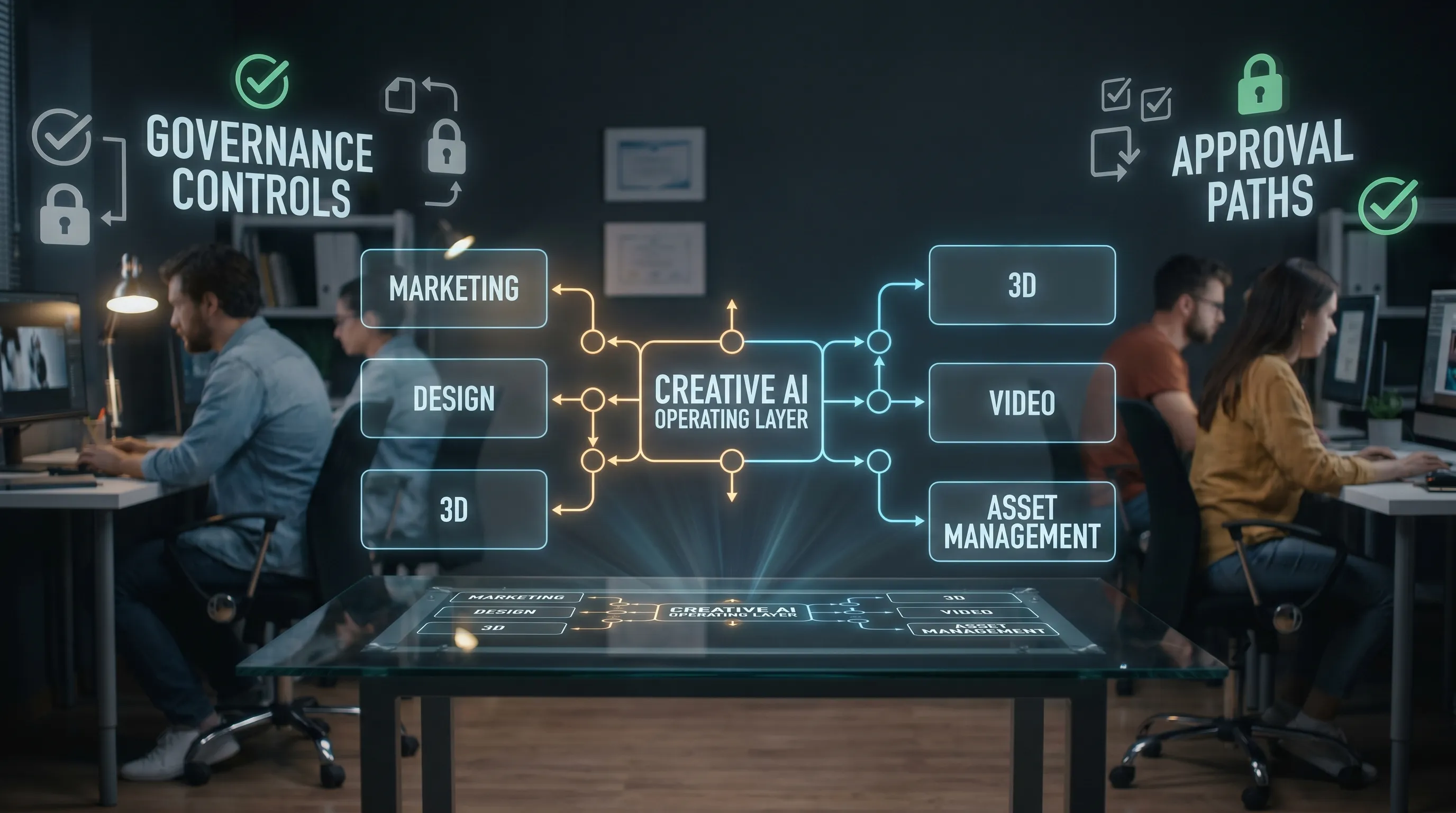
The first AI pilot is usually easy. A motivated team tests a model, creates a few impressive concepts, and proves that generative workflows can accelerate creative production. The harder question comes next: how do you make AI reliable across brands, regions, departments, tools, and production standards?
That is where scalable AI becomes a strategic operating model, not just a technology choice. For creative organizations, scaling AI means more than giving everyone access to prompts. It means defining how teams generate assets, how outputs are reviewed, how brand context is preserved, how tools connect, and how governance keeps pace with experimentation.
This checklist is designed for CMOs, art directors, application managers, game developers, and studio leaders planning multi-team, multi-tool AI rollouts. Use it to assess readiness, reduce rollout risk, and move from isolated experiments to repeatable creative operations.
What scalable AI means in creative production
Scalable AI is the ability to expand AI usage across teams and workflows without losing control, consistency, quality, security, or compliance. In a creative environment, this includes image, video, 3D, audio, product content, campaign assets, localization, virtual production, and game development pipelines.
A scalable setup should answer practical questions such as:
- Who can generate what type of asset?
- Which models are approved for which use cases?
- How does a team reuse approved styles, prompts, mood boards, and references?
- Where are generated assets stored, reviewed, and approved?
- How are legal, brand, and compliance requirements enforced?
- How does AI connect with existing DCC, DAM, PIM, and production tools?
The difference between a pilot and a scalable rollout is operational maturity. A pilot proves that AI can work. A scalable rollout proves that AI can work safely, consistently, and repeatedly across the business.
The scalable AI rollout checklist
Use the checklist below as a readiness framework before expanding AI across multiple teams or tools.
| Readiness area | Key question | Good sign | Risk signal |
|---|---|---|---|
| Business goals | Do you know which outcomes AI must improve? | Clear KPIs tied to speed, cost, quality, or capacity | AI is adopted because competitors are using it |
| Governance | Are rules, roles, and permissions defined? | Approved policies and accountable owners | Every team chooses tools independently |
| Workflow design | Are AI steps embedded into production workflows? | Repeatable generation, review, and approval flows | AI outputs live in disconnected folders or chats |
| Model strategy | Do you know which models serve which asset types? | Approved models by use case, risk, and output need | Teams use random tools for production assets |
| Creative consistency | Can teams preserve brand and style context? | Shared mood boards, references, and templates | Output quality depends on individual prompting skills |
| Tool integration | Does AI connect with your creative stack? | API, plugins, and integration roadmap in place | Manual copying between systems is the norm |
| Compliance | Can you prove how AI was used? | Auditability, data controls, and review history | No record of inputs, models, or approvals |
| Adoption | Are teams trained and supported? | Role-based enablement and feedback loops | Usage is either blocked or uncontrolled |
| Measurement | Do you track value after launch? | Dashboards or operating reviews tied to KPIs | Success is measured by number of prompts only |
1. Start with use cases, not tools
A scalable AI rollout should begin with a prioritized map of use cases. Tool selection matters, but it should follow the workflow problems you want to solve.
For a marketing organization, early use cases might include campaign visual exploration, product image variations, localization support, retail content adaptation, and brand asset production. For a game studio, use cases might include concept ideation, 3D asset prototyping, texture exploration, environment references, or production support for cinematic content.
The best use cases have three characteristics. They happen frequently, they consume meaningful creative resources, and they have clear quality criteria. These are easier to operationalize than vague goals such as “use AI for innovation.”
A useful way to prioritize is to score each use case by business value, creative risk, technical complexity, and compliance sensitivity. High-value, medium-risk workflows are often the best place to start because they create visible momentum without exposing the organization to unnecessary risk.
2. Define ownership before expansion
AI rollouts fail when ownership is ambiguous. If marketing, IT, legal, creative operations, and production teams all have partial responsibility but no shared operating model, decisions slow down or become inconsistent.
Before adding more tools or users, define who owns key decisions:
- Creative leadership owns quality standards, brand direction, and creative acceptance criteria.
- IT and application teams own architecture, integrations, access controls, and platform reliability.
- Legal and compliance teams own policy, usage boundaries, risk assessment, and documentation requirements.
- Operations teams own workflow design, asset handoff, approvals, and reporting.
- Business leaders own investment priorities, adoption goals, and value measurement.
This does not mean every decision needs a committee. It means the rollout needs a clear decision framework so teams can move quickly without creating unmanaged risk.
3. Put AI governance in the workflow
Governance should not be a PDF that sits outside the creative process. It should be embedded into how teams generate, review, approve, and publish AI-assisted work.
The NIST AI Risk Management Framework describes AI governance as an ongoing function that helps organizations map, measure, manage, and govern AI risks. For creative teams, this translates into practical controls such as approved model lists, usage permissions, prompt and asset traceability, review steps, and escalation paths for sensitive content.
In 2026, enterprise AI governance also needs to reflect changing regulatory expectations. The EU AI Act continues to phase in obligations for AI systems, and organizations operating in or serving European markets should pay attention to transparency, risk management, and documentation requirements.
For creative AI, governance should cover at least five areas:
- Approved use cases and prohibited use cases
- Model and vendor approval criteria
- Data, prompt, and reference asset rules
- Human review and approval requirements
- Audit trails for production outputs
The goal is not to slow creative teams down. The goal is to make safe usage easier than unsafe usage.
4. Build a model strategy for images, video, 3D, and audio
Many teams begin with one model and quickly discover that no single model performs best for every task. Image generation, video generation, 3D asset creation, audio production, and text-based creative support each have different strengths, limitations, costs, and risk profiles.
A scalable AI strategy should define which models are approved for which workflows. For example, a concept exploration workflow may allow a broader set of models because outputs are internal and non-final. A production workflow for a global campaign may require stricter controls, stronger auditability, and review before any asset enters a DAM or publishing system.
This is where orchestration becomes important. Instead of forcing teams to manually choose between models, a Creative AI operating layer can route tasks based on intent, asset type, team permissions, and workflow stage. Virtuall’s Nyx intelligence layer, for example, is designed to orchestrate multiple industry-leading AI models while keeping creative intent and studio context across teams.
The more models you introduce, the more important orchestration becomes. Without it, multi-model AI can become another form of tool sprawl.
5. Standardize repeatable workflows with generation blueprints
Scalable AI requires repeatability. If every strong output depends on one expert prompt writer, the process is not scalable. It is artisanal, which may be valuable for exploration but risky for enterprise production.
Generation blueprints, or reusable templates, help teams standardize how prompts, references, settings, review steps, and output requirements are applied. They are especially useful for recurring production needs such as product background variations, campaign concept boards, character direction, environment mood exploration, localized visuals, or social asset adaptation.
A good blueprint should capture the creative intent and the operational requirements. It should define what inputs are needed, what output format is expected, which models or settings are approved, who reviews the result, and where the final asset should go.
This turns creative AI from a blank prompt box into a guided production workflow. It also helps new users adopt AI without needing to become prompt engineering specialists.
6. Preserve brand and studio context
Creative consistency is one of the hardest parts of scaling AI. A single team can maintain style through close collaboration, but consistency becomes harder when multiple teams, agencies, regions, or production partners are generating content.
To scale effectively, teams need shared context. This may include mood boards, approved references, product rules, character guides, tone of voice, lighting preferences, visual constraints, seasonal campaign direction, and negative examples. For game studios, context may also include worldbuilding rules, environment direction, faction aesthetics, material libraries, and technical asset constraints.
The important point is that context should not be trapped in individual conversations or personal folders. It needs to become part of the operating system for creative production.
The Creative AI OS supports this through studio context memory, including mood boards, so teams can keep creative intent available across workflows. That matters because scalable AI is not just about generating more assets. It is about generating assets that feel like they belong to the same brand, game world, campaign, or product line.
7. Integrate AI with the tools teams already use
Enterprise creative teams already work inside complex ecosystems. Designers, marketers, game developers, and production teams may rely on DCC tools, PIM systems, DAM platforms, review tools, project management systems, and custom pipelines.
If AI sits outside that ecosystem, adoption becomes fragile. Teams download assets, rename files manually, move outputs between systems, and lose context along the way. That creates version control problems, compliance gaps, and operational waste.
For a scalable rollout, define the systems AI must connect to from the start. Typical integration points include:
- DAM systems for approved asset storage and reuse
- PIM systems for product data and content production
- DCC tools for 3D, animation, design, and video workflows
- Review and approval tools for creative signoff
- Project management systems for status and production tracking
- Internal APIs for custom studio or enterprise workflows
The Creative AI OS is built to operate across creative tools through plugins and API integrations, including DCC, PIM, and DAM environments. For application managers, this integration layer is critical because it turns AI from another standalone tool into a controlled part of the enterprise stack.
8. Design review and approval flows for AI outputs
AI-generated content should not bypass creative judgment. In fact, scalable AI increases the need for structured review because output volume can grow quickly.
Approval workflows should match the risk and purpose of the asset. Internal exploration may need light review. External campaign assets, product visuals, game marketing content, or customer-facing video may require stricter approval, annotation, legal review, and brand signoff.
A practical review flow should answer four questions. Who reviews the output? What are they checking? What happens if changes are needed? When is the asset considered production-ready?
This is especially important for multi-team organizations because “good enough” can mean different things to different stakeholders. A CMO may focus on brand and market impact. An art director may focus on visual quality and coherence. A game developer may focus on technical fit and pipeline usability. Legal may focus on rights, risk, and documentation.
Team collaboration features such as review workflows, approvals, and content annotation help make those criteria visible. They also create a record of how an asset moved from generation to approval.
9. Plan for security, compliance, and infrastructure early
Security and compliance cannot be retrofitted after AI has spread across the organization. By then, teams may already be using unapproved tools, uploading sensitive references, or generating assets without documentation.
For enterprise creative AI, pay close attention to:
- Where inference is processed
- What data is stored and for how long
- Who can access prompts, references, and generated assets
- Whether sensitive product, customer, or IP data can be used
- How outputs are logged, reviewed, and approved
- How vendors support regional compliance requirements
The Creative AI OS provides compliance support through EU-based infrastructure and inference, which can be important for organizations with European data residency or governance requirements. As always, legal and security teams should validate whether a platform’s controls match the organization’s policies, markets, and risk profile.
The earlier these requirements are included, the easier it is to scale without forcing teams to stop and rebuild later.
10. Track value beyond generation volume
A common mistake is measuring AI adoption by prompt volume or number of generated assets. Those metrics can show activity, but they do not prove business value.
Better metrics connect AI usage to creative operations outcomes. For example:
| Goal | Possible metric | Why it matters |
|---|---|---|
| Faster ideation | Time from brief to first concept review | Shows whether AI accelerates creative exploration |
| Higher production capacity | Assets completed per team per cycle | Measures operational throughput |
| Better consistency | Approval pass rate or revision count | Shows whether outputs match brand or art direction |
| Lower manual effort | Hours saved on repetitive production tasks | Connects AI to team efficiency |
| Stronger governance | Percentage of outputs with complete review history | Measures control and auditability |
| Tool rationalization | Number of unmanaged AI tools reduced | Shows progress against shadow AI |
The most mature organizations combine quantitative metrics with creative judgment. Not everything valuable can be captured in a dashboard, but every scalable program needs a way to assess whether AI is improving the work, not just increasing the volume of work.
11. Roll out in phases, not all at once
A multi-team rollout should be staged. This allows the organization to learn, refine controls, improve blueprints, and expand with confidence.
A practical rollout path often looks like this:
| Phase | Focus | Output |
|---|---|---|
| Discovery | Map use cases, tools, risks, and stakeholders | Prioritized rollout plan |
| Pilot | Test workflows with one or two teams | Validated use cases and governance assumptions |
| Controlled expansion | Add more users, tools, and asset types | Repeatable blueprints and review flows |
| Integration | Connect AI to DAM, PIM, DCC, or pipeline systems | Reduced manual handoff and better tracking |
| Scale | Extend across brands, regions, or studios | Governed AI operating model |
| Optimization | Measure outcomes and refine workflows | Continuous improvement loop |
This phased approach helps avoid two extremes. One extreme is over-controlling AI so heavily that teams cannot experiment. The other is opening access too broadly before the organization has the controls to manage quality, cost, and compliance.
12. Prepare people for new creative roles
Scalable AI changes how creative teams work. It does not remove the need for creative direction, judgment, craft, or domain expertise. In many cases, it raises the importance of those skills because teams must evaluate more options and make faster decisions.
Training should be role-specific. A CMO needs to understand governance, brand risk, and business impact. An art director needs to know how to guide visual systems and evaluate outputs. A game developer needs to understand how AI-generated assets fit into technical pipelines. An application manager needs to manage access, integrations, security, and vendor controls.
Good enablement also gives teams shared language. Terms like blueprint, context memory, approval status, model routing, and production-ready output should mean the same thing across departments. That shared language reduces friction as AI becomes part of daily operations.
Common rollout mistakes to avoid
Even well-funded AI programs can struggle if they scale the wrong habits. Watch for these issues early:
- Tool sprawl, where every team adopts different AI tools without shared governance
- Prompt dependency, where only a few specialists can produce acceptable outputs
- Context loss, where brand, product, or studio direction is not carried across workflows
- Review bottlenecks, where output volume increases but approval capacity does not
- Compliance gaps, where teams cannot prove which data, models, or steps were used
- Integration debt, where manual handoffs make AI slower than expected at production scale
These are not reasons to avoid AI. They are reasons to operationalize it properly.
How The Creative AI OS supports scalable creative AI
Virtuall is a Creative AI operating system built for teams that need to control, orchestrate, and scale AI-powered content creation across images, video, 3D, and audio. It is designed for the operational layer that sits between creative intent, enterprise governance, production workflows, and multiple AI models.
For multi-team, multi-tool rollouts, Virtuall brings together capabilities such as AI governance controls, workflow orchestration, generation blueprints, studio context memory, team collaboration, asset management, pipeline tracking, and integrations through plugins and API. Its Nyx intelligence layer orchestrates multiple AI models while preserving intent and context across teams.
That combination matters because scalable AI is not just a model problem. It is a systems problem. The organizations that win with creative AI will be the ones that make it usable, governed, and repeatable across the full production lifecycle.
Frequently Asked Questions
What is scalable AI? Scalable AI is the ability to expand AI usage across teams, workflows, and tools while maintaining quality, governance, security, and consistency. In creative production, it means AI can support repeatable asset creation across formats such as image, video, 3D, and audio.
Why do multi-team AI rollouts fail? They often fail because teams adopt tools faster than they define governance, ownership, workflow standards, and integrations. The result is tool sprawl, inconsistent outputs, unclear approvals, and compliance risk.
How should enterprises choose AI tools for creative teams? Enterprises should begin with use cases, governance requirements, integration needs, and production standards. The best tool is not always the most impressive generator. It is the one that fits the organization’s workflows, security model, and creative quality requirements.
What is the role of governance in creative AI? Governance defines how AI can be used safely and consistently. It includes approved models, permissions, data rules, review workflows, documentation, and auditability. Strong governance helps teams move faster because expectations are clear.
How can teams keep AI-generated assets consistent with brand or art direction? Teams need shared creative context, such as mood boards, references, templates, product rules, and approval criteria. Reusable generation blueprints and studio context memory can help preserve direction across users, teams, and projects.
When is the right time to integrate AI with DAM, PIM, or DCC tools? Integration planning should begin before broad rollout. Even if integrations are phased, teams should know where generated assets will be stored, reviewed, enriched, approved, and reused. This prevents manual handoff problems later.
Make scalable AI operational, not accidental
AI can expand creative capacity, but only if it is supported by the right operating model. Multi-team rollouts need governance, orchestration, context, review workflows, integrations, and measurable value.
If your organization is moving from AI experiments to enterprise-scale creative production, Virtuall can help you control how AI runs across your studio, workflows, and tools. Explore how the Creative AI OS supports governed, production-ready content creation across image, video, 3D, and audio at Virtuall.